

 Deutsch
 Español
 Français
 Hrvatski
 Italiano
 Polski
 Português (BR)
Access your Invoices
Overview
Check all your invoices and download them if needed.
Access & Permissions
Access Invoices
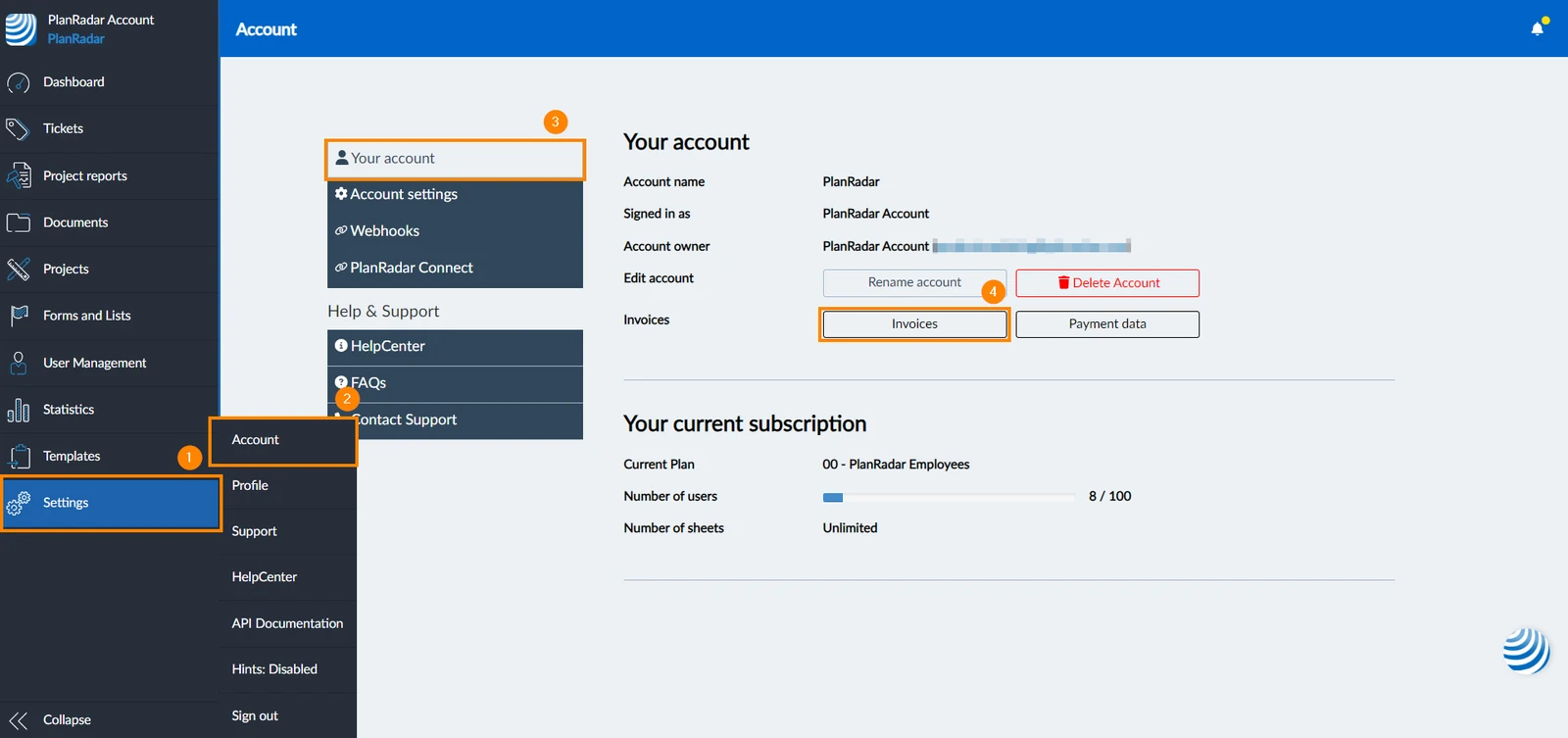
To access your invoices:
- Click Settings
- Click Accounts
- Click Your account
- Click Invoices

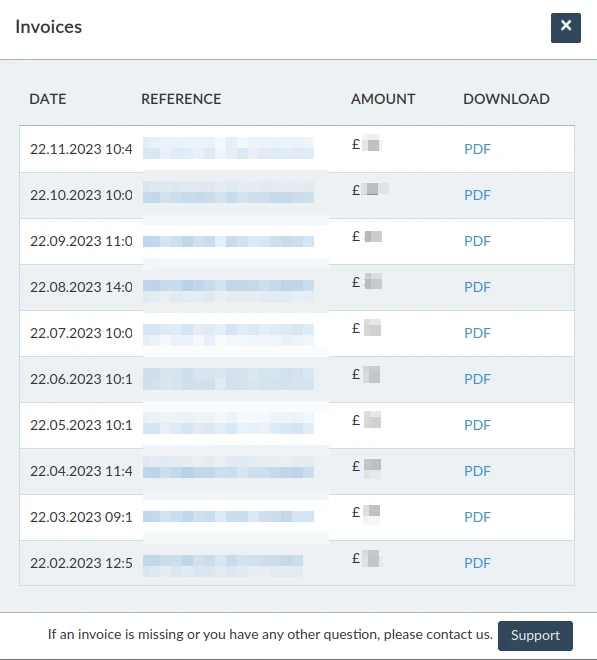
- A pop-up window will appear with all your invoices
Download Invoices
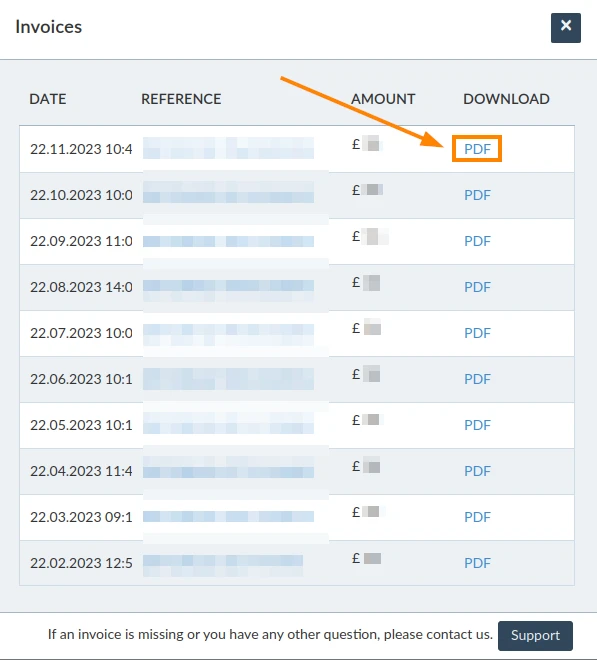
You can download your invoices as a PDF file. To do so:
- Access Invoices as explained above
- Click the hyperlink PDF next to the invoice you want to download
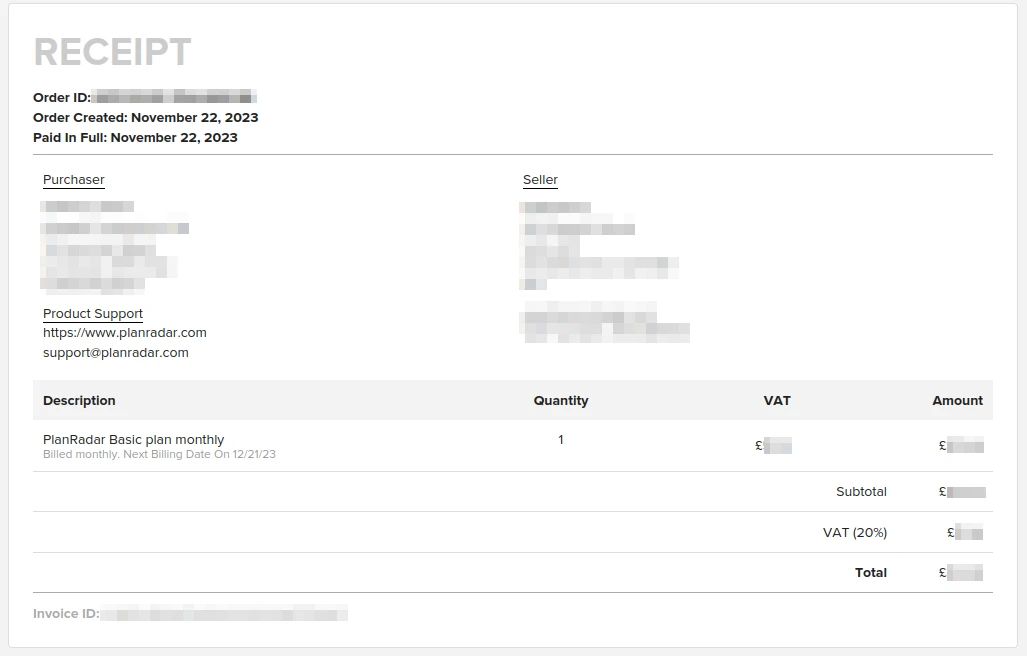
- A PDF will open with the receipt and you can download it
Updated June 12, 2026