

 Deutsch
 Español
 Français
 Hrvatski
 Italiano
 Polski
 Português (BR)
Setup a PIN Code and Biometric Security
Overview
PlanRadar provides you with the ability to establish a PIN code that adds a layer of security to your application. This measure guarantees the protection of your account in situations where someone else might have access to your device. The process of setting up a PIN code is more user-friendly and efficient compared to of logging out and then logging back in using your username and password.
Setup a PIN Code
To set up a PIN code:
- Go to the main menu
- Tap Settings
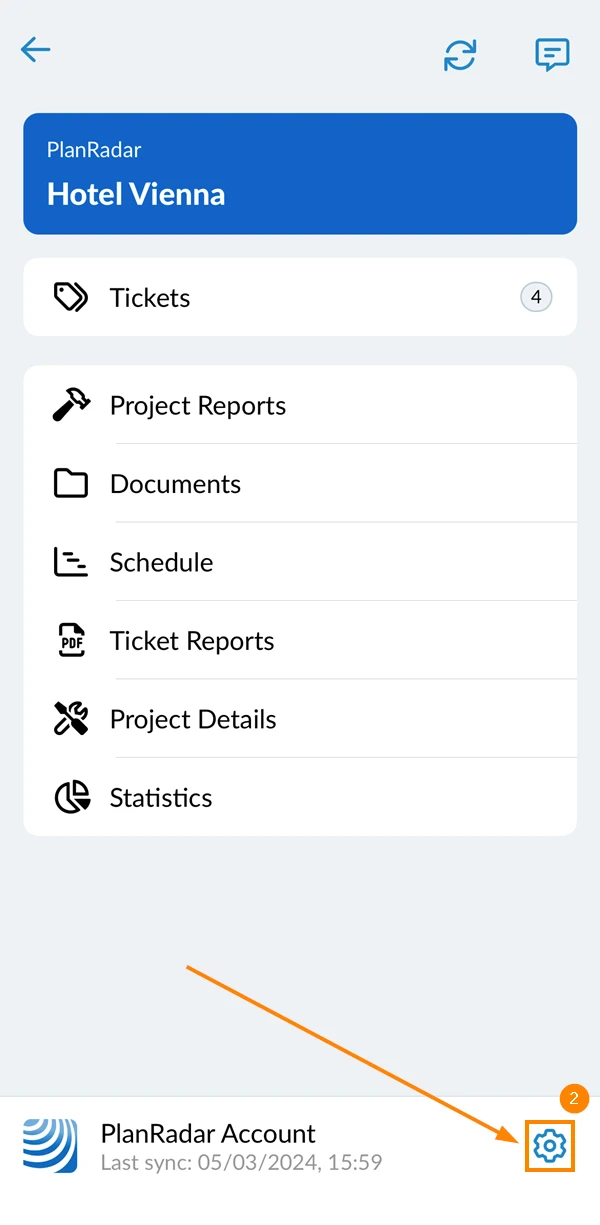
- Activate the Secure app with pin-code toggle
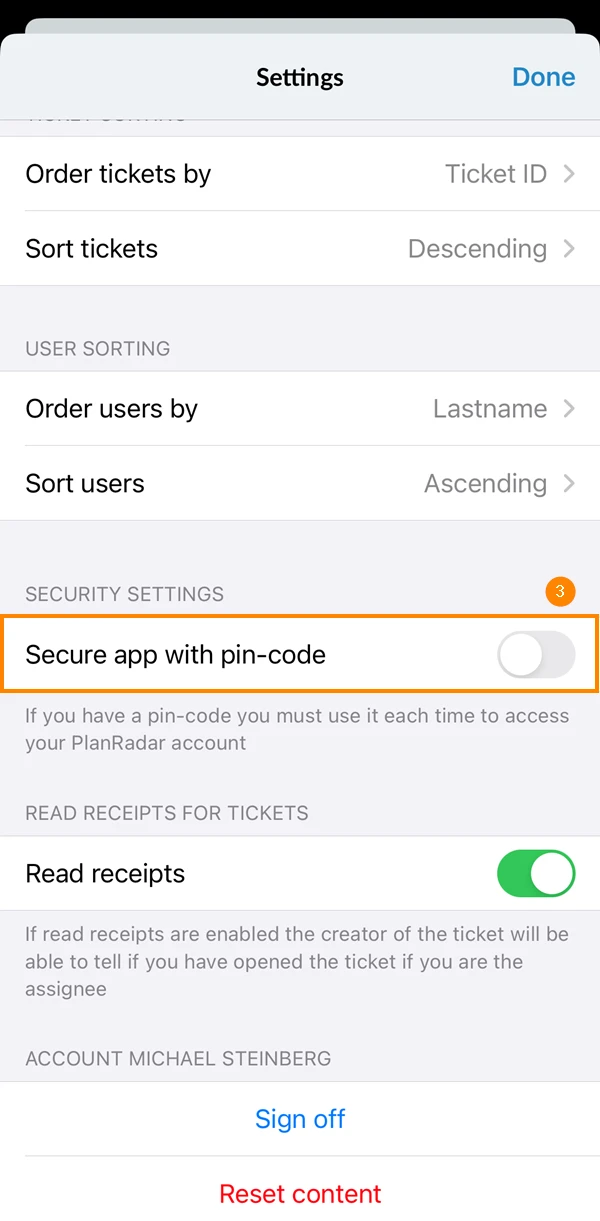
- Enter your PIN code
- Tap Next
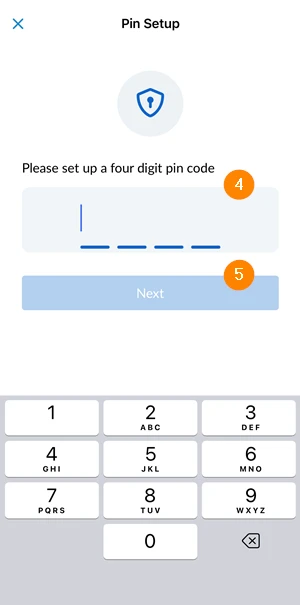
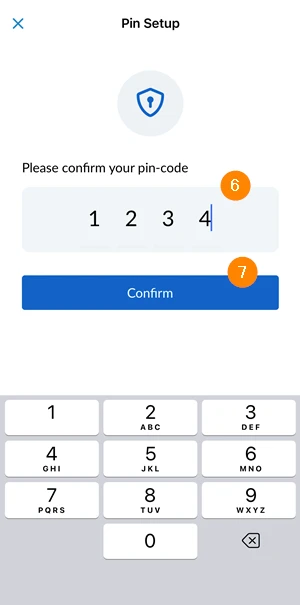
- Re-enter your PIN code
- Tap Confirm
Disable a PIN Code
To disable a PIN code:
- Go to the main menu
- Tap the Settings icon
- Deactivate the Secure app with pin-code toggle
Updated June 12, 2026