

 Deutsch
 Español
 Français
 Hrvatski
 Italiano
 Polski
 Português (BR)
Exporting Statistics to Excel
Overview
Export your statistics to an Excel file for more flexibility. You can then filter, rearrange and combine data according to your needs and benefit from more diagram types and formatting options.
Access & Permissions
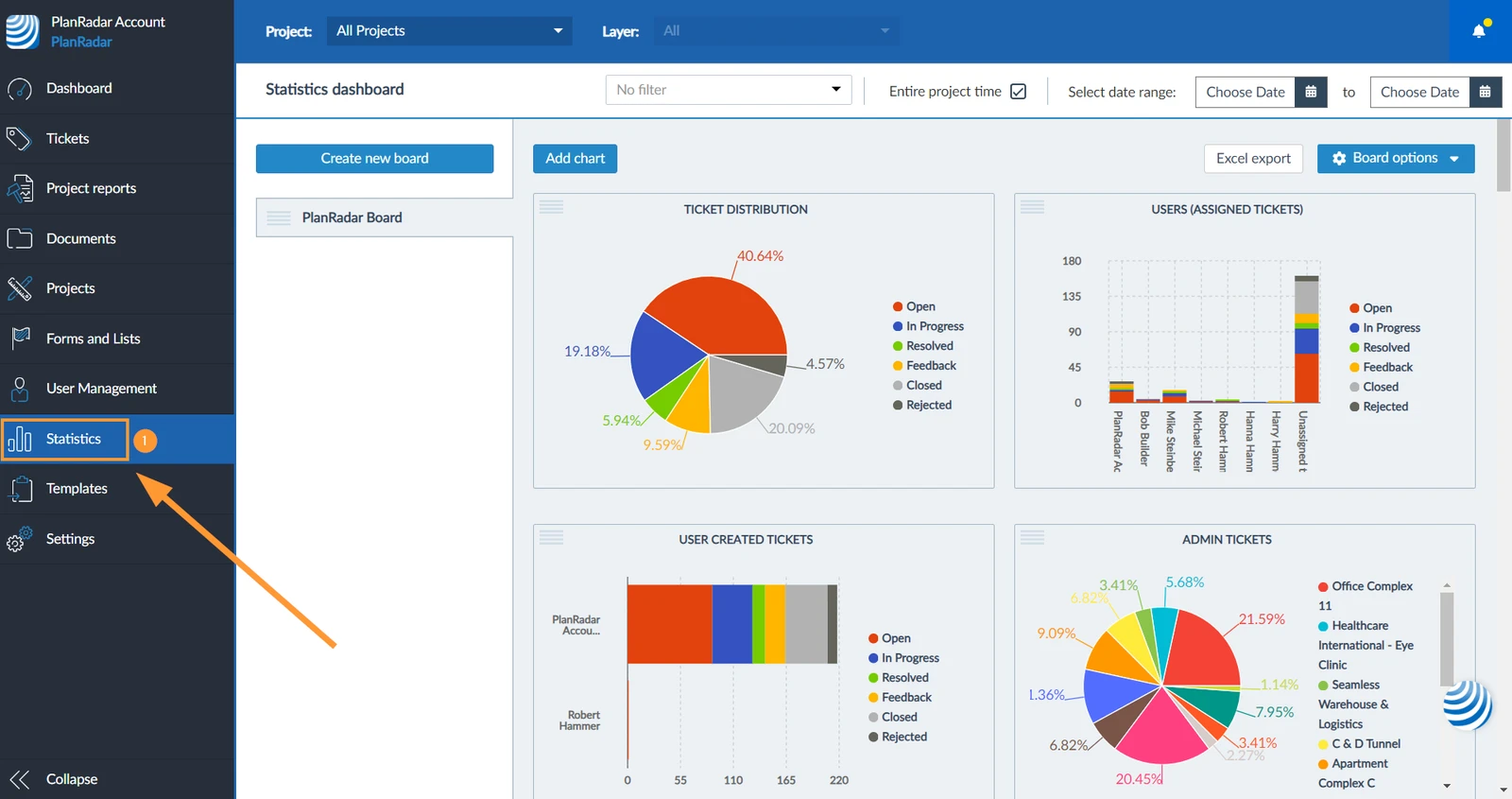
How to access Statistics
- Click Statistics

Export Statistics to Excel
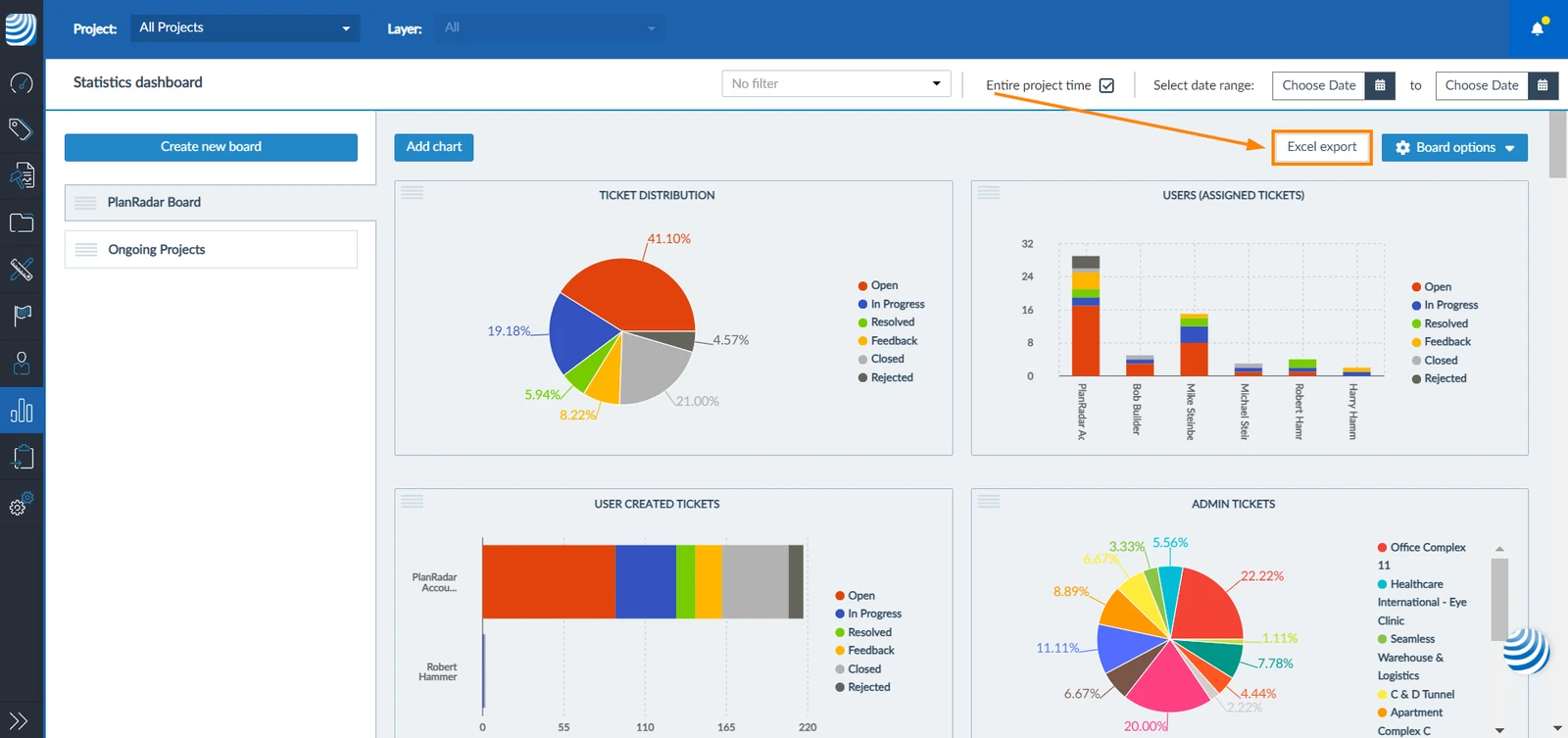
You can export statistics to Microsoft Excel. Your current view, depending on the selected date range and/or filters, etc., is what gets exported. To do so:
- Click Excel report
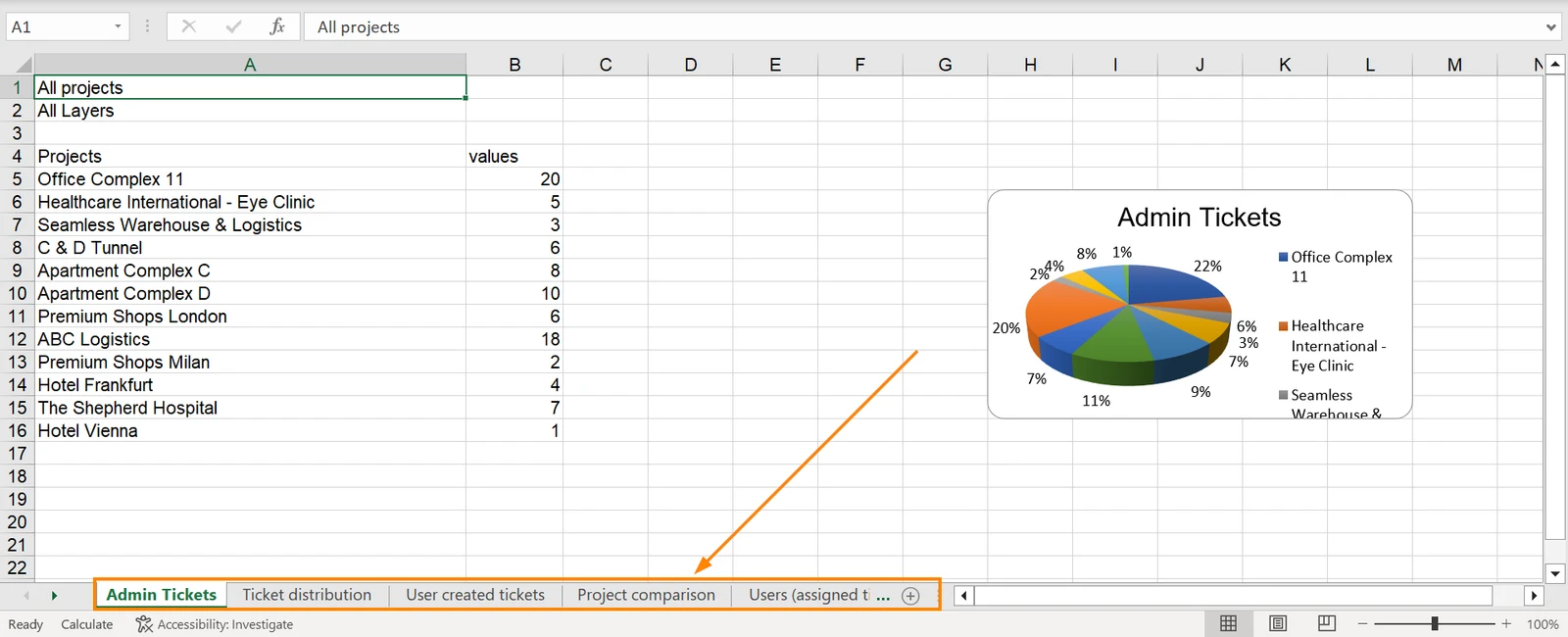
- Exported excel file will have as many sheets as the number of charts present in the active board you selected; each sheet containing an individual chart and its data
Related Articles
Updated August 23, 2024