

 Deutsch
 Español
 Français
 Hrvatski
 Italiano
 Polski
 Português (BR)
Viewing Statistics
Overview
View statistics of tickets from all projects, a certain project, or a certain layer. You can also view statistics for tickets created in a certain date range and apply filters for even more flexibility.
Access & Permissions
How to access Statistics
- Click Statistics

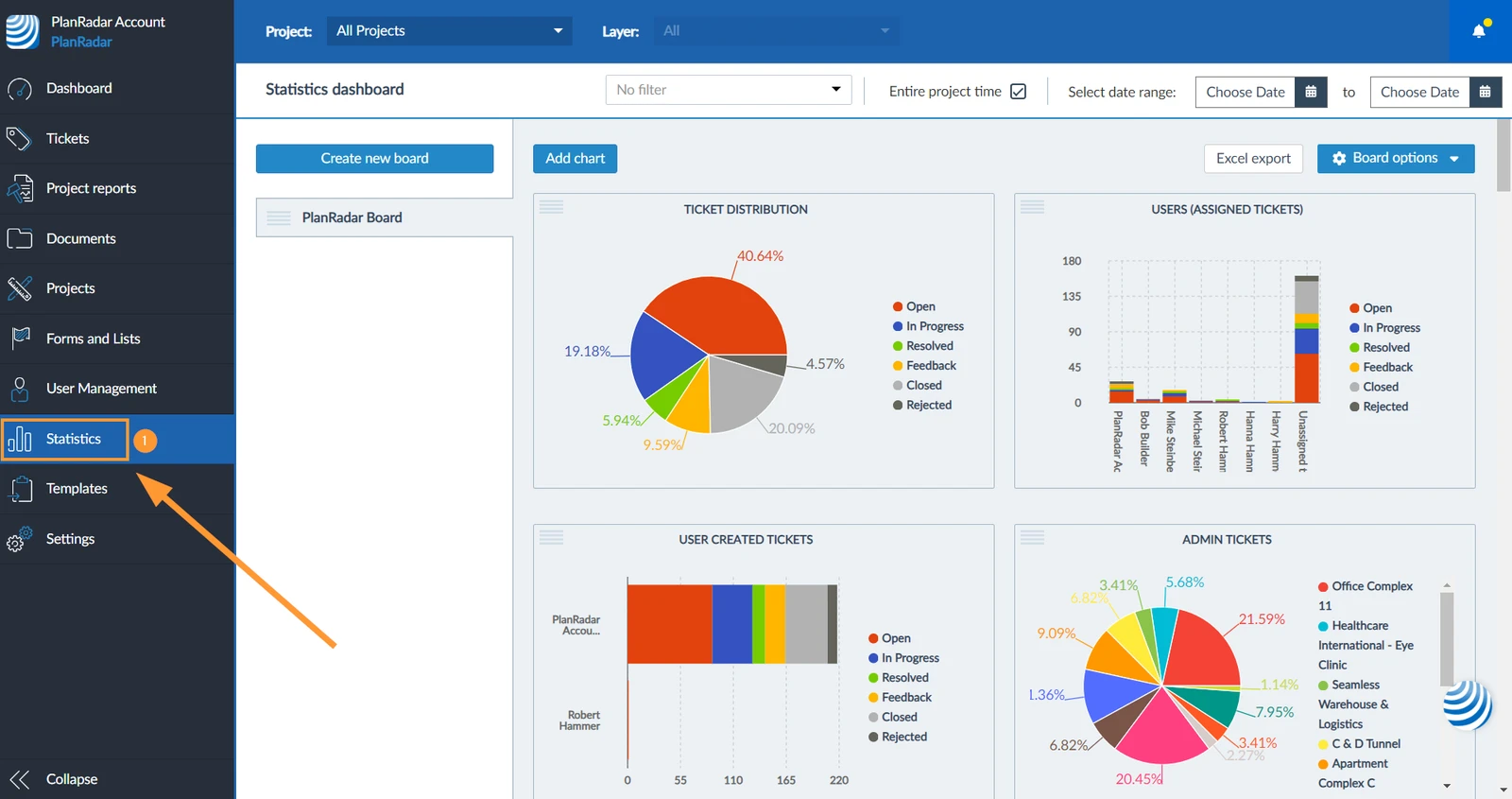
View Statistics of a Project or Layer
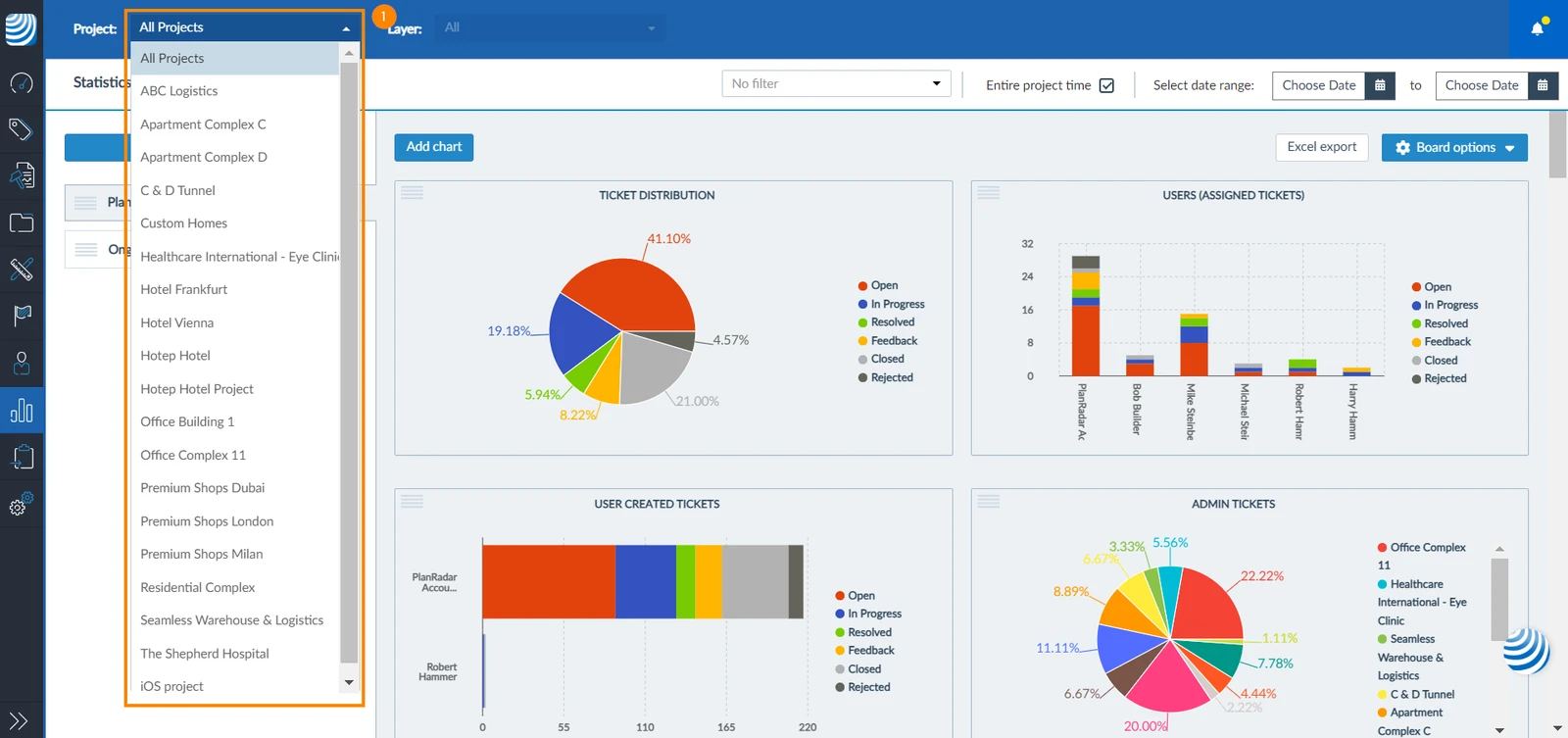
You can view the statistics of tickets of a certain project:
- Select a project to show its statistics or select All project from the project drop-down
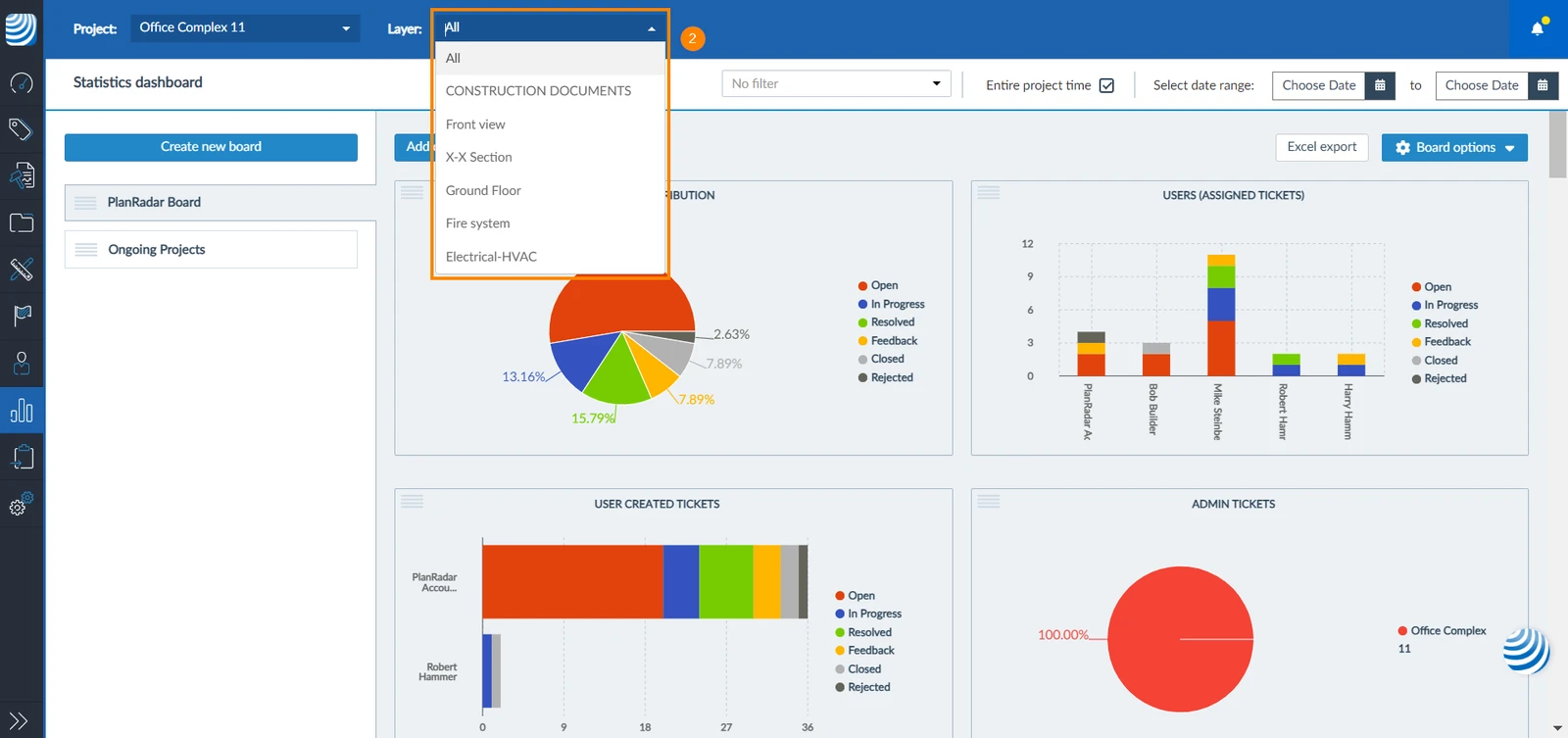
- If you selected a certain project, you can select to show the statistics of only one layer or All from the layer drop-down
Show Statistics of a Certain Period
You can restrict statistics to tickets created within a specific time period. To do so:
- Use the date picker to select a time period
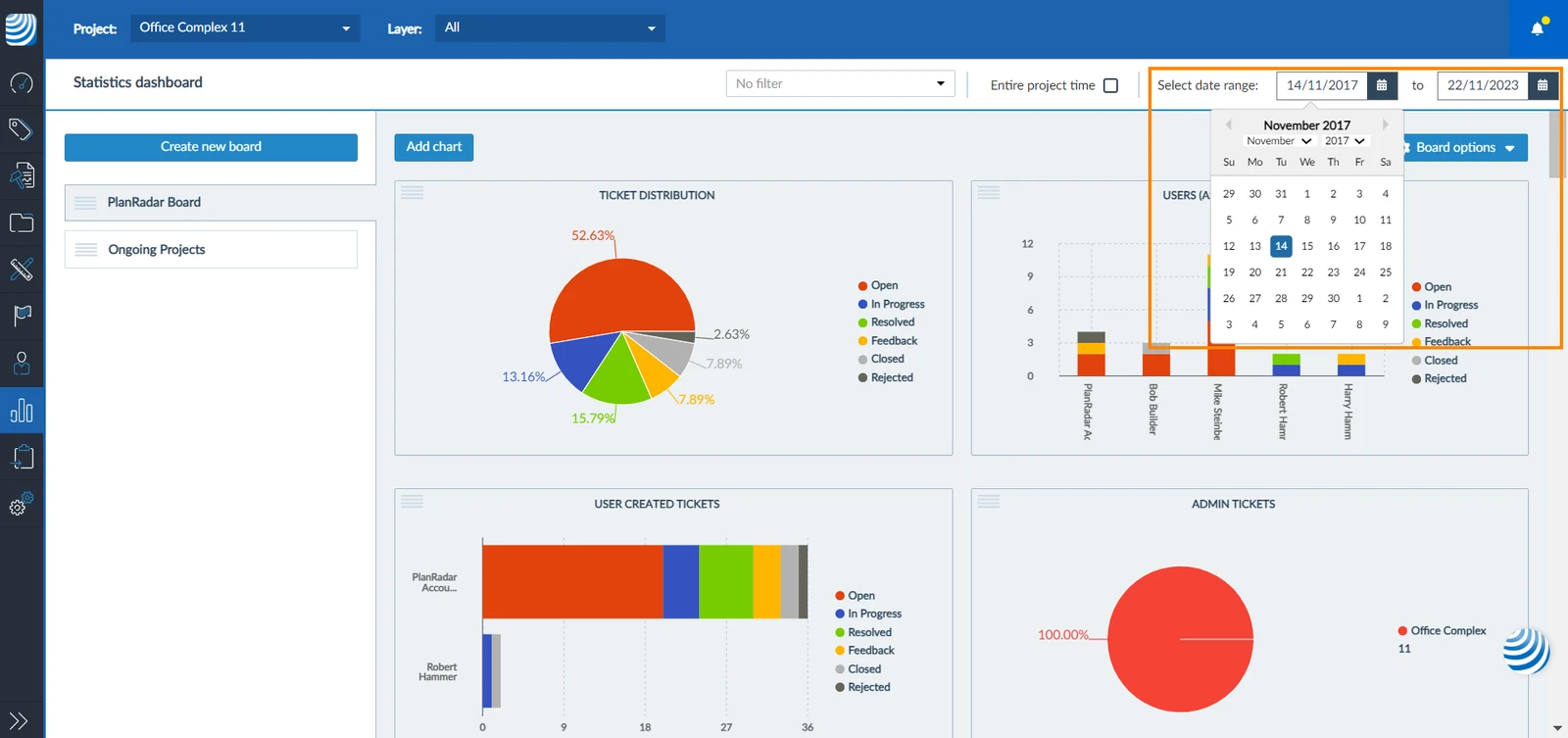
To show the entire project time:
- Select the Entire project time checkbox
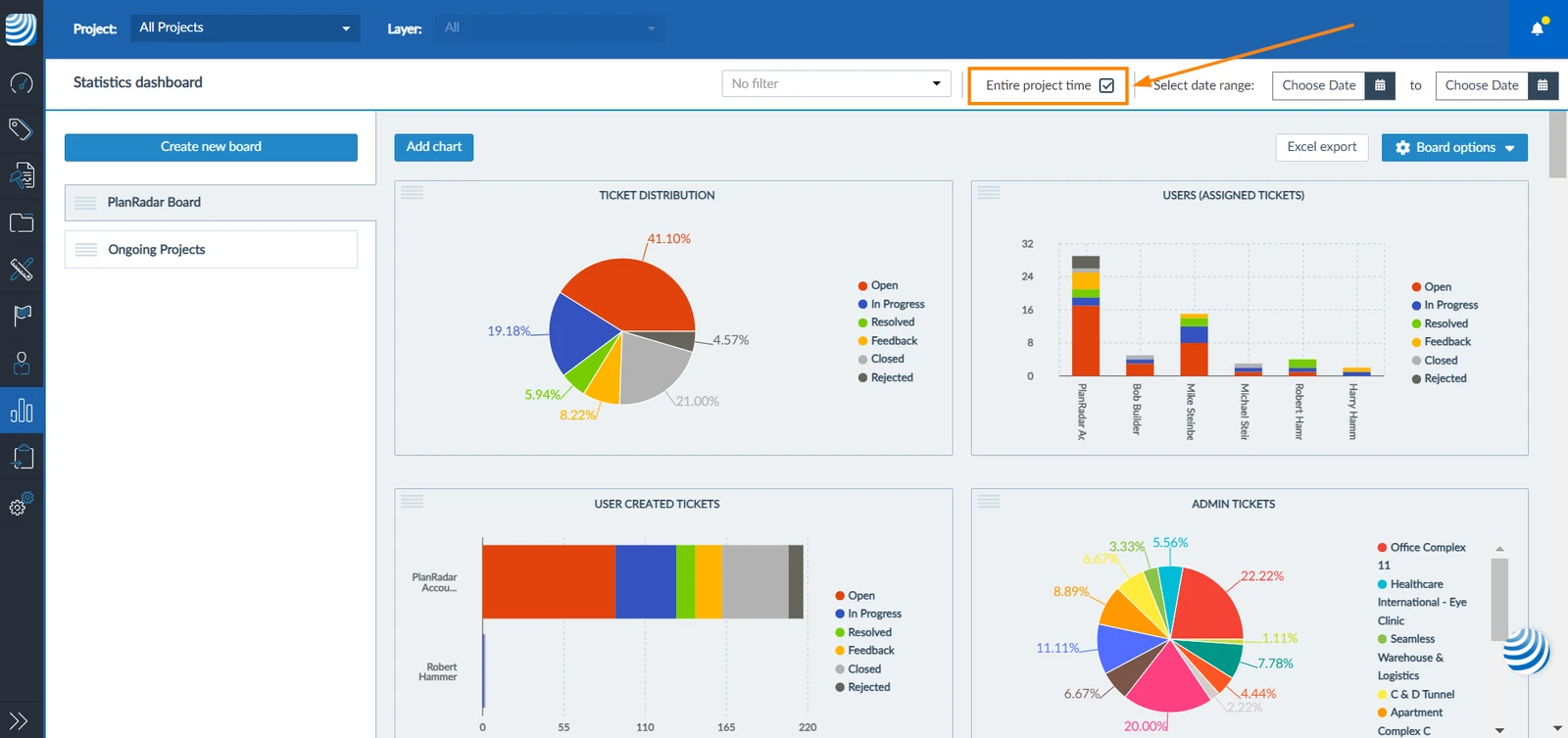
Filter Tickets in Statistics
You can view the statistics of tickets related to a certain filter. To do so:
- Select a filter from the filter drop-down
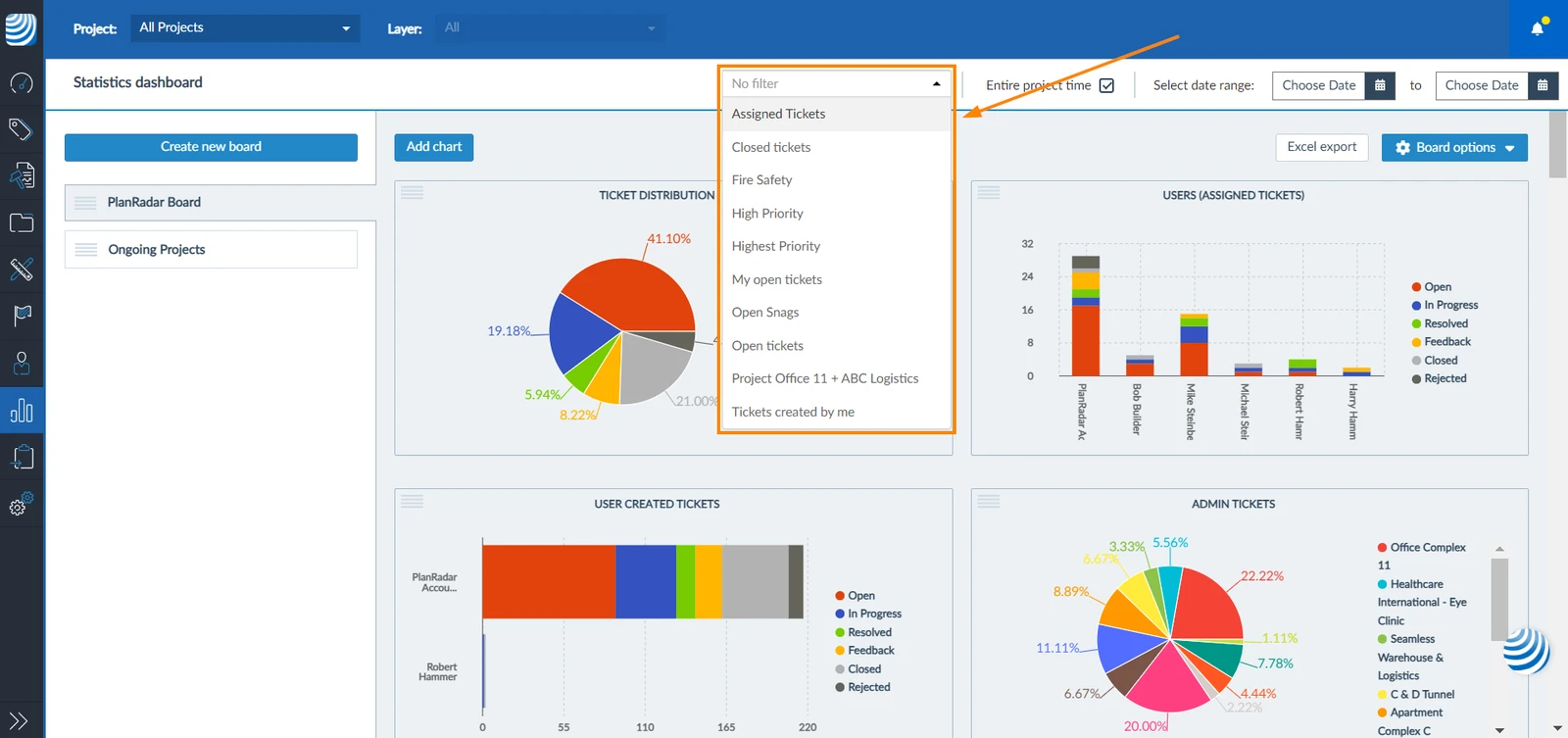
Updated August 23, 2024