

 Deutsch
 Español
 Français
 Hrvatski
 Italiano
 Polski
 Português (BR)
Reset Password when Forgotten
Overview
If you have forgotten your password, you can reset it.
Reset Password
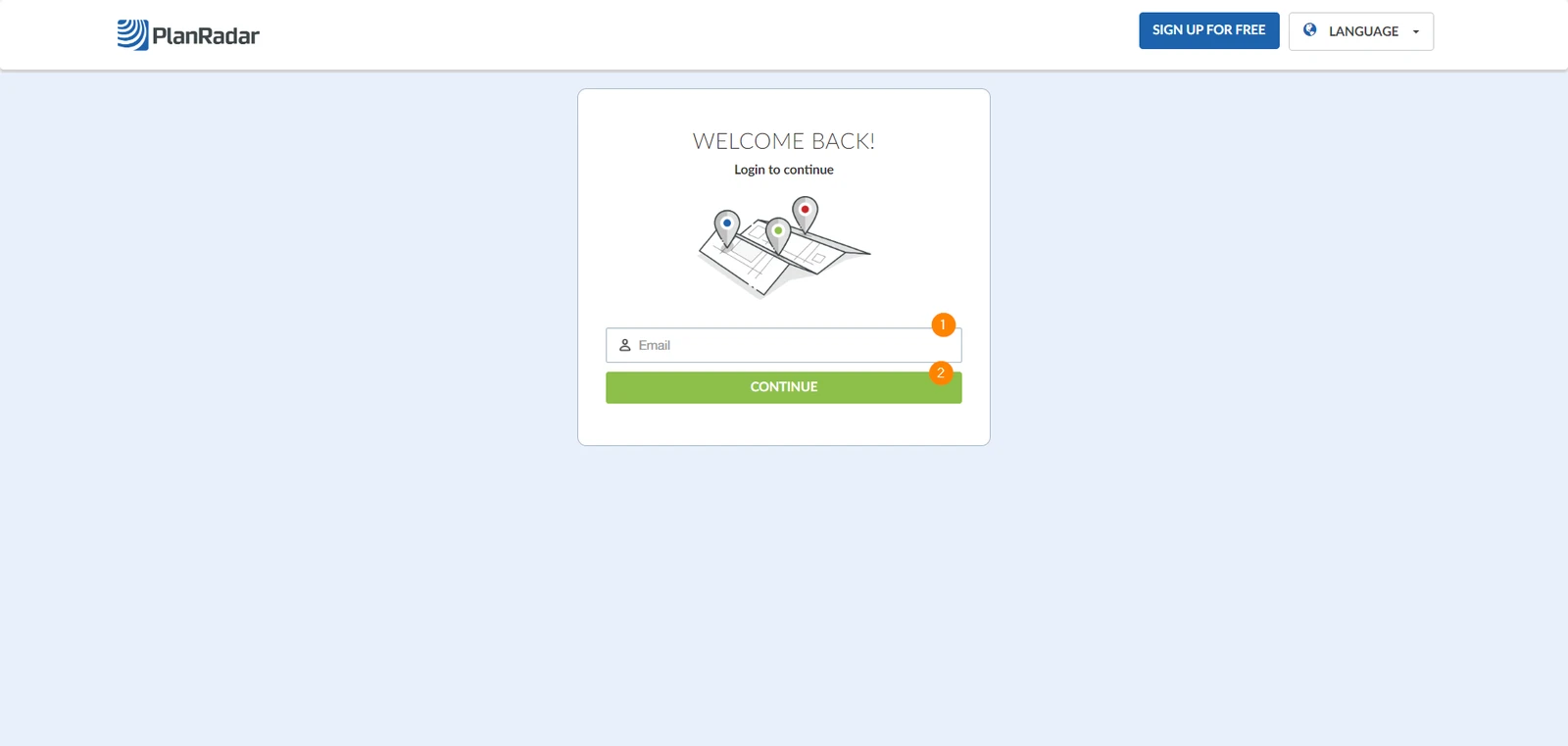
Open our login page www.planradar.com/login and follow the next steps:
- Enter your email address
- Click Continue
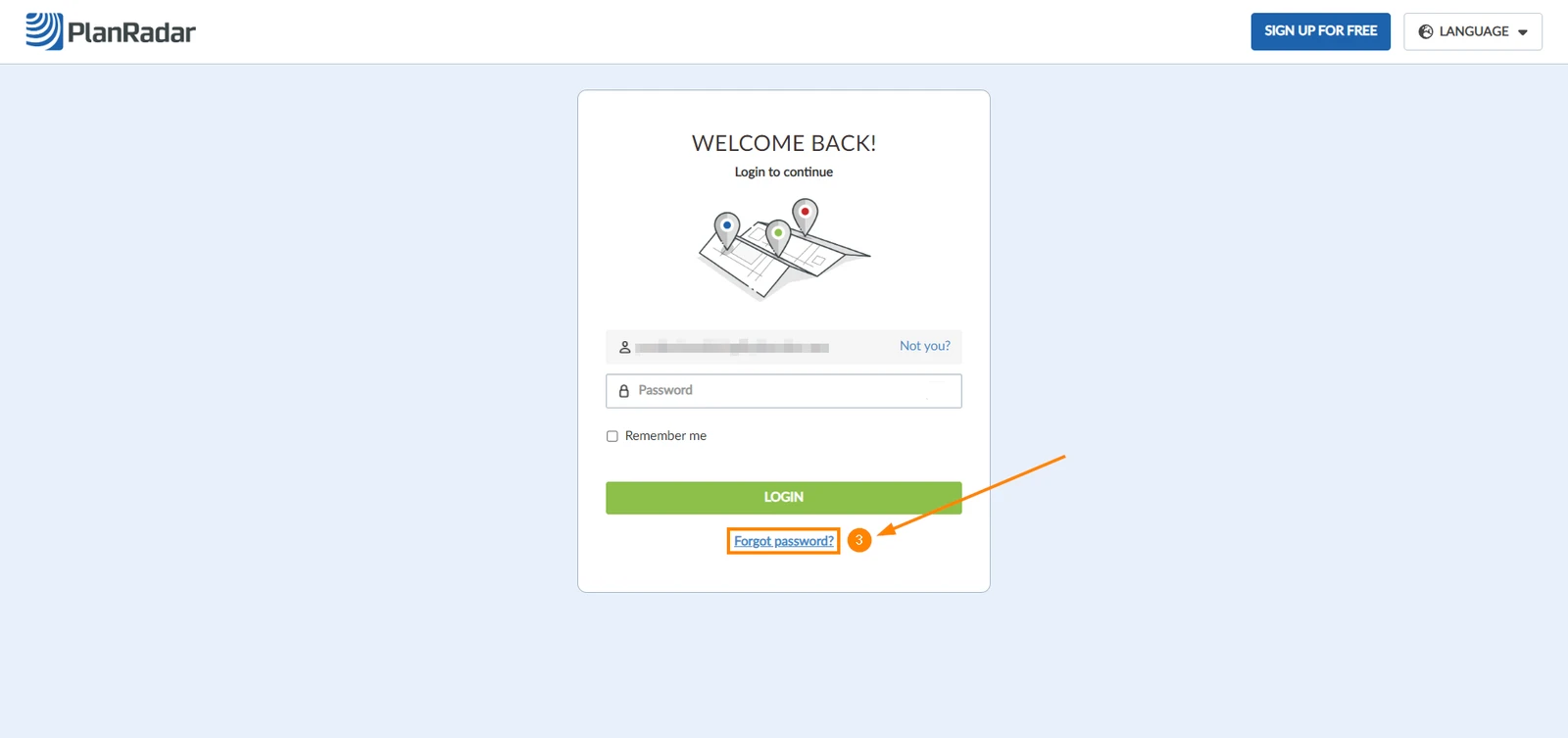
- Click Forgot password
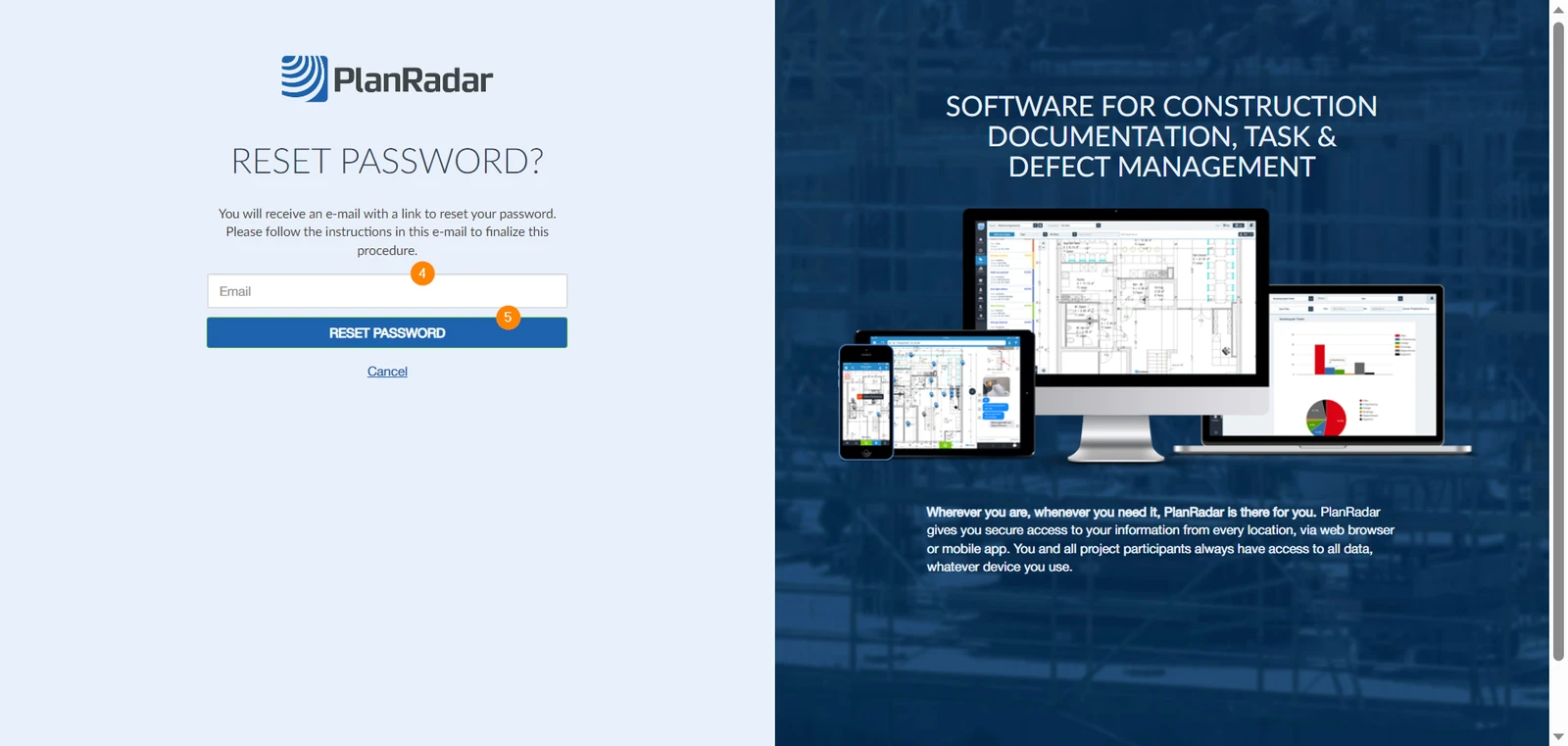
- In new page enter your email address
- Click Reset password
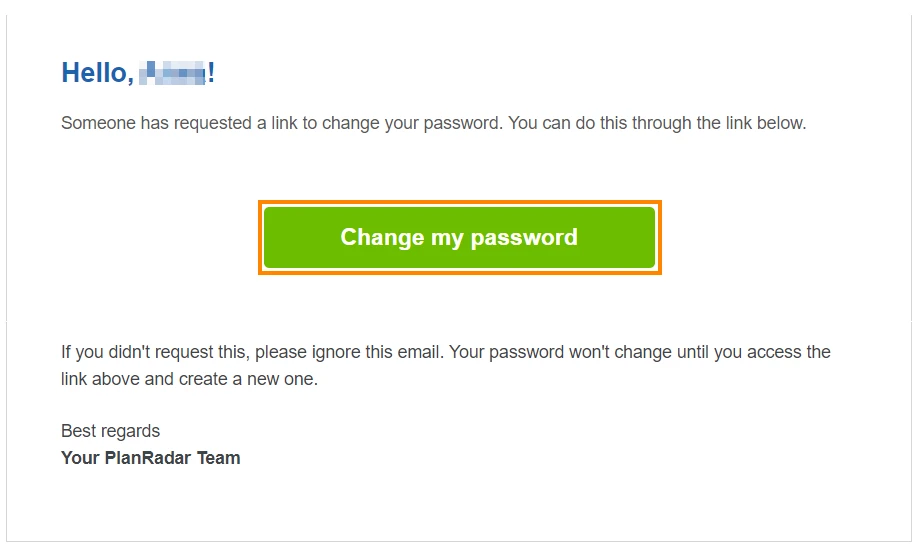
- You will be send an email shortly. Open the email and click Change my password
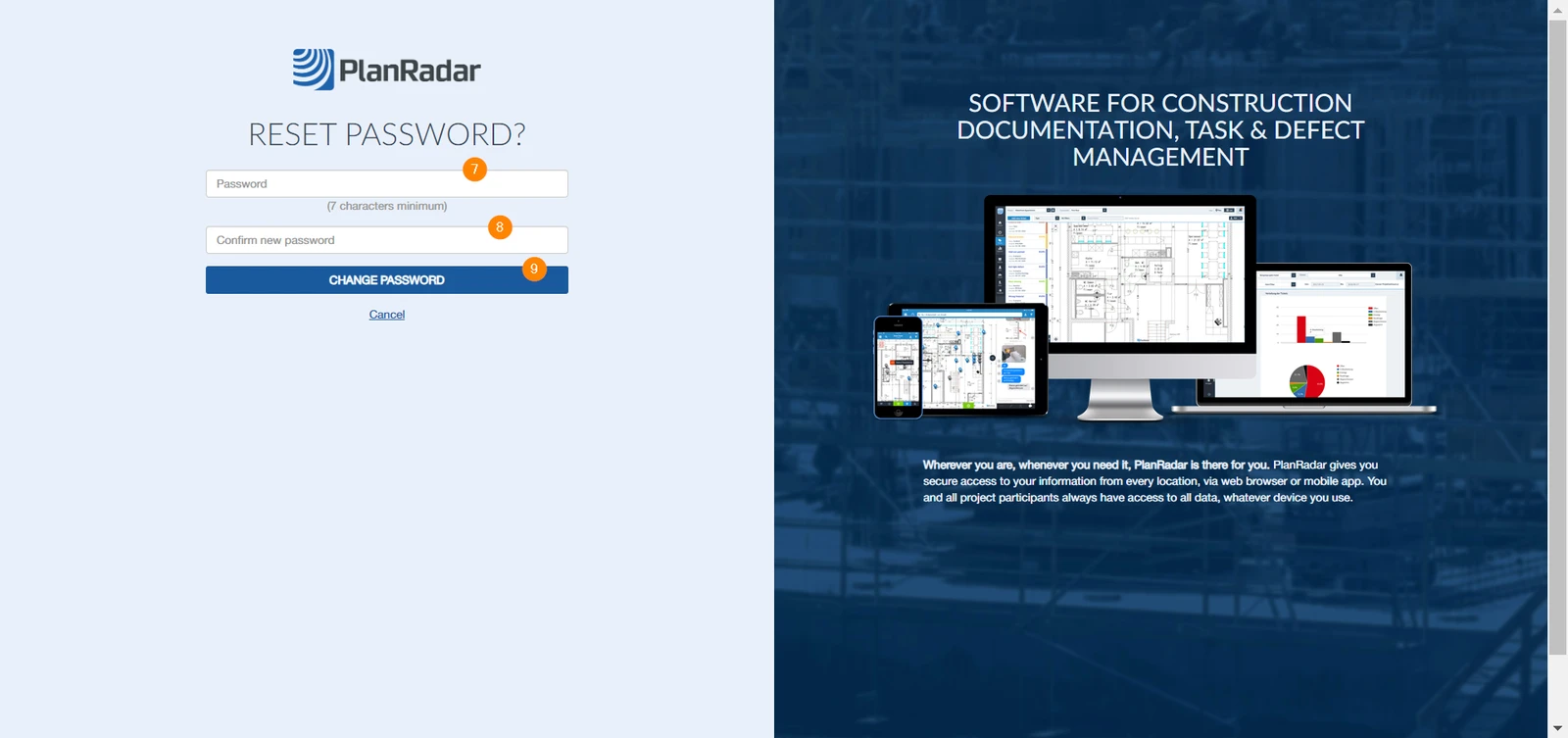
- Enter the new password
- Confirm your new password
- Click Change Password
Related Articles
Updated May 18, 2026