

 Deutsch
 Español
 Français
 Hrvatski
 Italiano
 Polski
 Português (BR)
Manage Lists
Overview
Manage lists includes duplicating and deleting lists.
Access & Permissions
Global Lists vs. Project Lists
There are global lists and project lists:
- Global lists are created for the whole account and can be assigned to multiple projects.
- Project lists are created in a project and cannot be used in other projects.
How to access
To access global lists:
- Click Forms and Lists
- Click Lists
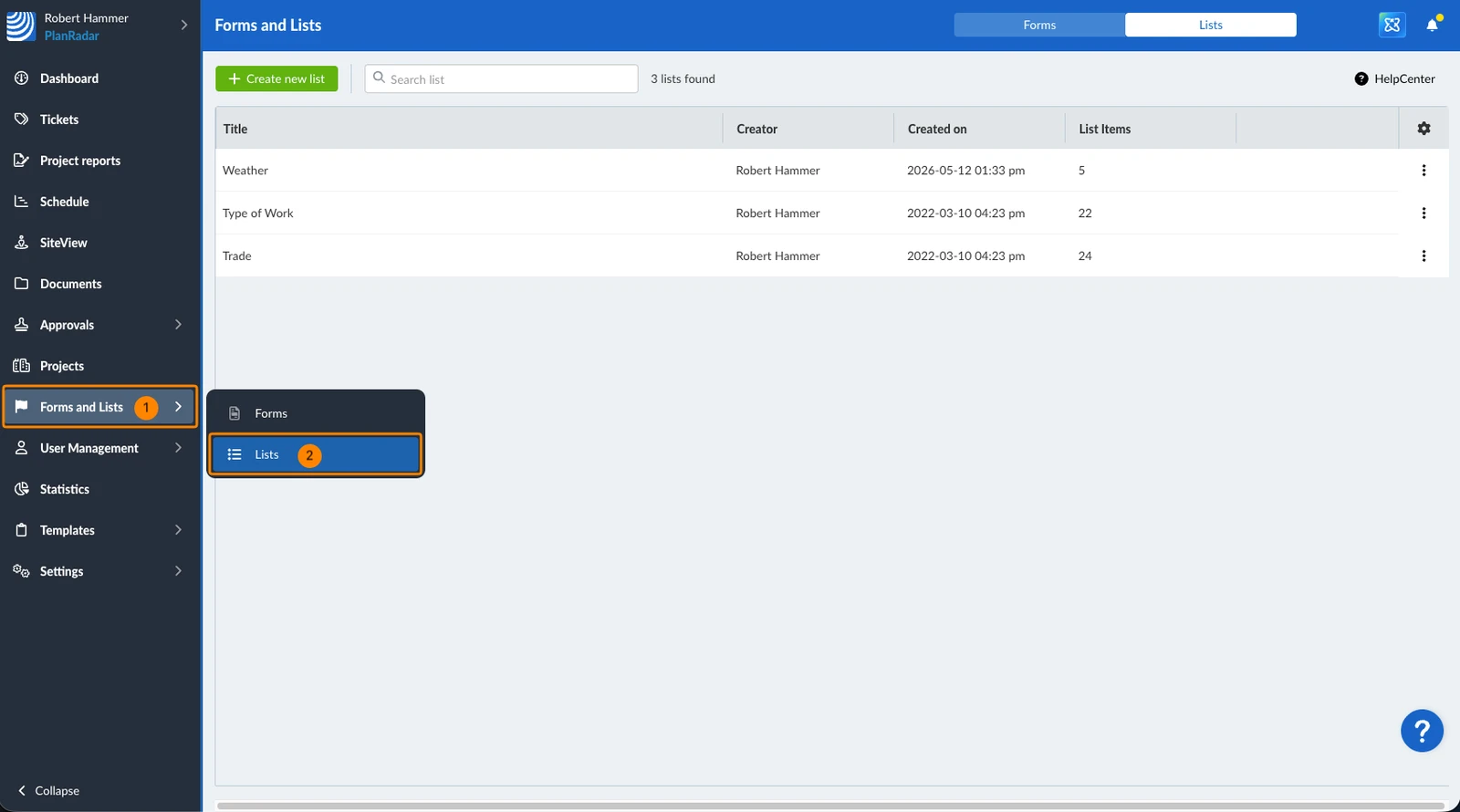
To access project lists:
- Click Projects
- Select the project from the list
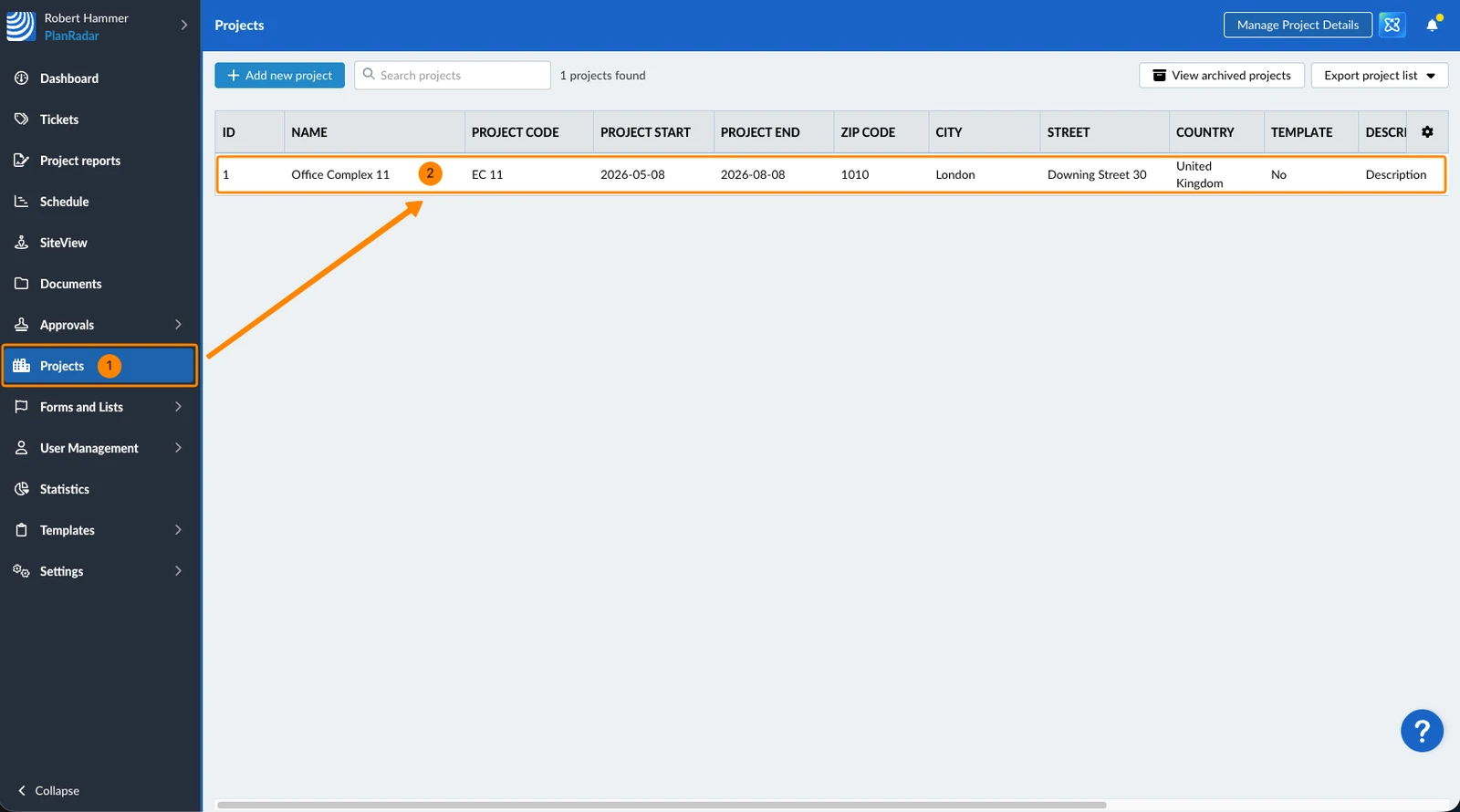
- Click Lists
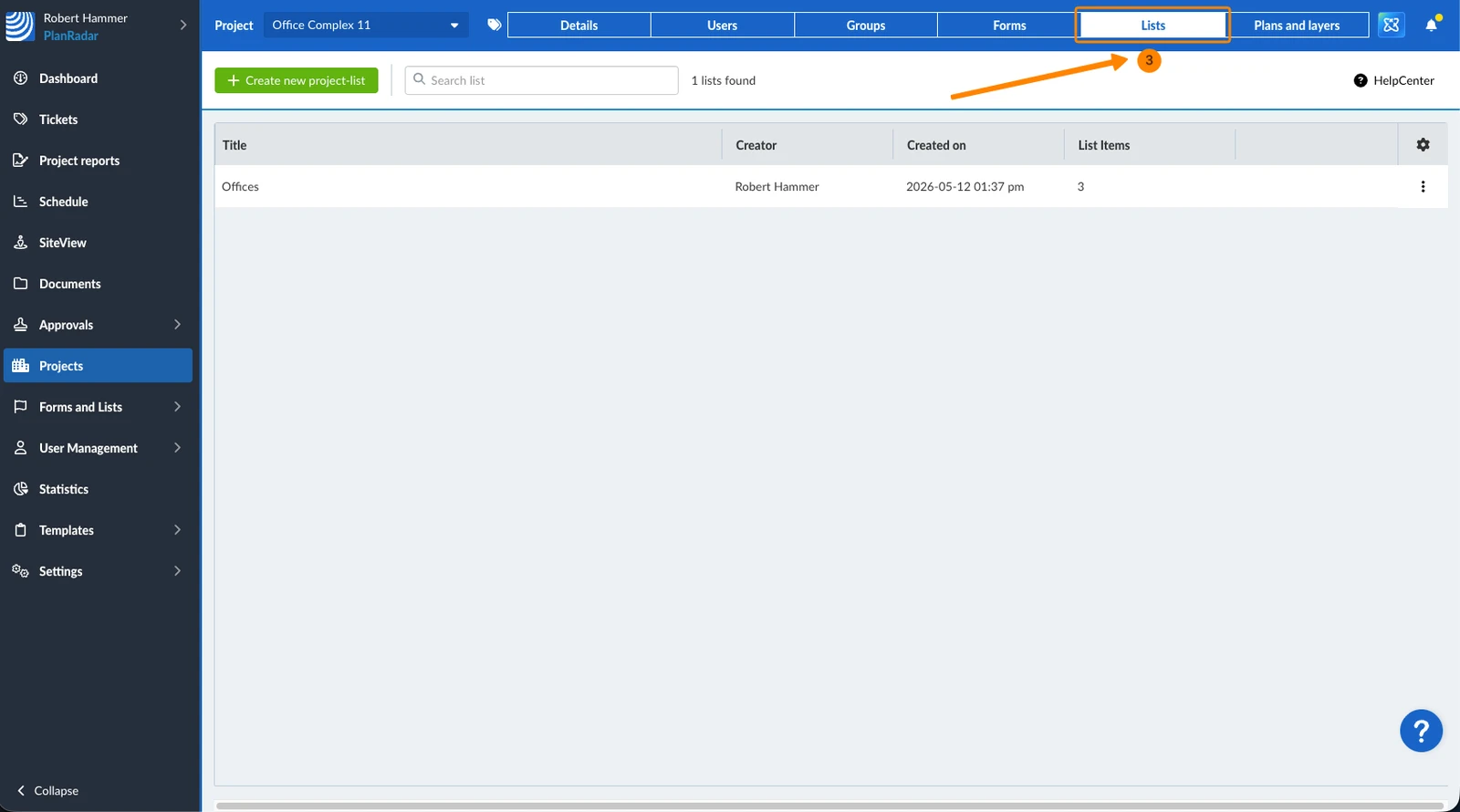
- Then follow the instructions below like for global lists.
View and Filter Lists
To view a list:
- Click on the list
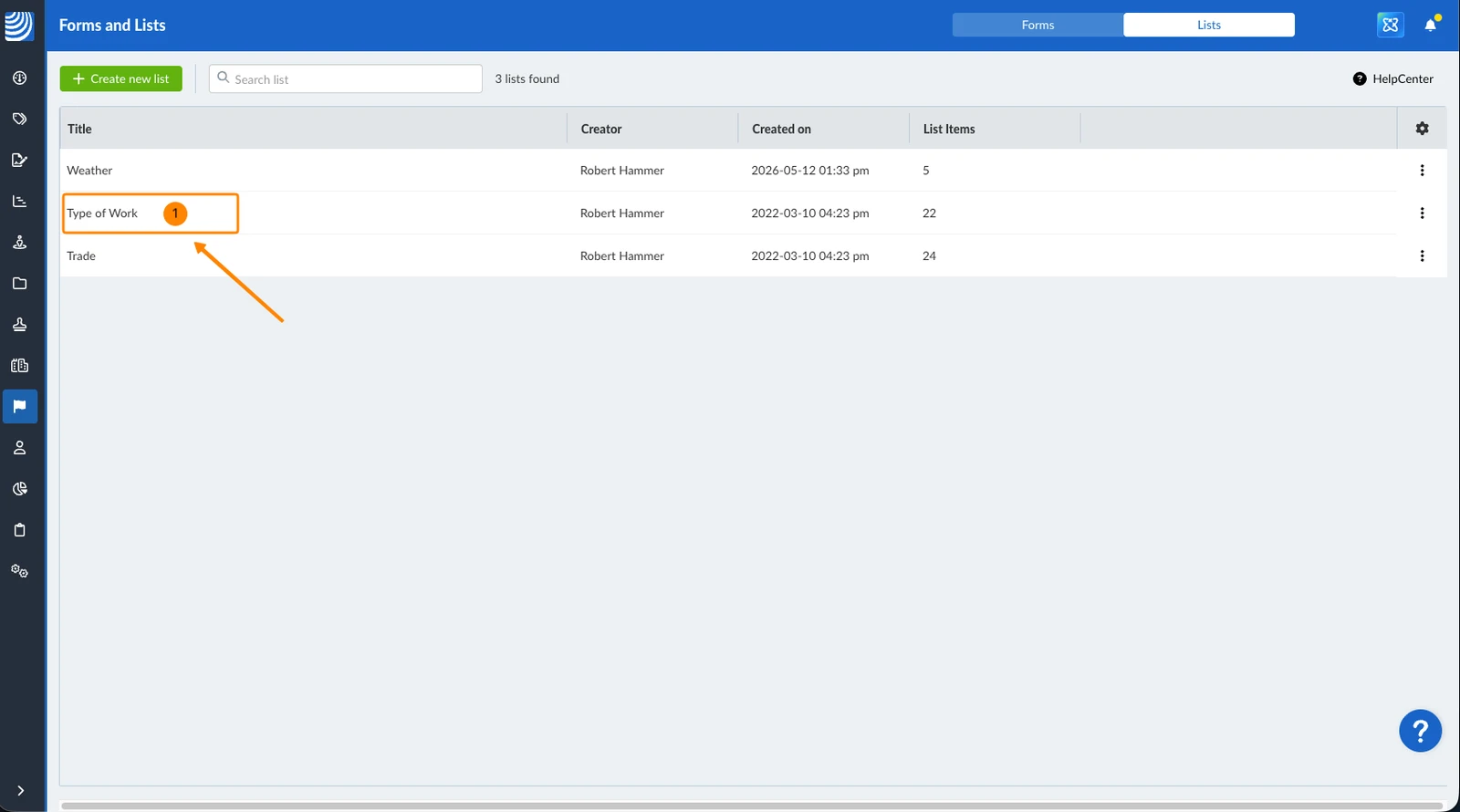
Filters work in the same way as described in Filter Tickets.
The following filter criteria are available for the lists table:
-
Added by default:
- Creator
- Created on
- Is hierarchical
-
Not added by default:
- Title
- List items count
Duplicate Lists
To duplicate a list:
- Open the more menu next to the list you would like to duplicate
- Click Copy list

Delete Lists
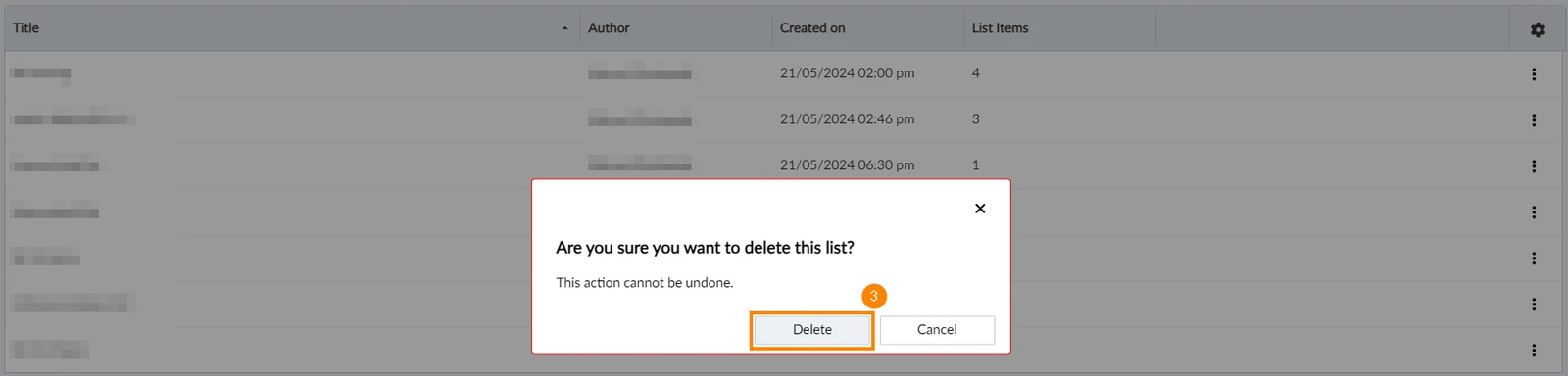
To delete a list:
- Open the more menu next to the list you want to delete
- Click Delete list

- Click Delete to confirm
Updated June 22, 2026