

 Deutsch
 Español
 Français
 Hrvatski
 Italiano
 Polski
 Português (BR)
Add Replacement Tokens to Ticket Reports
Overview
Replacement tokens allow custom text input when a user is creating a report. The token will be replaced with the text input.
Access & Permissions
Add a Replacement Token
To add a replacement token:
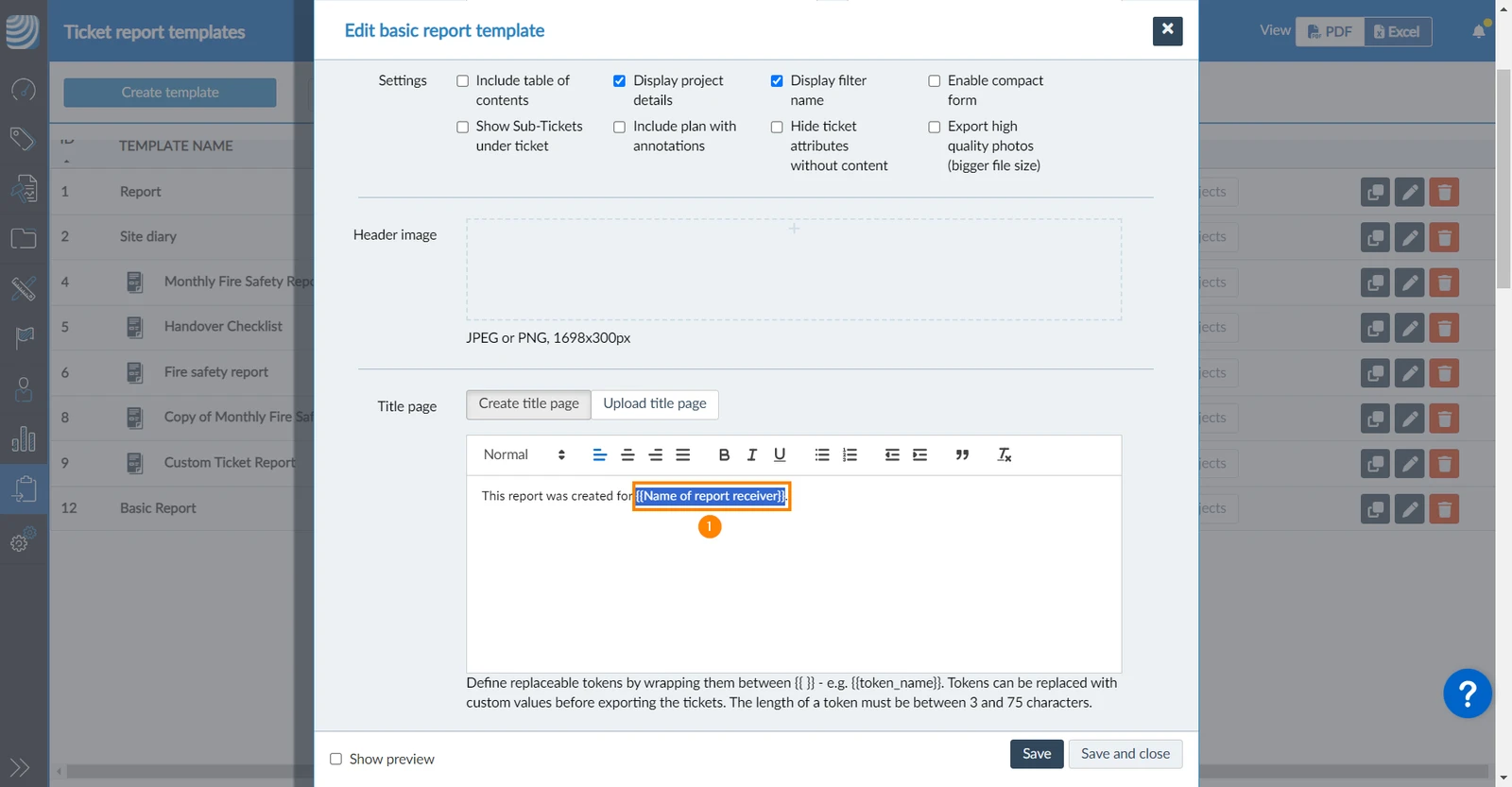
- Enter a token name between double curly braces with 3 to 75 characters in the text for your page.
e.g. This report was created for {{Name of report receiver}}.
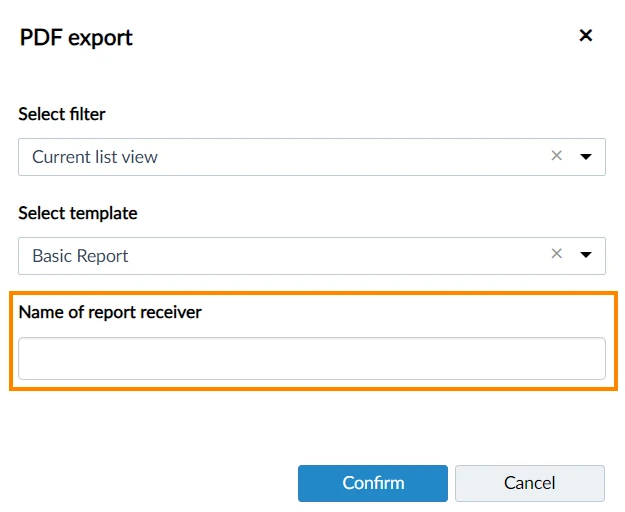
The token name is displayed as a title for the input field when creating the report:
Updated March 5, 2026