

 Deutsch
 Español
 Français
 Hrvatski
 Italiano
 Polski
 Português (BR)
Manage Ticket Report Templates
Overview
You can manage the ticket report templates that you or others have created. There are basic and advanced ticket report templates that generate PDF files and Excel export templates. Also see:
- Create Basic Ticket Report Templates
- Create Advanced Ticket Report Templates
- Create Excel Templates for Exporting Tickets
Managing ticket report templates includes viewing, duplicating and deleting them. Also see Restrict Ticket Report Templates to Specific Projects.
Access & Permissions
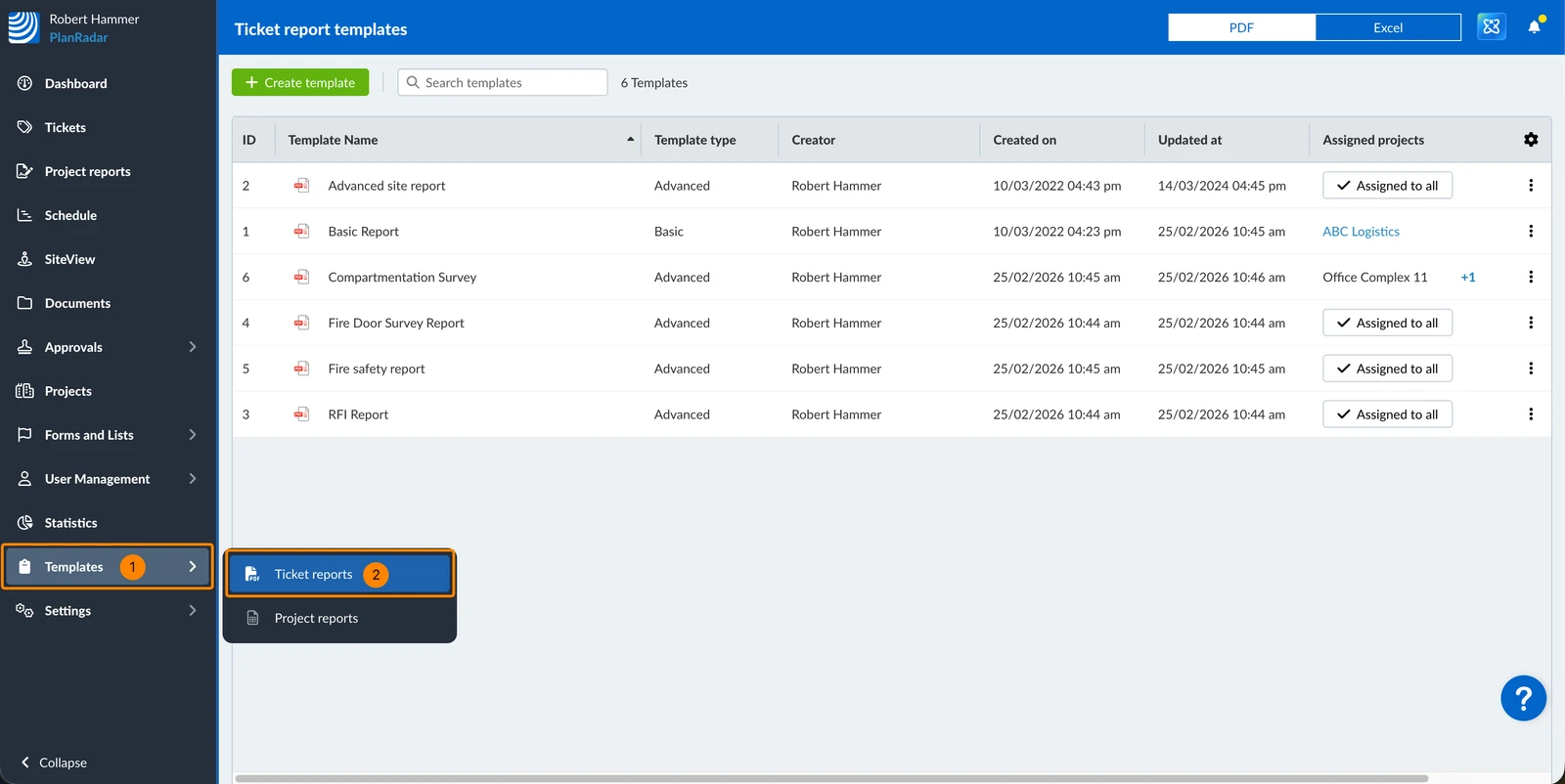
How to access Ticket Report Templates
- Click Templates
- Click Ticket Reports
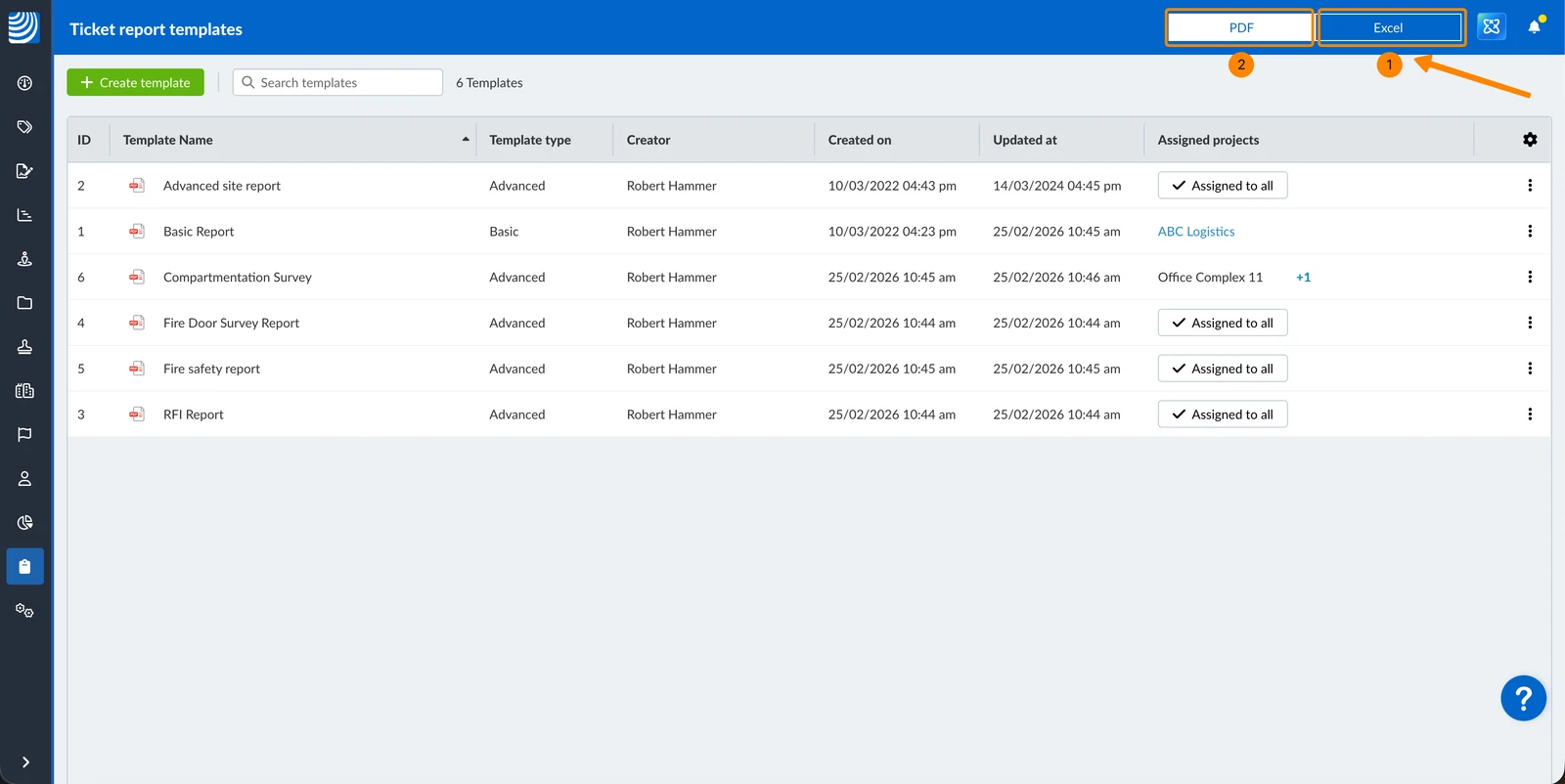
Switch between PDF and Excel Templates
- Click Excel to see the list of Excel templates
- Click PDF to see the list of PDF templates
View and Filter Templates
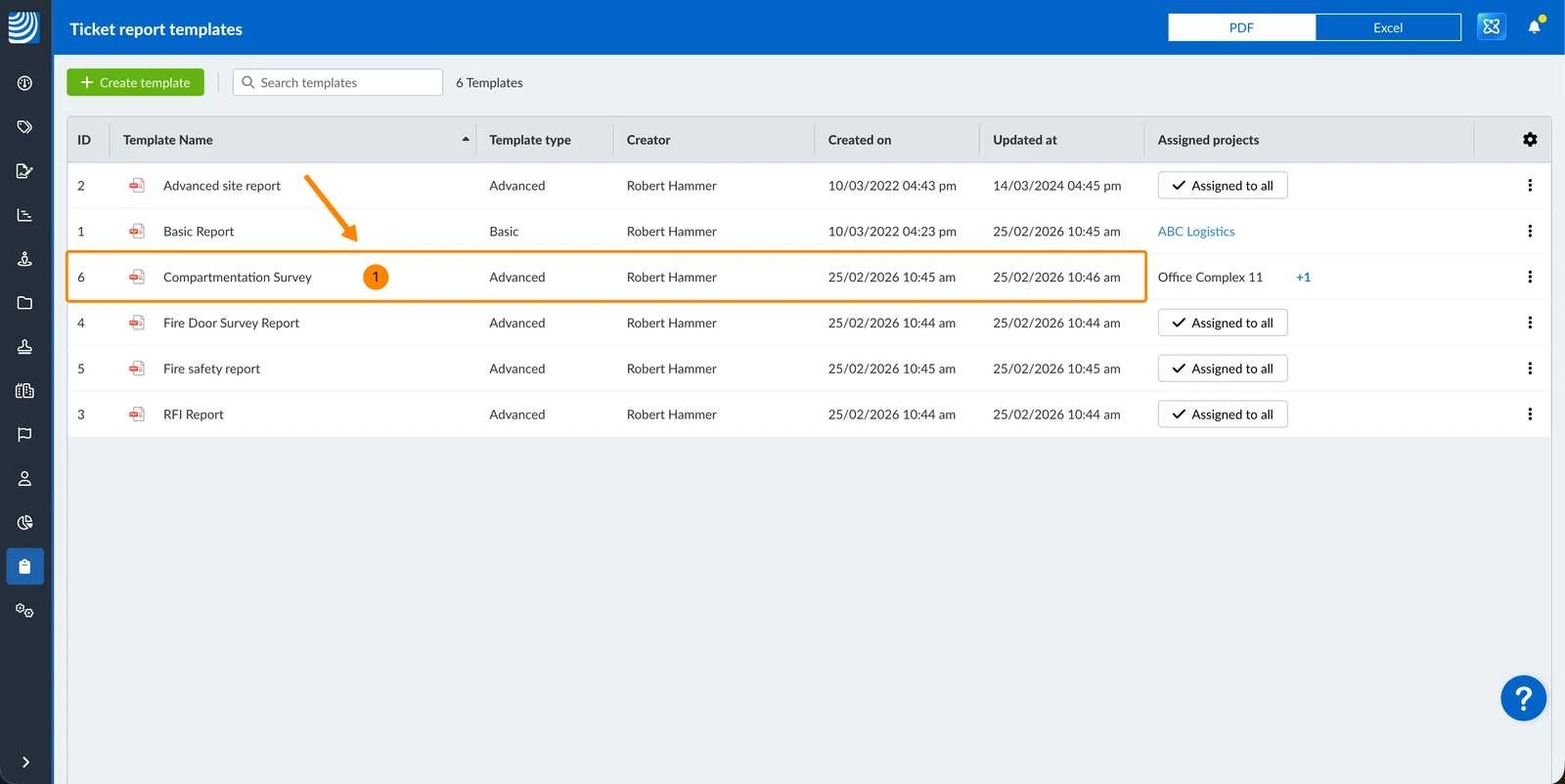
To view or edit a template:
- Click on a template in the list
Filters work in the same way as described in Filter Tickets.
The following filter criteria are available for the ticket report templates table:
-
Added by default:
- Creator
- Created on
-
Not added by default:
- ID
- Template name
- Template type
- Assigned projects
- Assigned projects count
Duplicate a Template
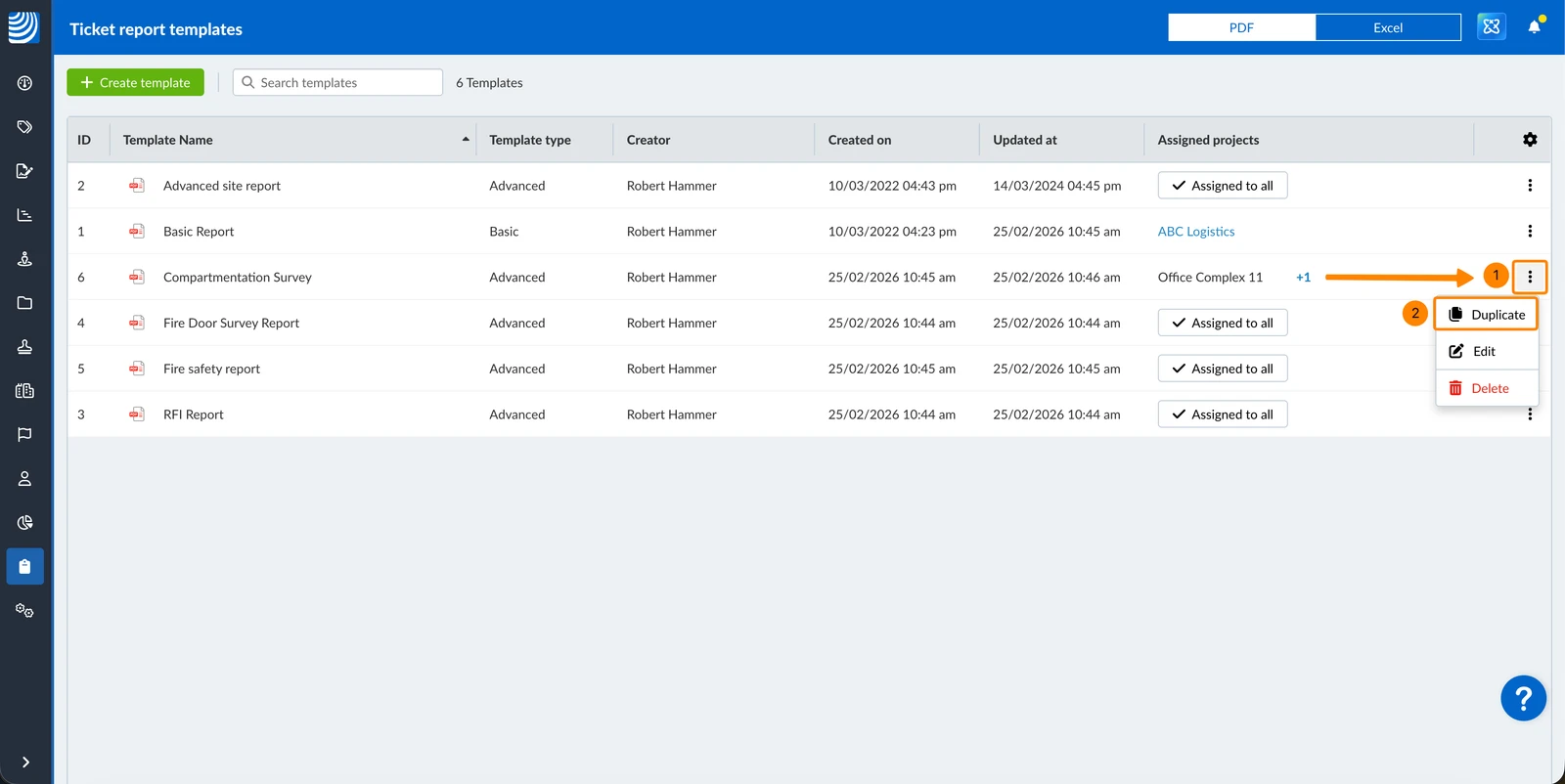
To duplicate a template:
- Open the More menu next to the template
- Click Duplicate
Delete a Template
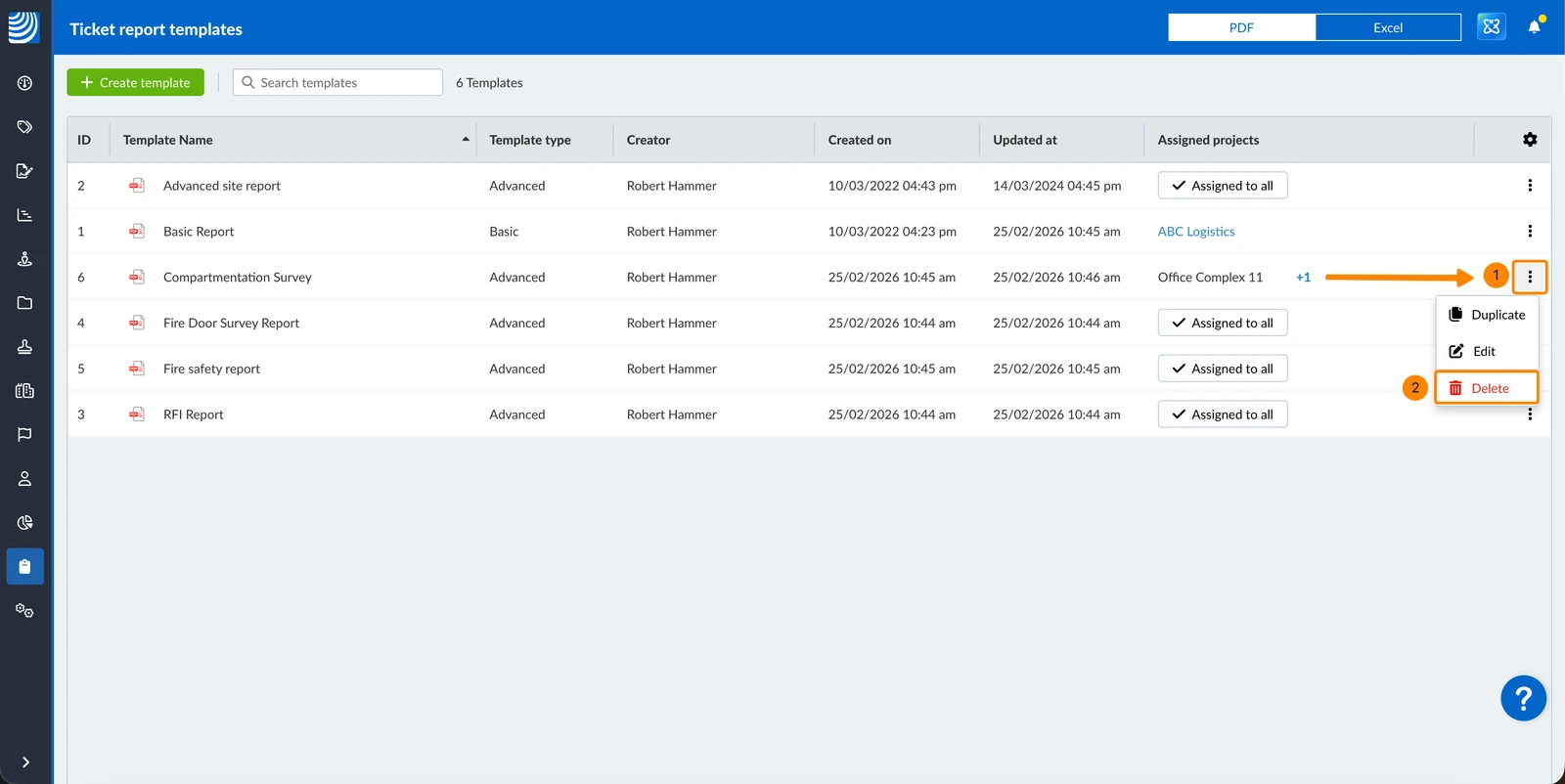
To delete a template:
- Open the More menu next to the template
- Click Delete
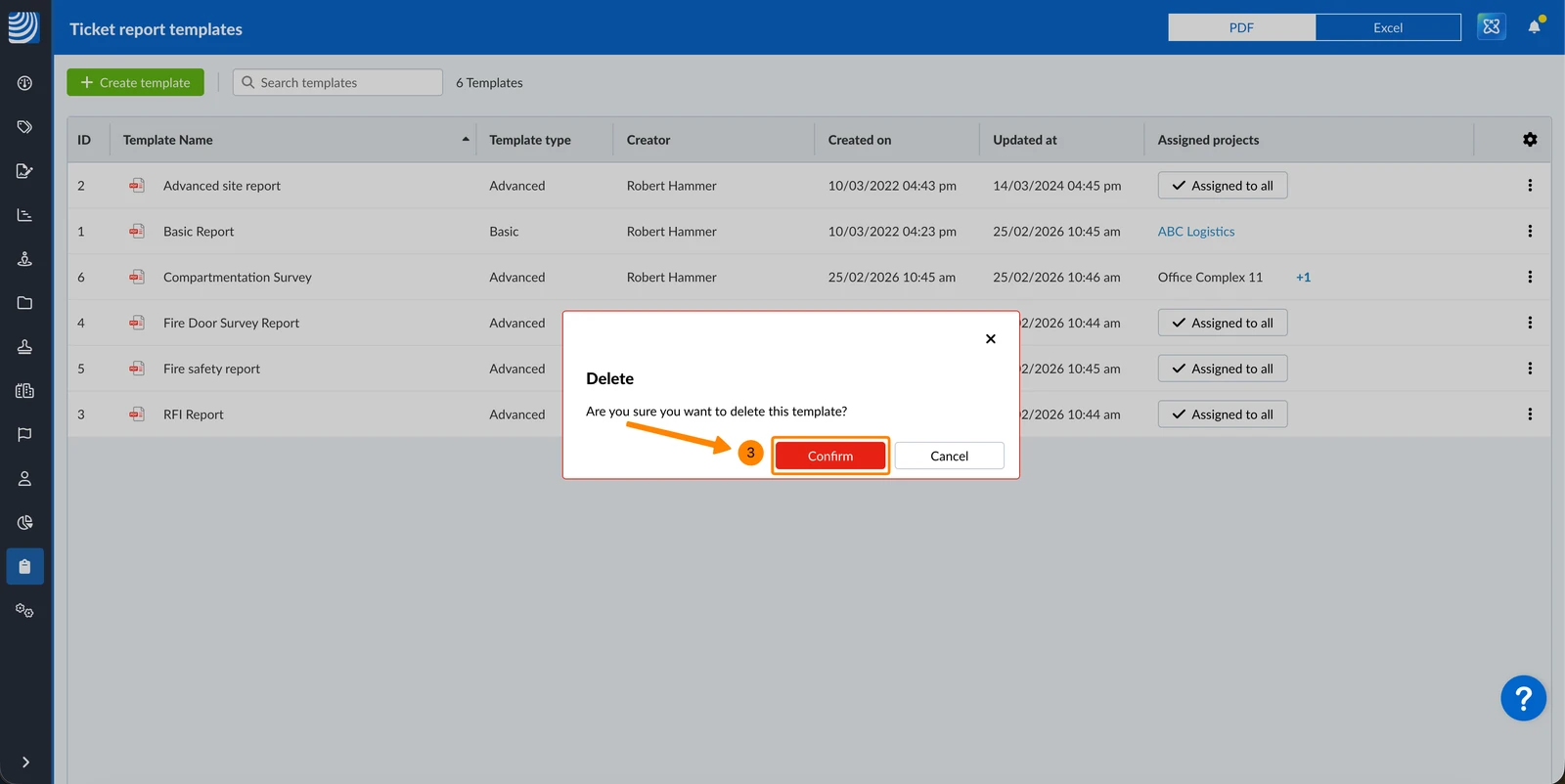
- Click Confirm
Updated June 22, 2026