

 Deutsch
 Español
 Français
 Hrvatski
 Italiano
 Polski
 Português (BR)
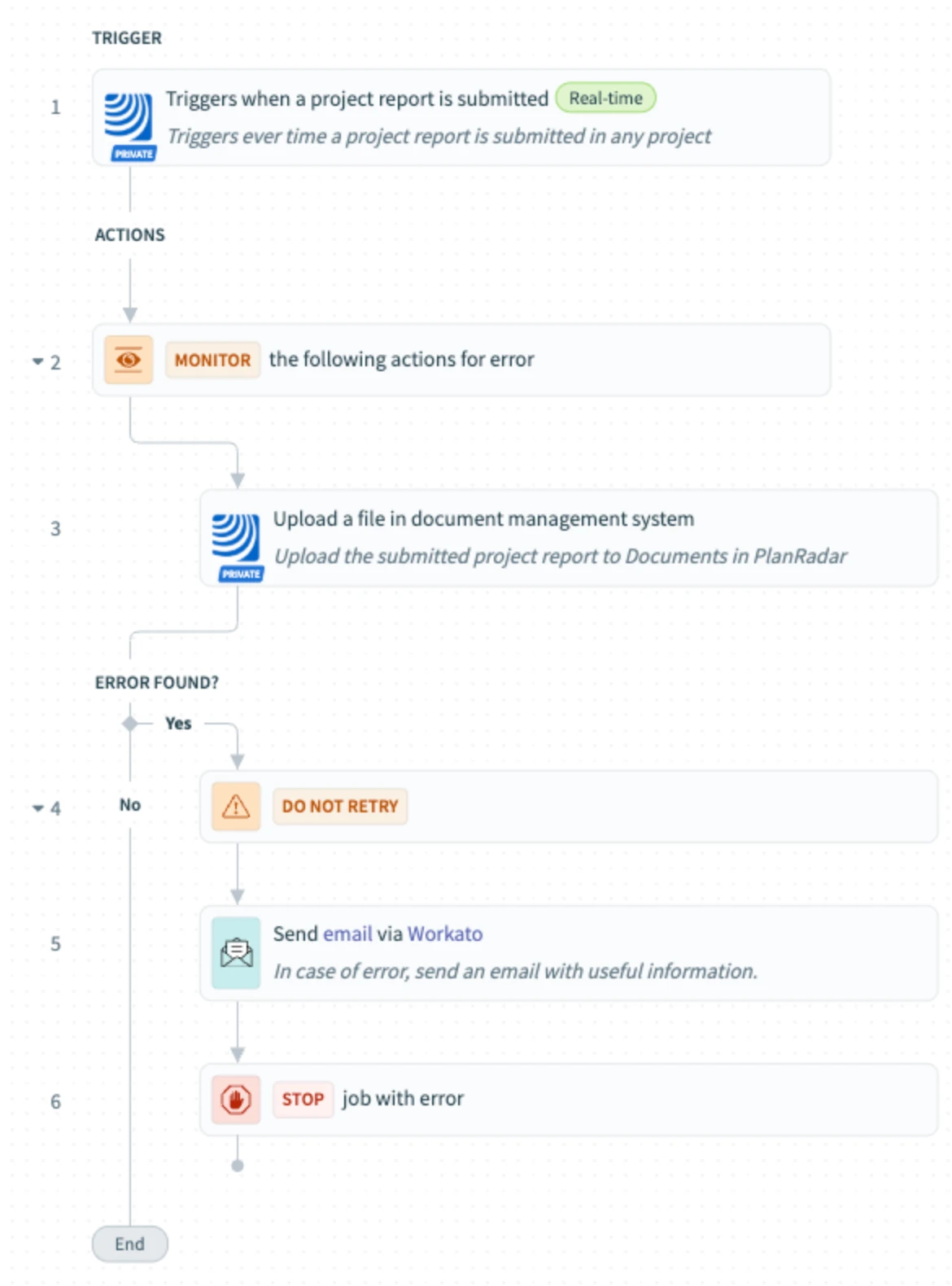
[PRC] LREC-010 | Project report submit => Save it in PlanRadar Documents
1 Overview
Automatically uploads project report files to PlanRadar Documents when submitted.
2 Access & Prerequisites
-
Enable PlanRadar connection
-
Prepare document folders
-
Assign user to projects
3 Use the Recipe from the Library
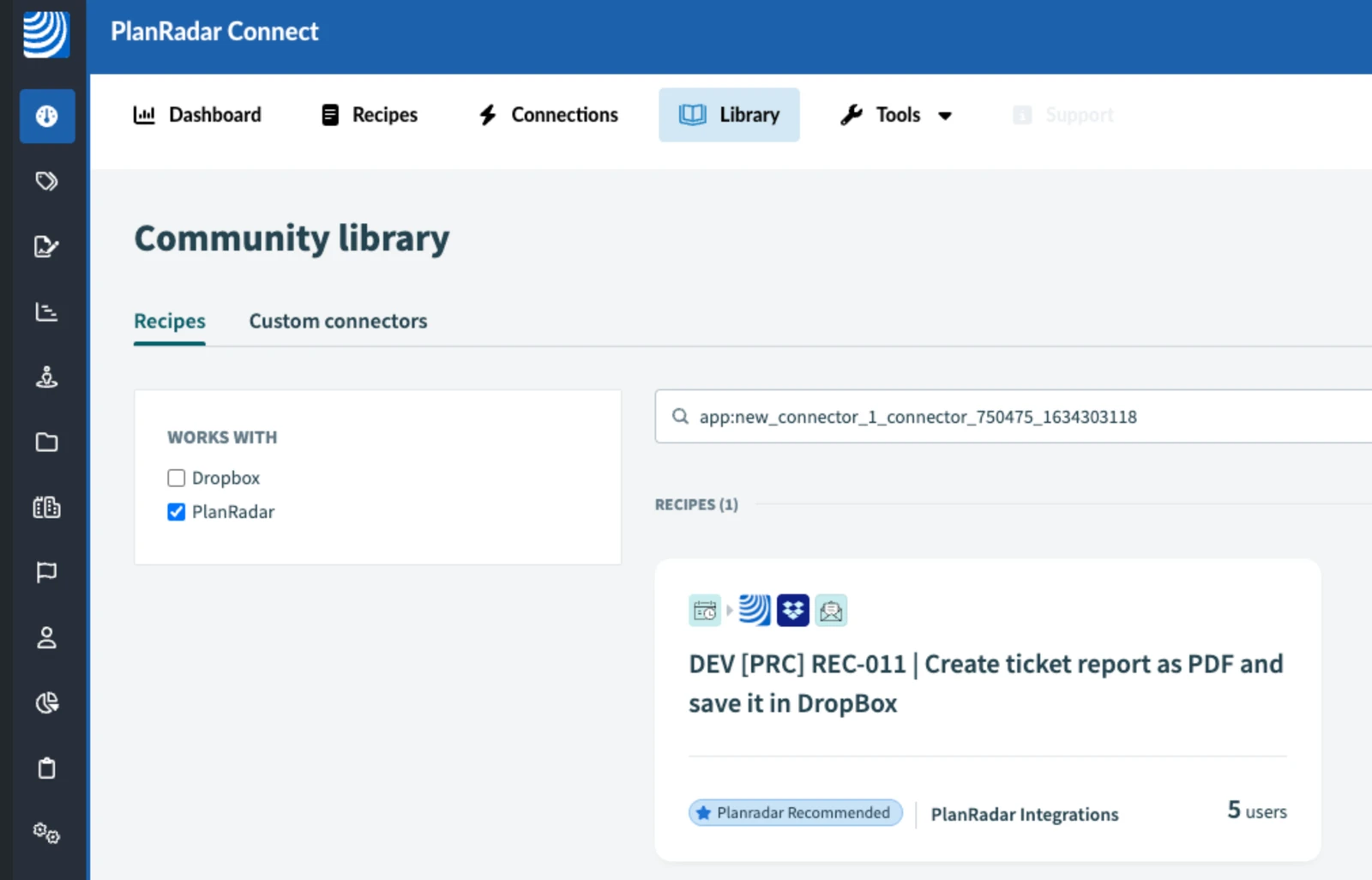
Use: [PRC] LREC-010 | Project report submit ⇒ Save it in PlanRadar Documents
4 Configure the Recipe
-
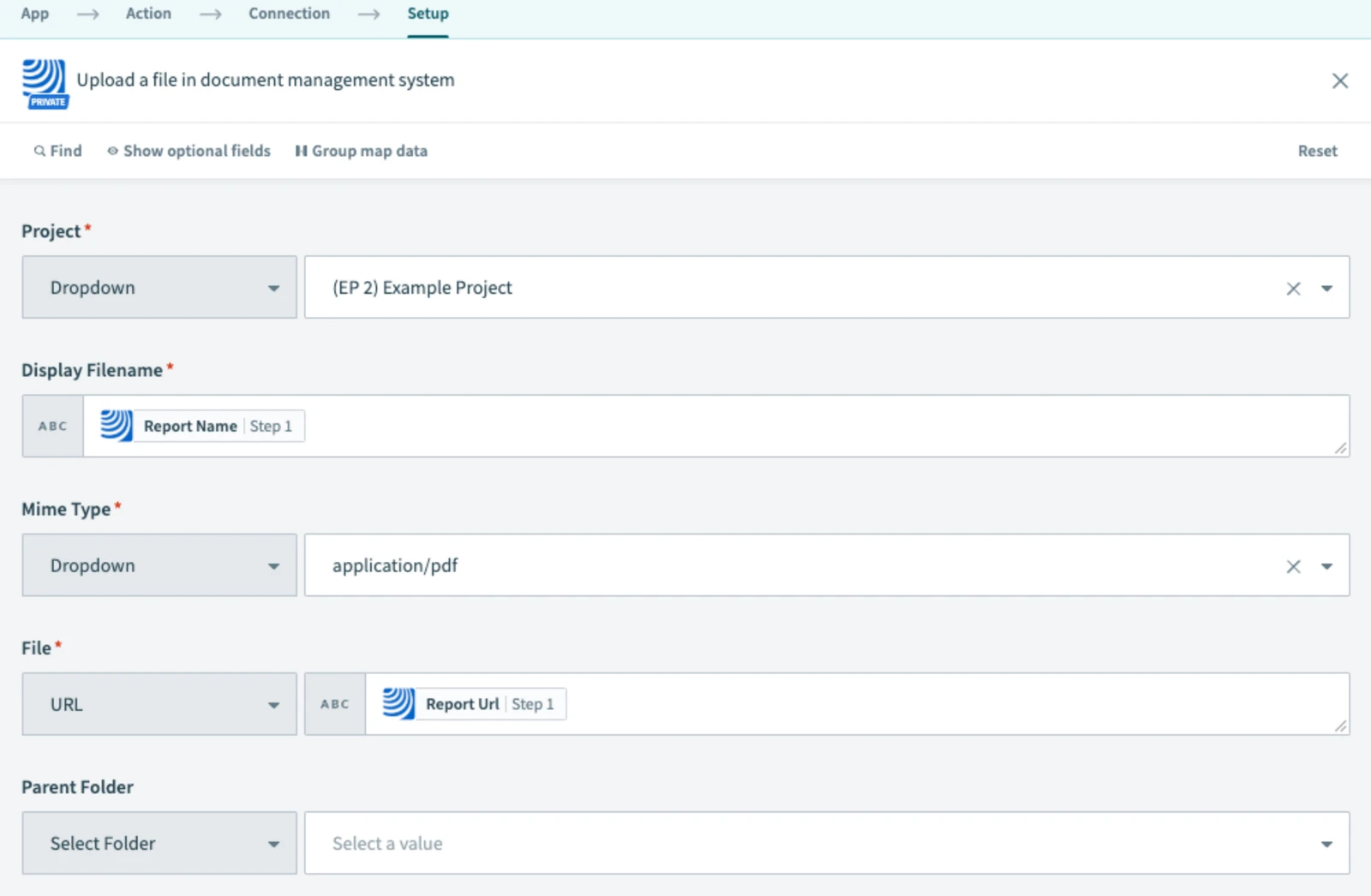
Choose upload location in PlanRadar
-
In step 5, fill in the email address to receive notifications in case of errors
-
Save and test the setup
-
Start recipe
5 What Happens Next
The recipe stores reports in PlanRadar Documents automatically.
6 Further Exploration
See Resources for document workflow examples.
Updated May 12, 2026