

 Deutsch
 Español
 Français
 Hrvatski
 Italiano
 Polski
 Português (BR)
Switch between Accounts
Overview
As a PlanRadar user, you can be a member of multiple customer accounts at once.
Switch between Accounts
To switch to another account you have been invited to:
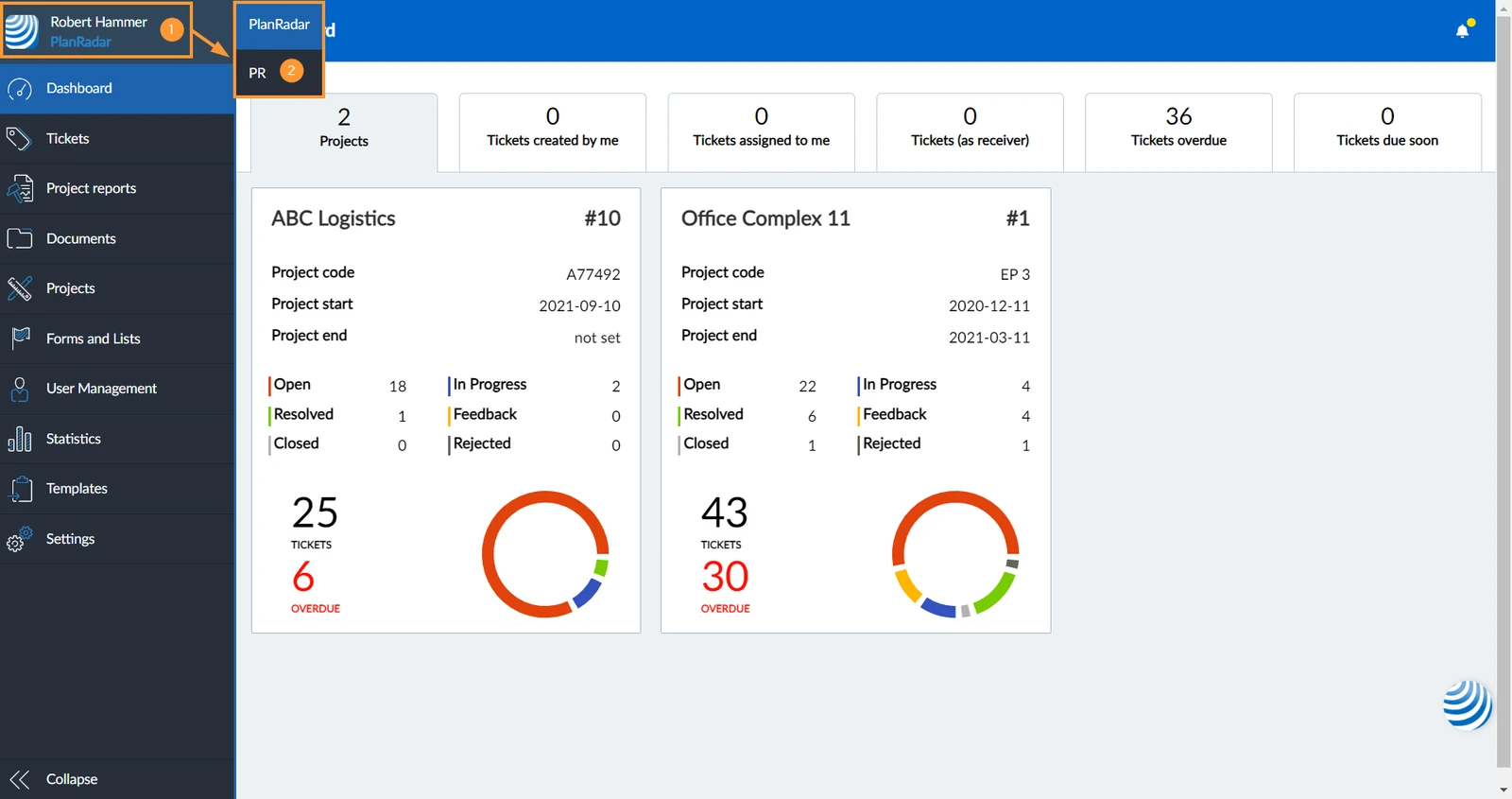
- Hover over the PlanRadar logo to show the sub menu with your accounts
- Click on the account name you want to switch to e.g. PR.
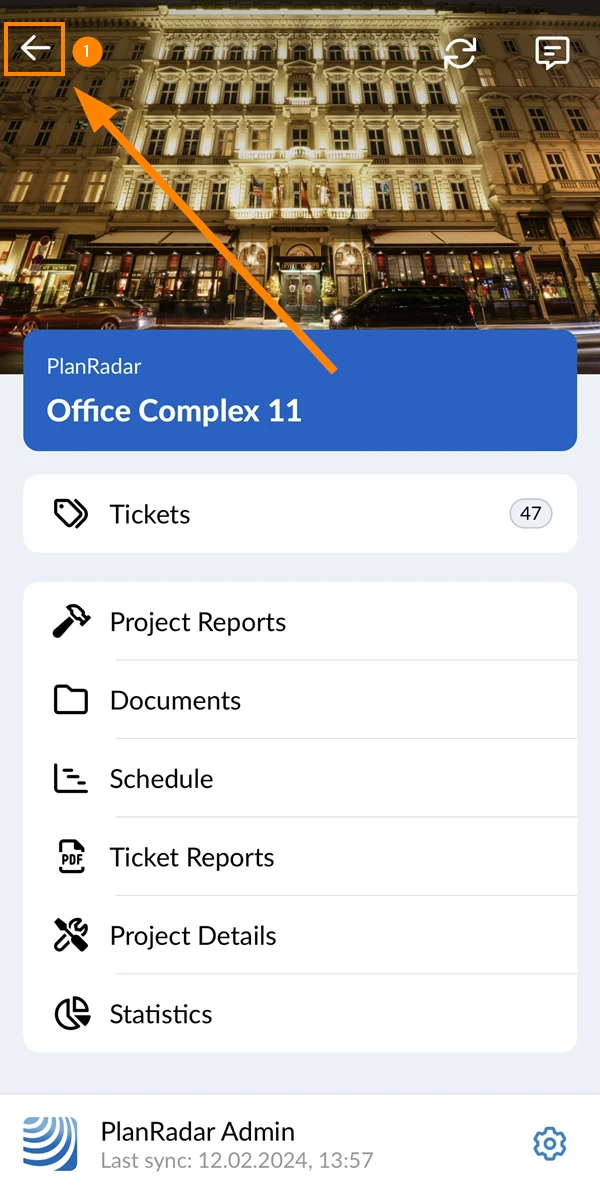
- Tap back in the main menu
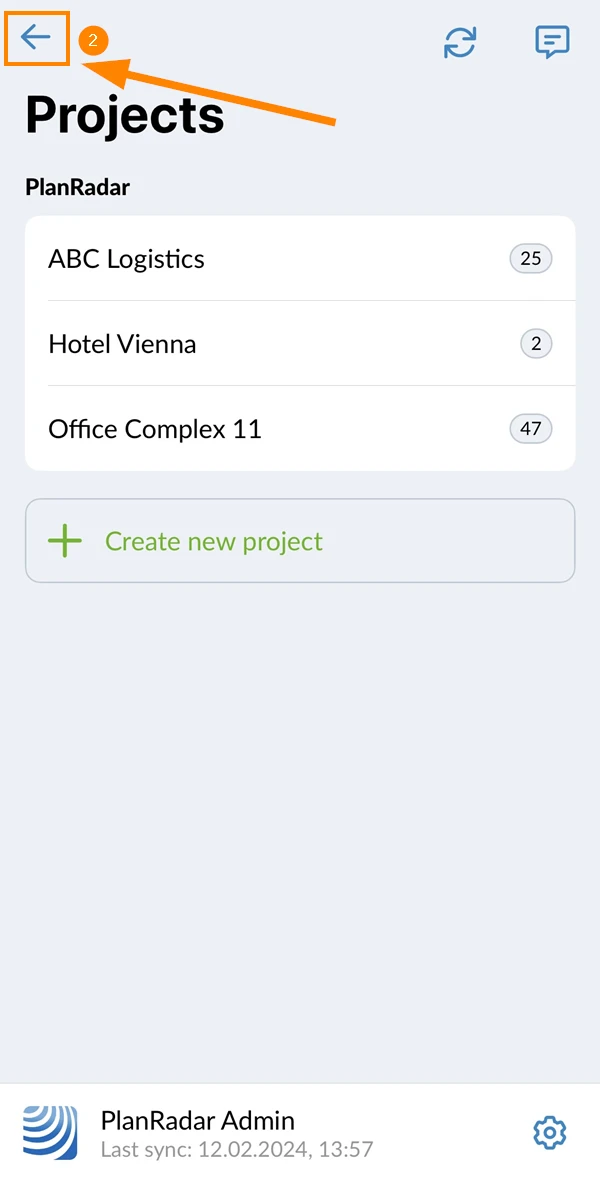
- Tap back in the project selection screen
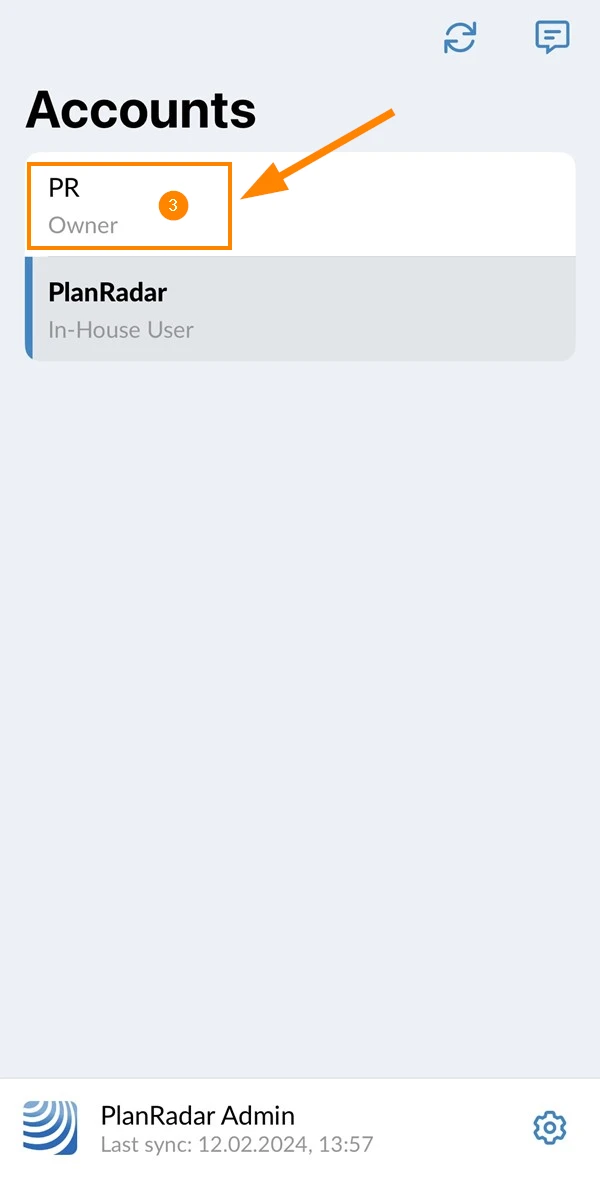
- Tap the account e.g. PR
Updated June 3, 2026