

 Deutsch
 Español
 Français
 Hrvatski
 Italiano
 Polski
 Português (BR)
Message Center & Notifications in the Webapp
Overview
Know all the updates related to your account by checking the Message Center. You can access the Message Center from anywhere in the Webapp.
How to Access Message Center
To view the notifications:
- Click the bell icon
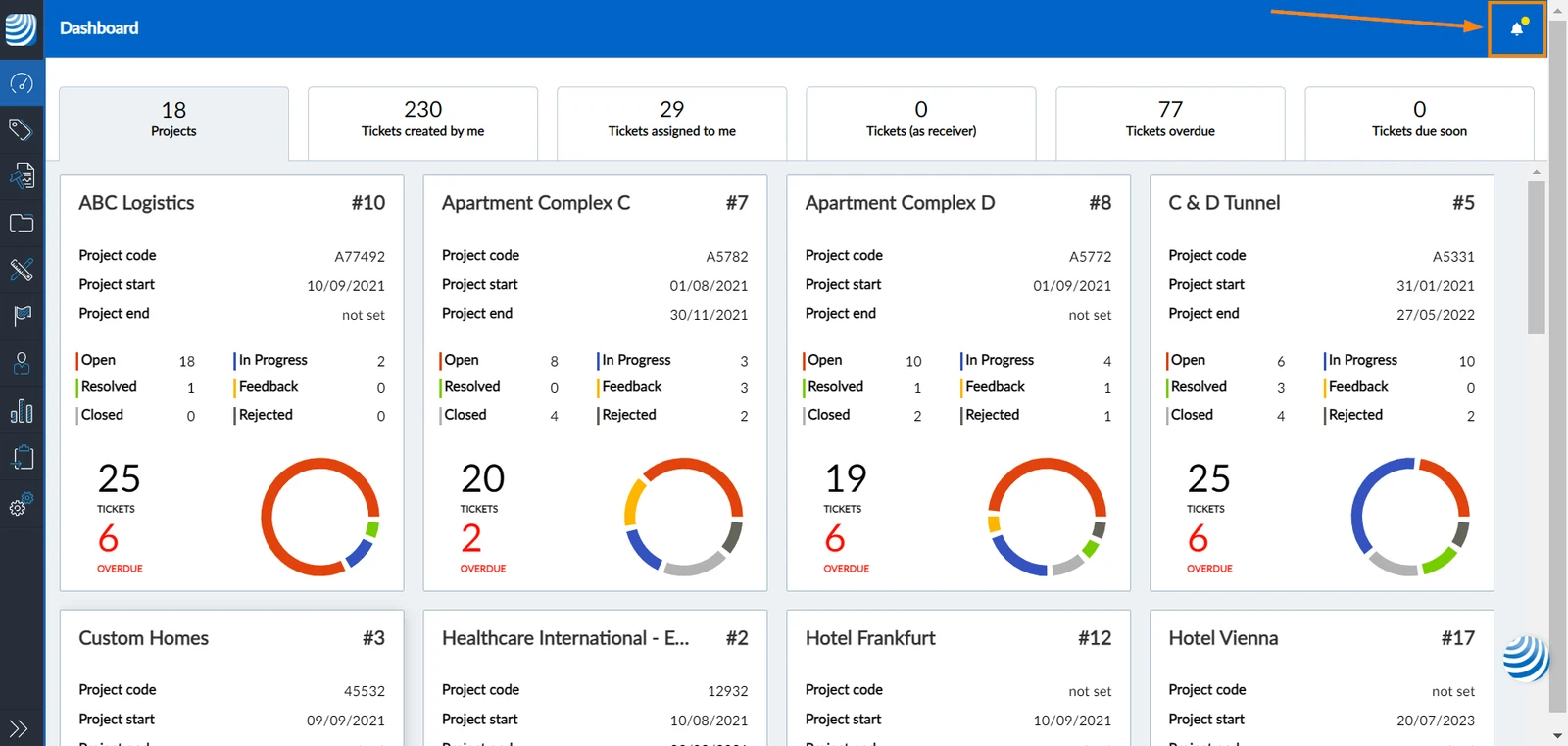
Notification Types
The Message Center is divided into three tabs for the different types of notifications.
Ticket Notifications
The ticket notifications tab shows all changes carried out to the tickets you have access to. To access the ticket notifications:
- Open the Message Center
- Click Tickets to show Ticket Notifications
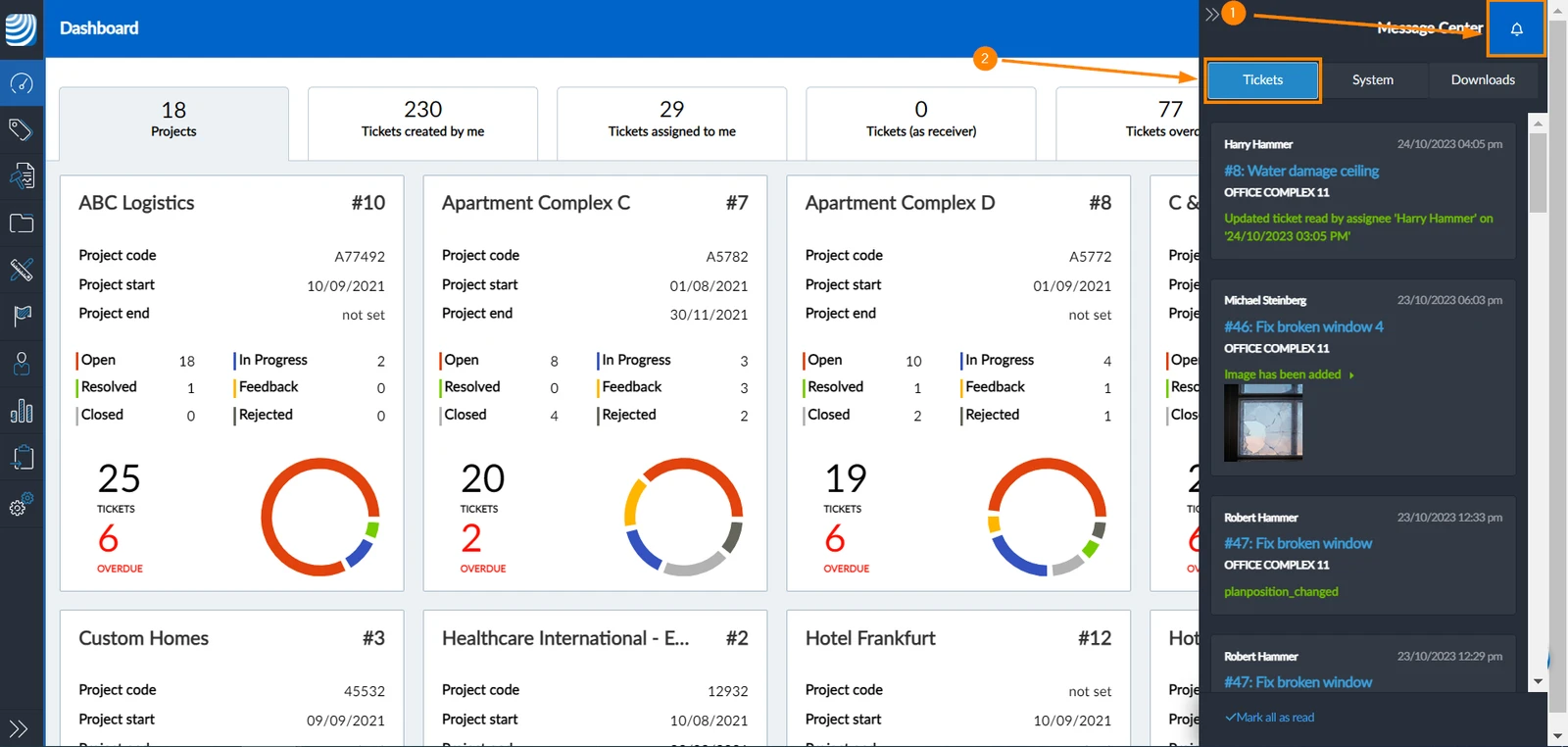
Open Tickets from the Message Center
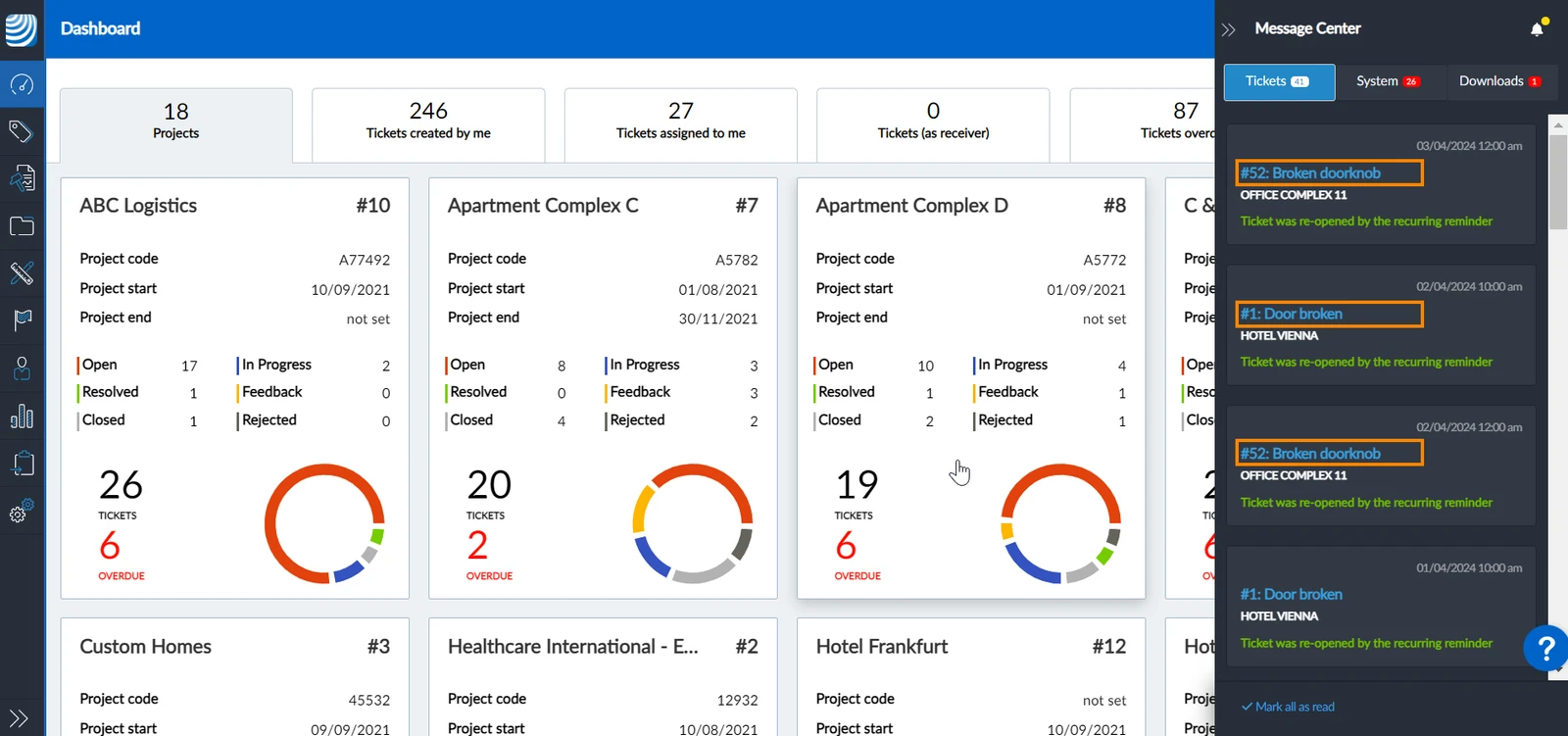
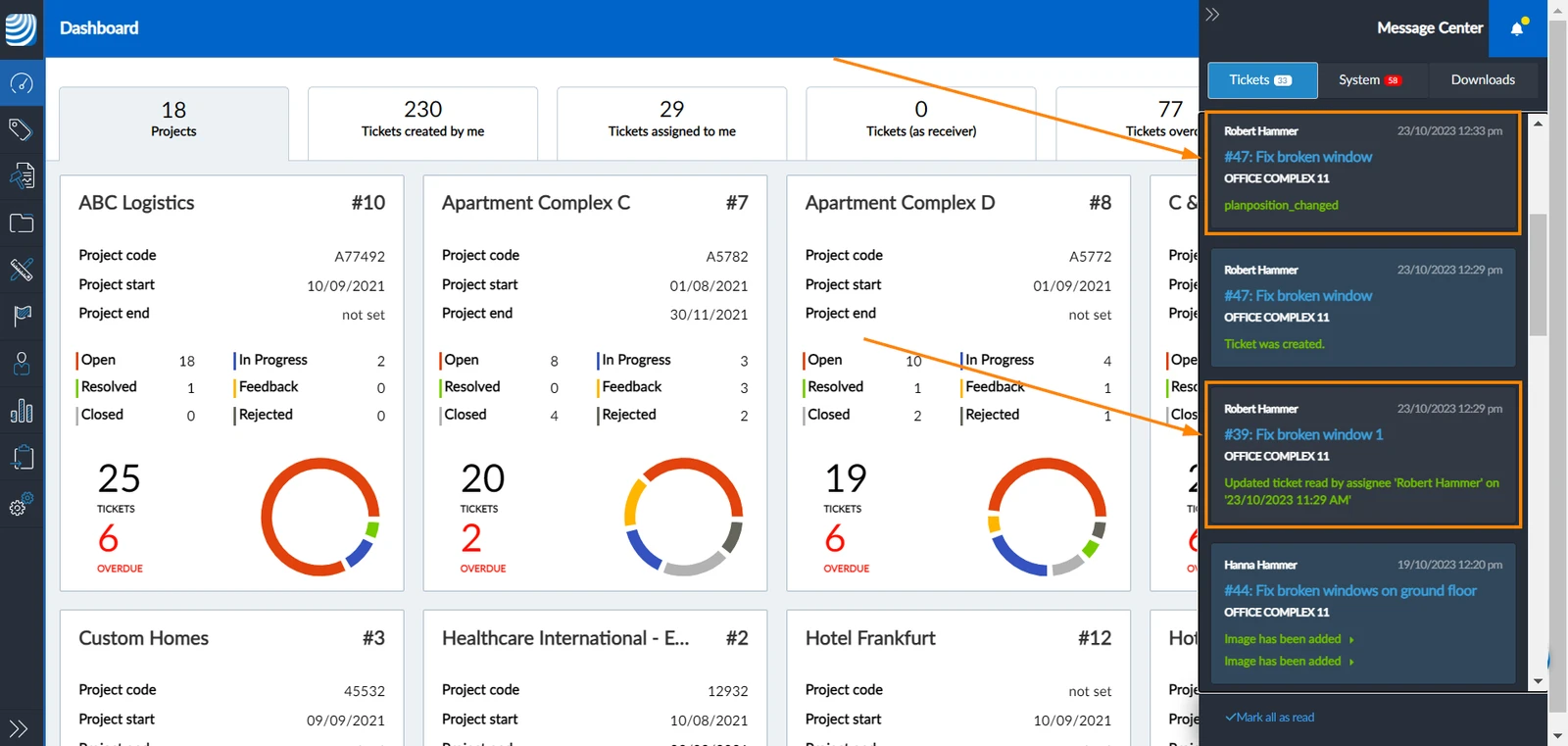
You can open the ticket from the notifications by clicking on the ticket title in the notification card:
System Notifications
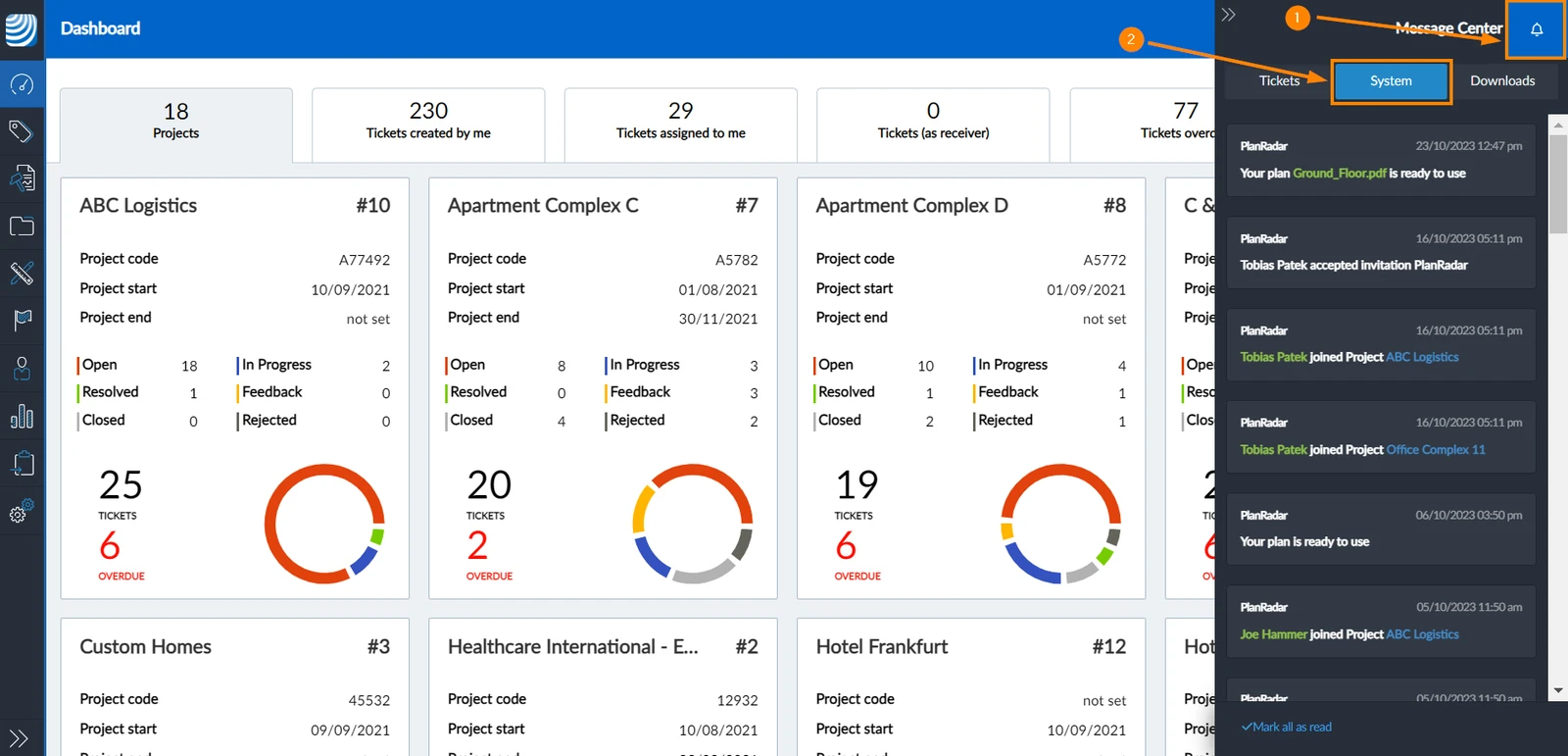
The system notifications shows the updates in your projects, project plans, and users. To access the system notifications:
- Open the Message Center
- Click System to show System Notifications
Downloads
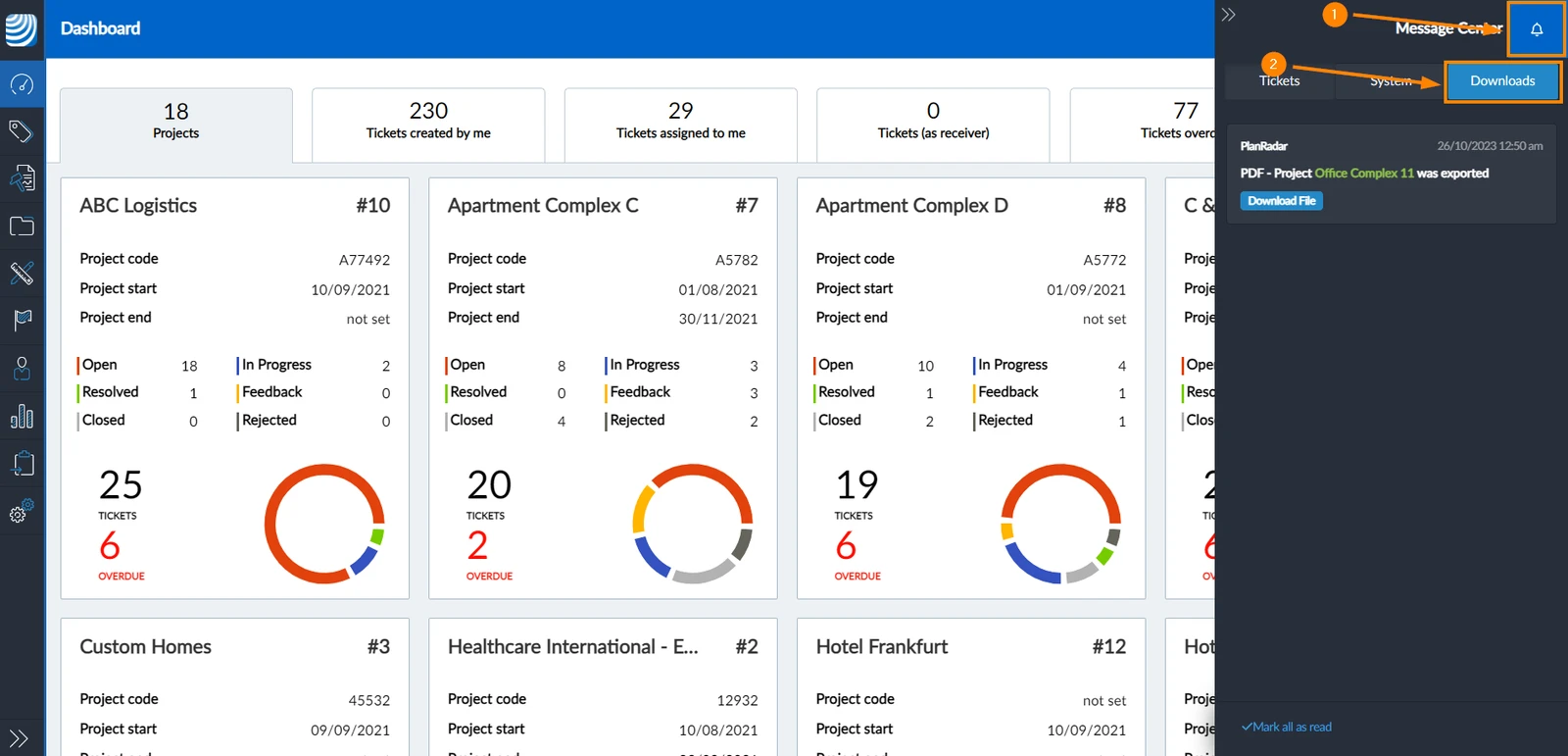
The downloads center shows all the files exported with your PlanRadar user and ready to be downloaded. To access the Downloads:
- Open the Message Center
- Click Downloads to show files ready to be downloaded
Mark as Read
Mark a Single Notification as Read
Once you open the notification center, you can click on any notification to mark it as read
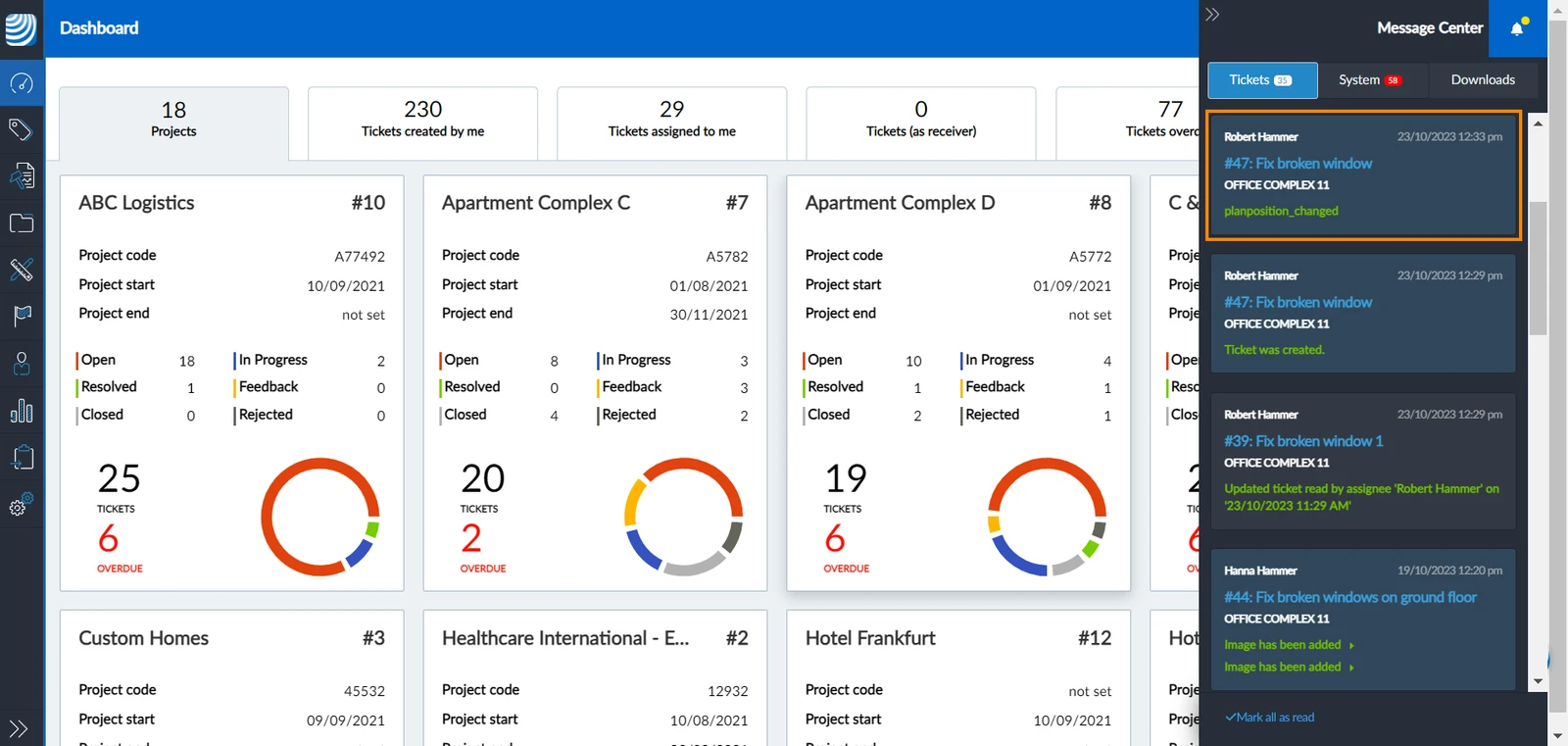
Read notifications are distinguished by a slightly darker colour:
Mark All Notifications as Read
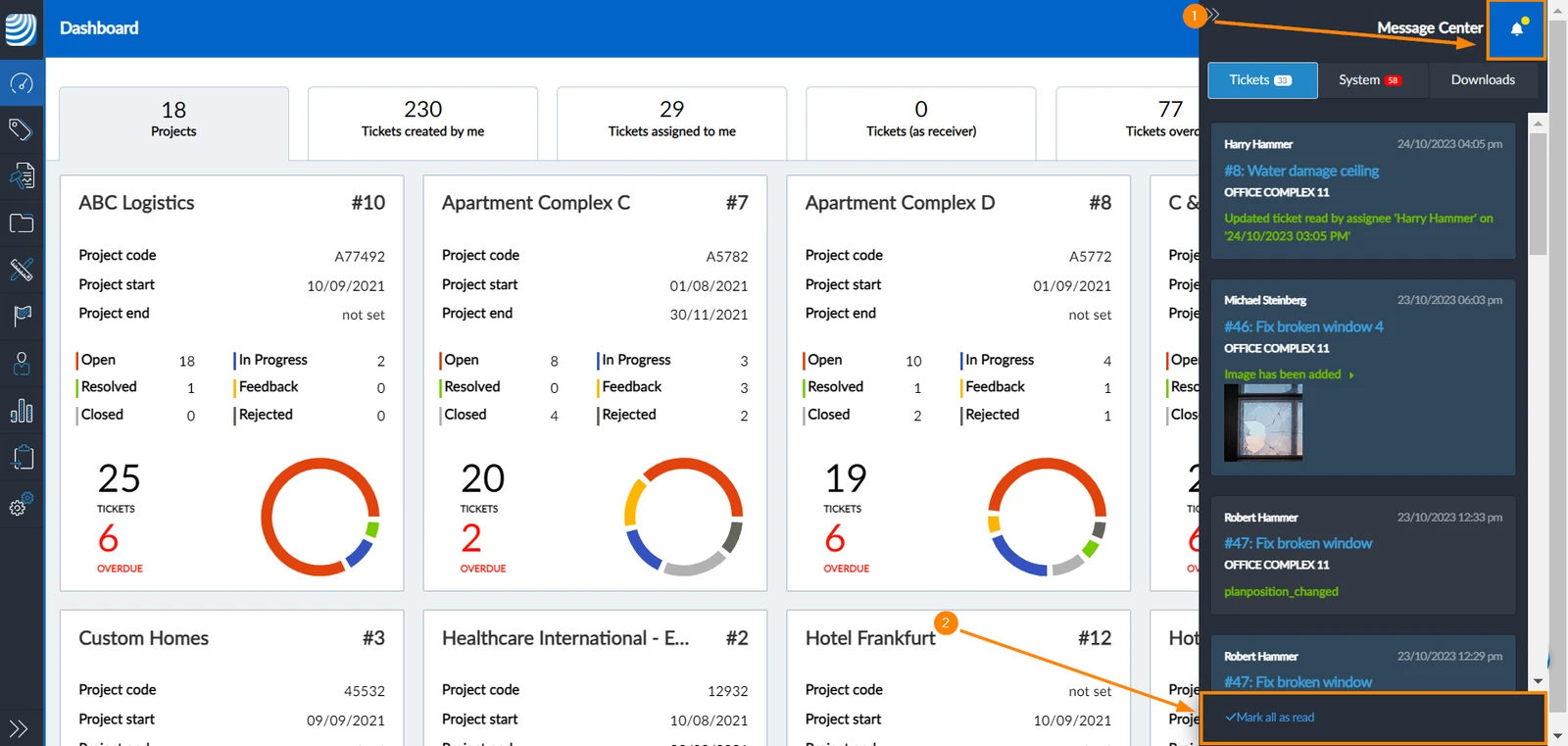
To mark all notifications as read:
- Open the Message Center
- Click Mark all as read
Registered Events
There is a certain number of events that trigger your notifications. Below is a list of the events you get notified of:
Tickets Notifications
- Ticket Creation
- Ticket Edits
- Assignee Viewing a Ticket
- Ticket Deletion
System Notifications
-
Plan processed
-
Plan activated
-
Error in plan creation
-
Error in plan activation
-
Plan file is unsafe
-
BIM model processed
-
User invitation sent
-
User accepted invitation
-
User joined project
-
User left project
-
Ticket imported
-
Error in ticket validation
-
Project archived
-
Project copied
-
Error in copying project
-
Document uploaded
-
Uploaded document is unsafe
-
Trial expiration date
-
Subscription plan expiration date
-
Data deletion warning
-
Subscription plan's limit for number of plans reached
-
Warning before subscription plan's limit for number of plans reached
Downloads
- Project exported
- Project schedule exported
- Tickets exported
- User metrics exported
- Project report exported
- Attachments exported
Related Articles
Updated October 28, 2024