

 Deutsch
 Español
 Français
 Hrvatski
 Italiano
 Polski
 Português (BR)
Assign Projects to a User
Overview
When editing a user, you can assign projects that the user can access. In-house users must have assigned a specific role for each project that controls their permissions at the project level.
Access & Permissions
Assign Projects to a User
To assign projects to a user:
-
Continue after you Create & Invite Users or Edit Users
-
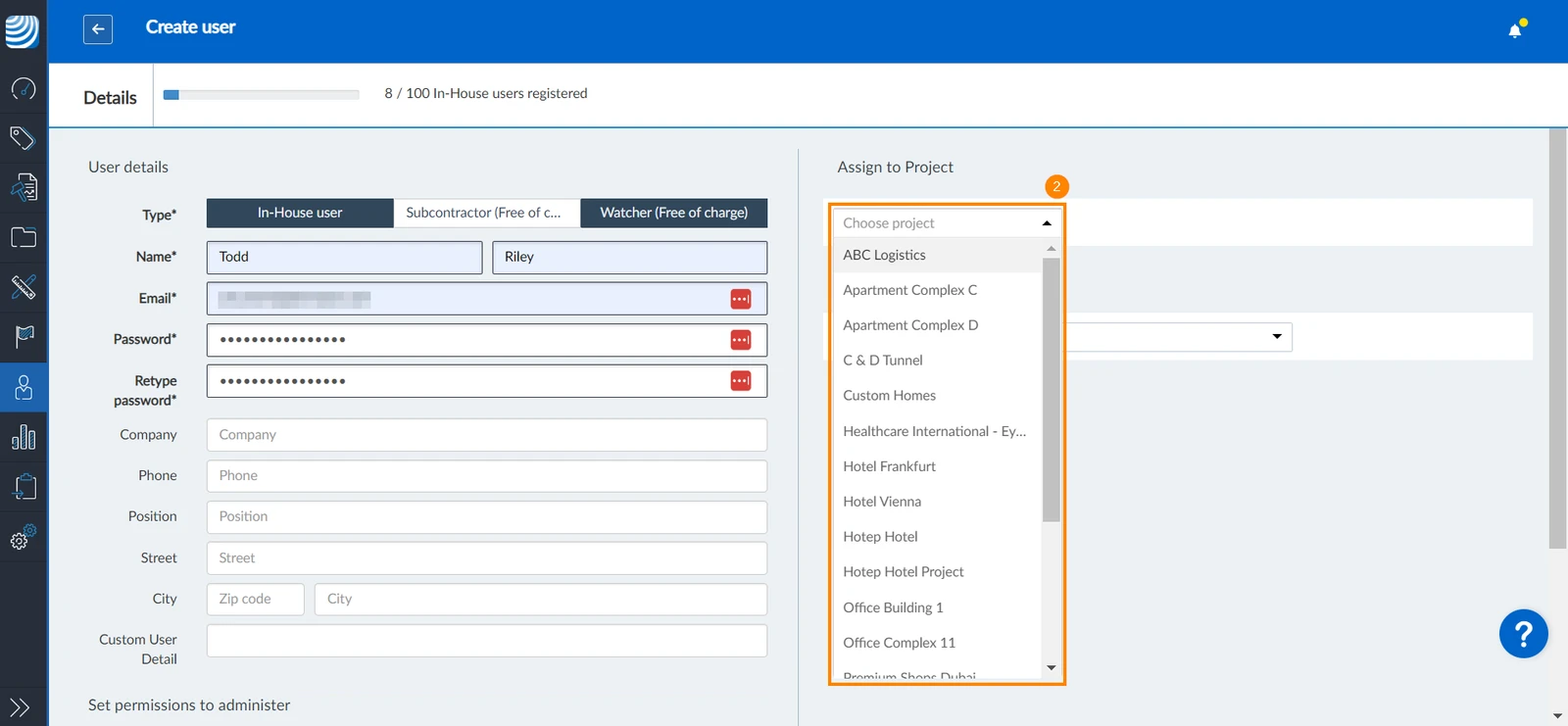
Select the project(s) to which you'd like to add the user from the projects drop-down menu
-
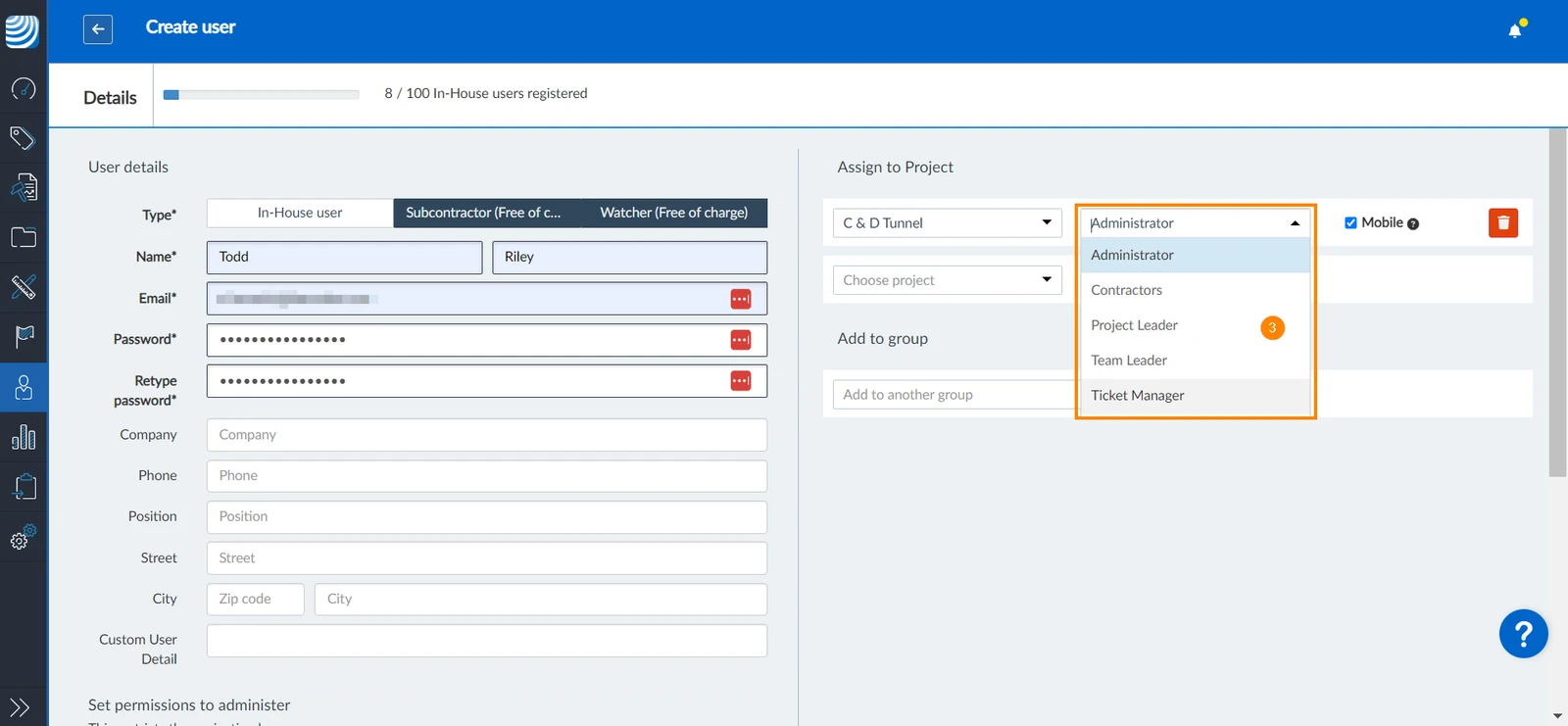
If the user is an in-house user, select the user role in the project
-
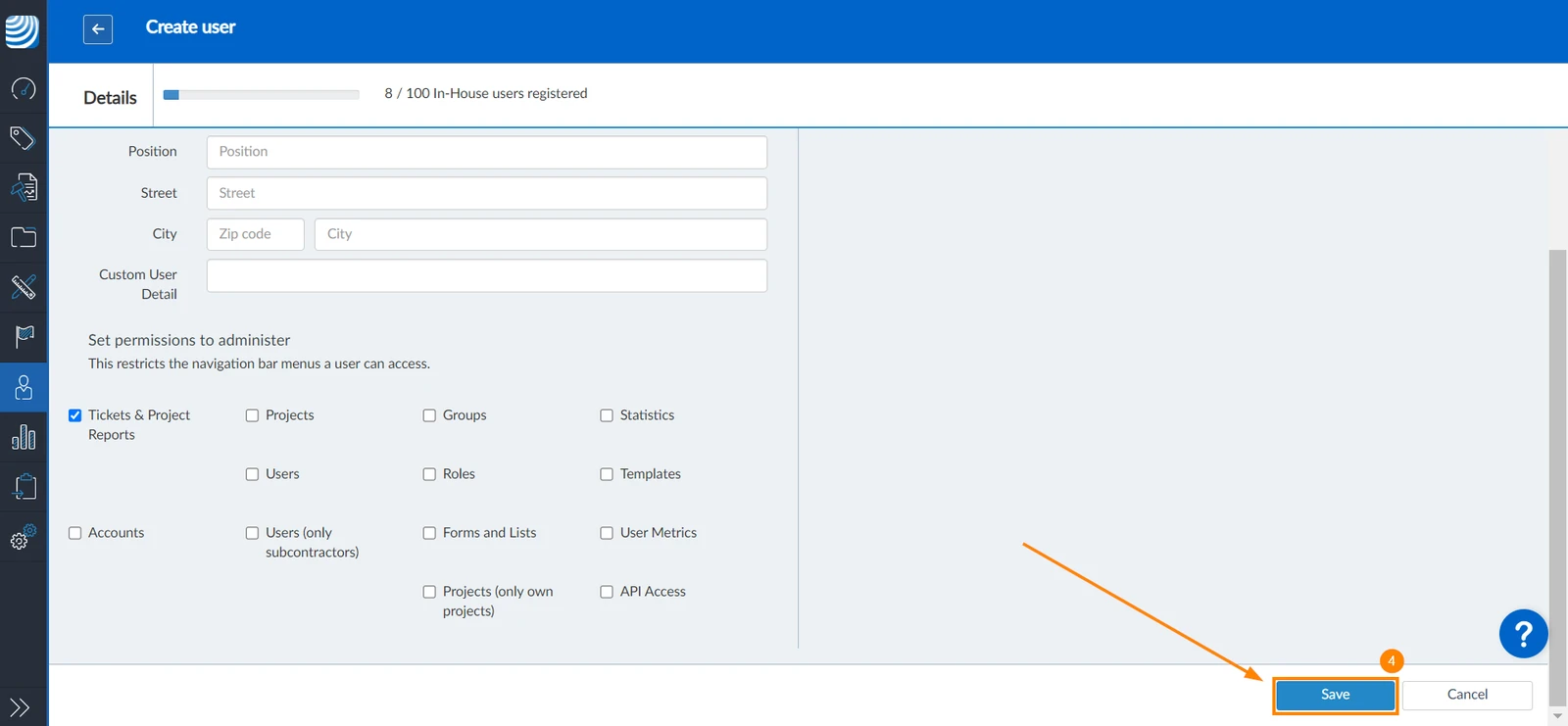
Click Save
Updated December 20, 2024