

 Deutsch
 Español
 Français
 Hrvatski
 Italiano
 Polski
 Português (BR)
Delete Access Tokens of Other Users
Overview
You can delete personal access tokens other users have created as described in Create or Delete Personal Access Tokens. This can be useful if you want to prevent them from further using integrations or when tokens got compromised. A new access token needs to be created if the deleted token was used for any integration.
Access & Permissions
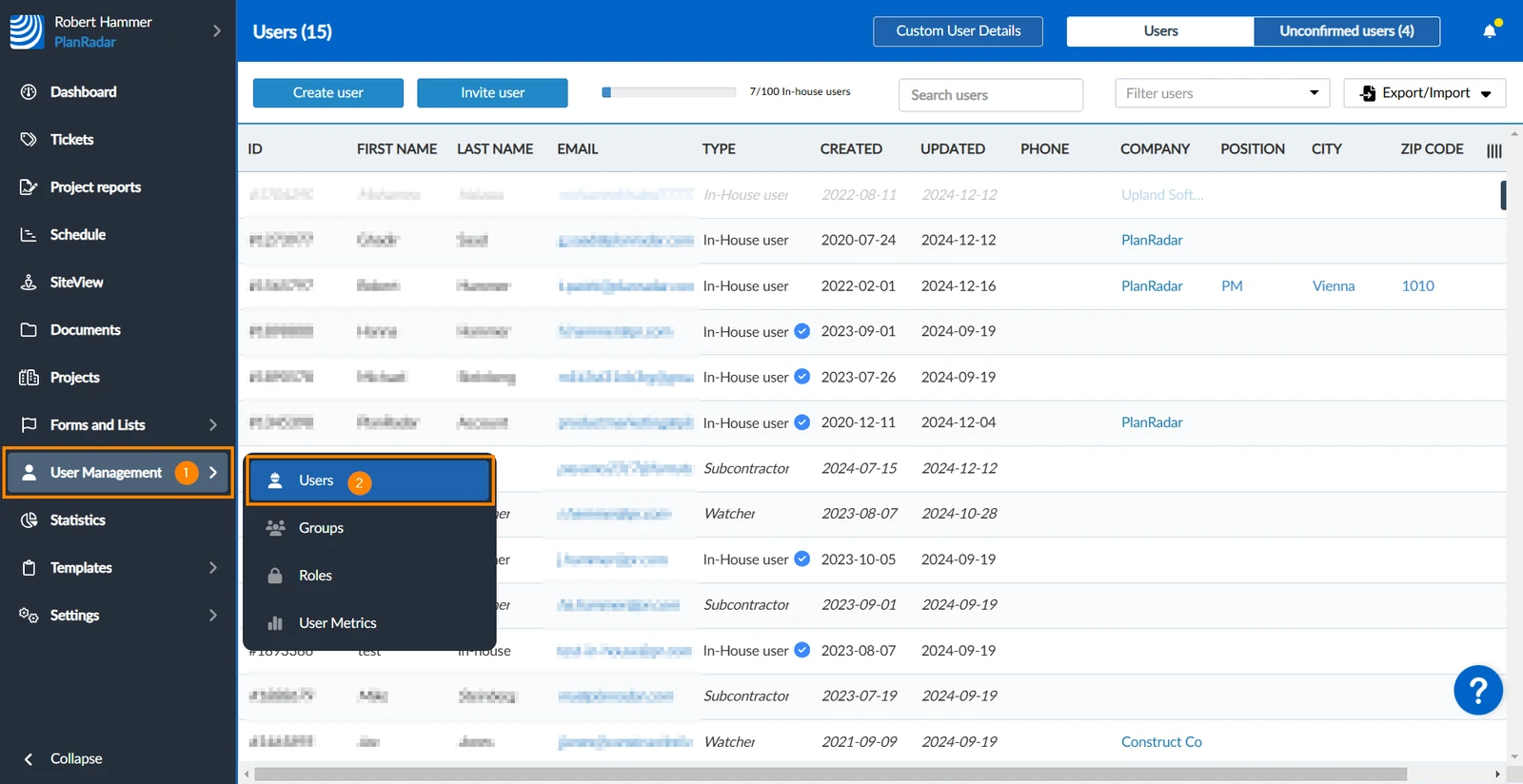
How to access Users
- Hover over User Management
- Click Users
Delete a User's Access Token
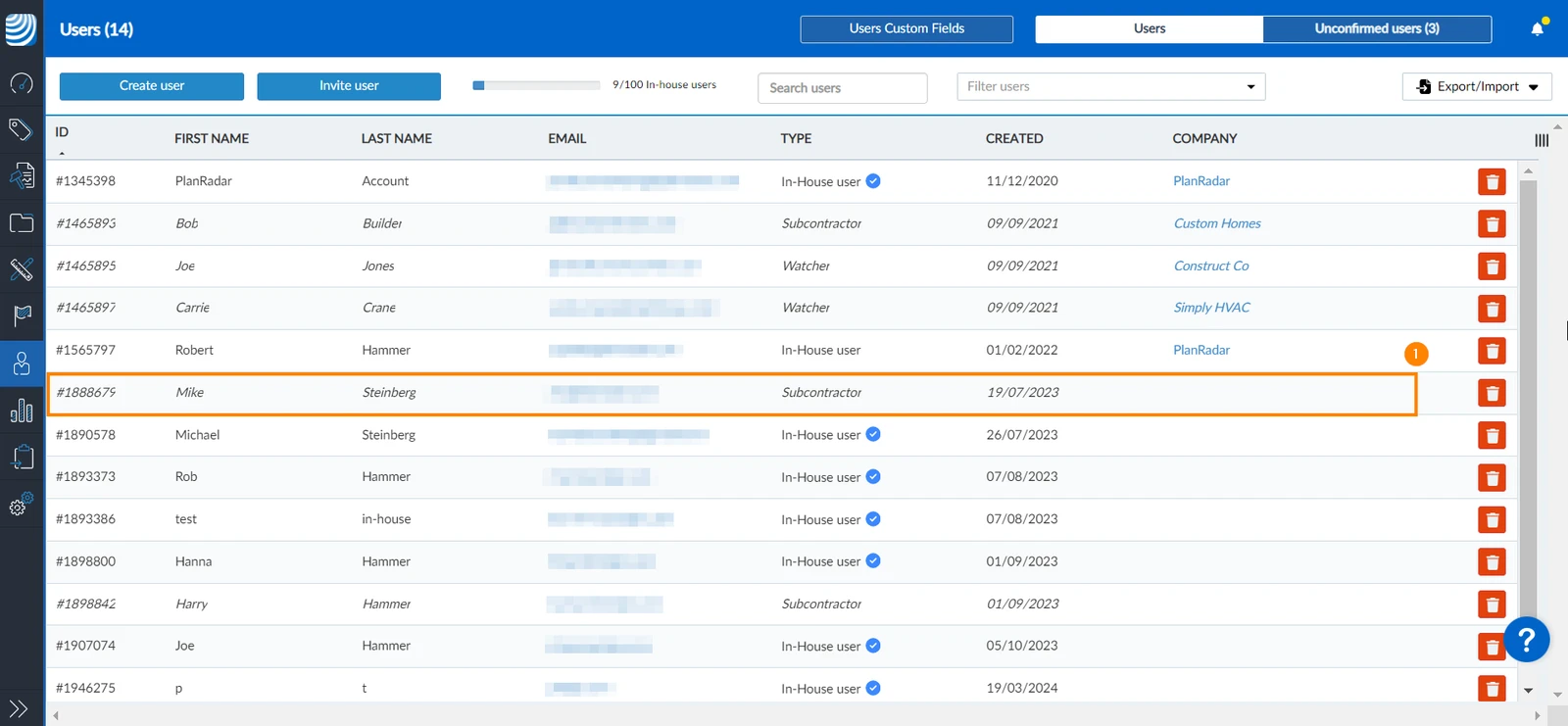
To delete a user's access token:
- Click the user whose access token you want to delete.
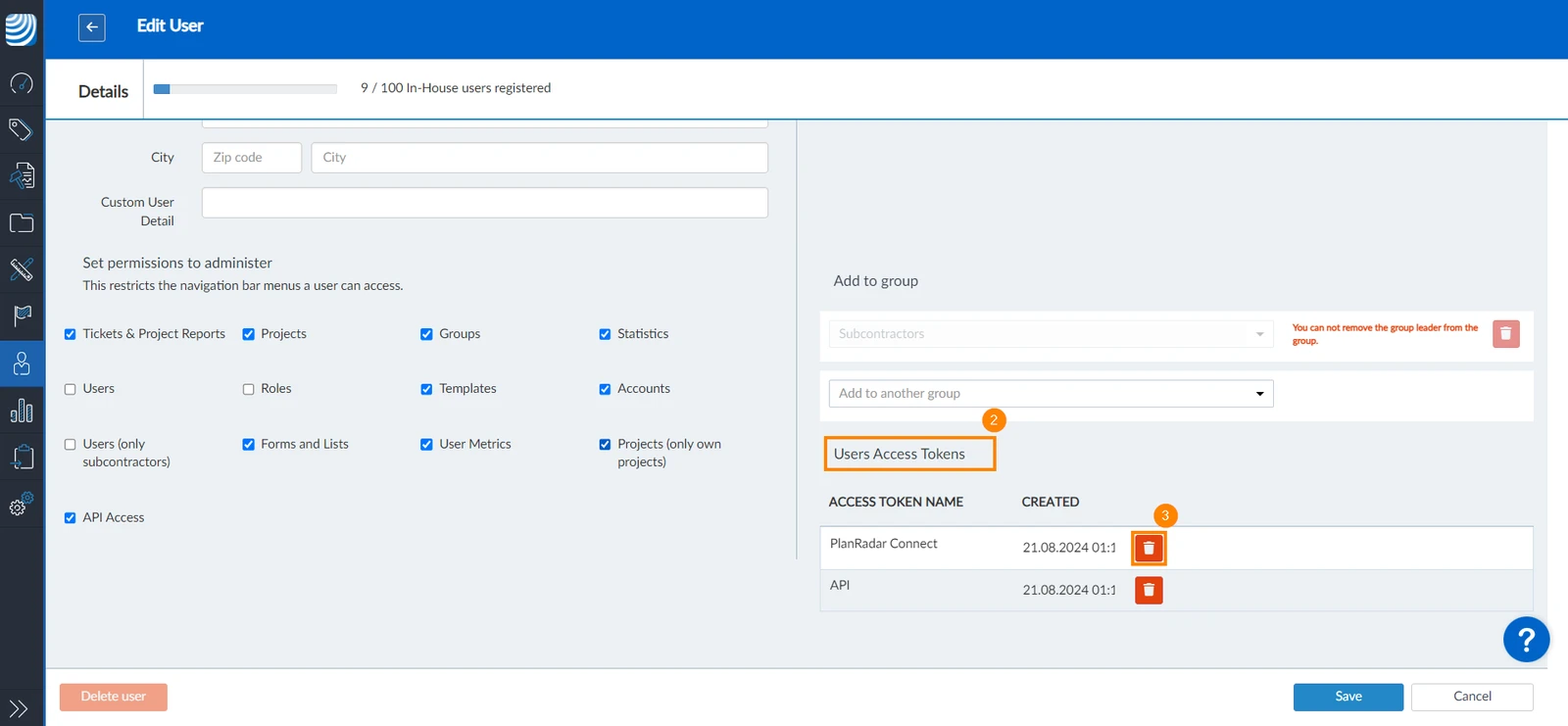
- Scroll down to Users Access Tokens.
- Click the trash icon next to the token you want to delete.
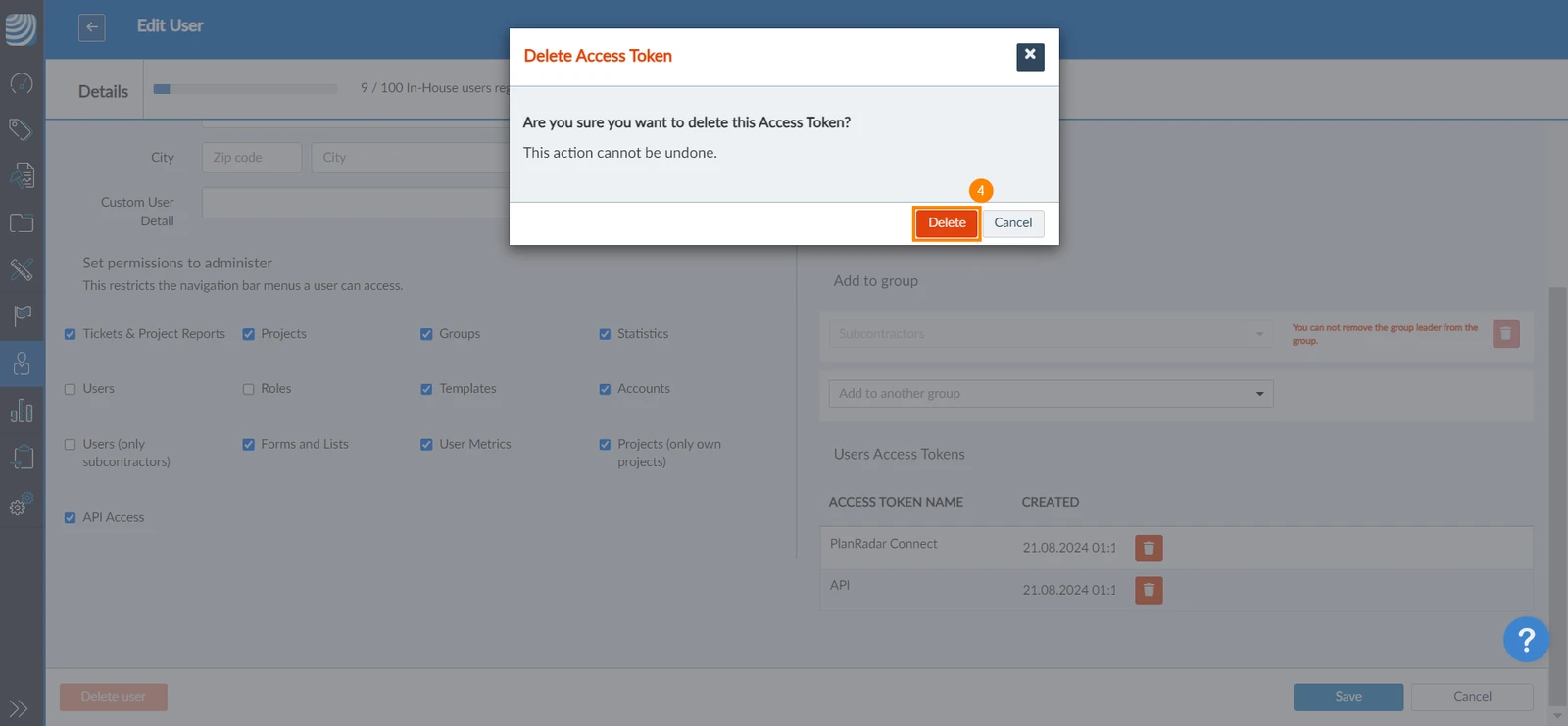
- Click Delete to confirm.
Updated June 18, 2026