

 Deutsch
 Español
 Français
 Hrvatski
 Italiano
 Polski
 Português (BR)
Quick Edit Tickets in List View in the Webapp
Overview
In the Webapp's list view, you can quickly change information of tickets in-line without opening the ticket.
Access & Permissions
Available only in Webapp.
Quick Edit Ticket in List View
- Click Tickets
- Select List in View drop-down
- Hover over the text field
- Click Edit
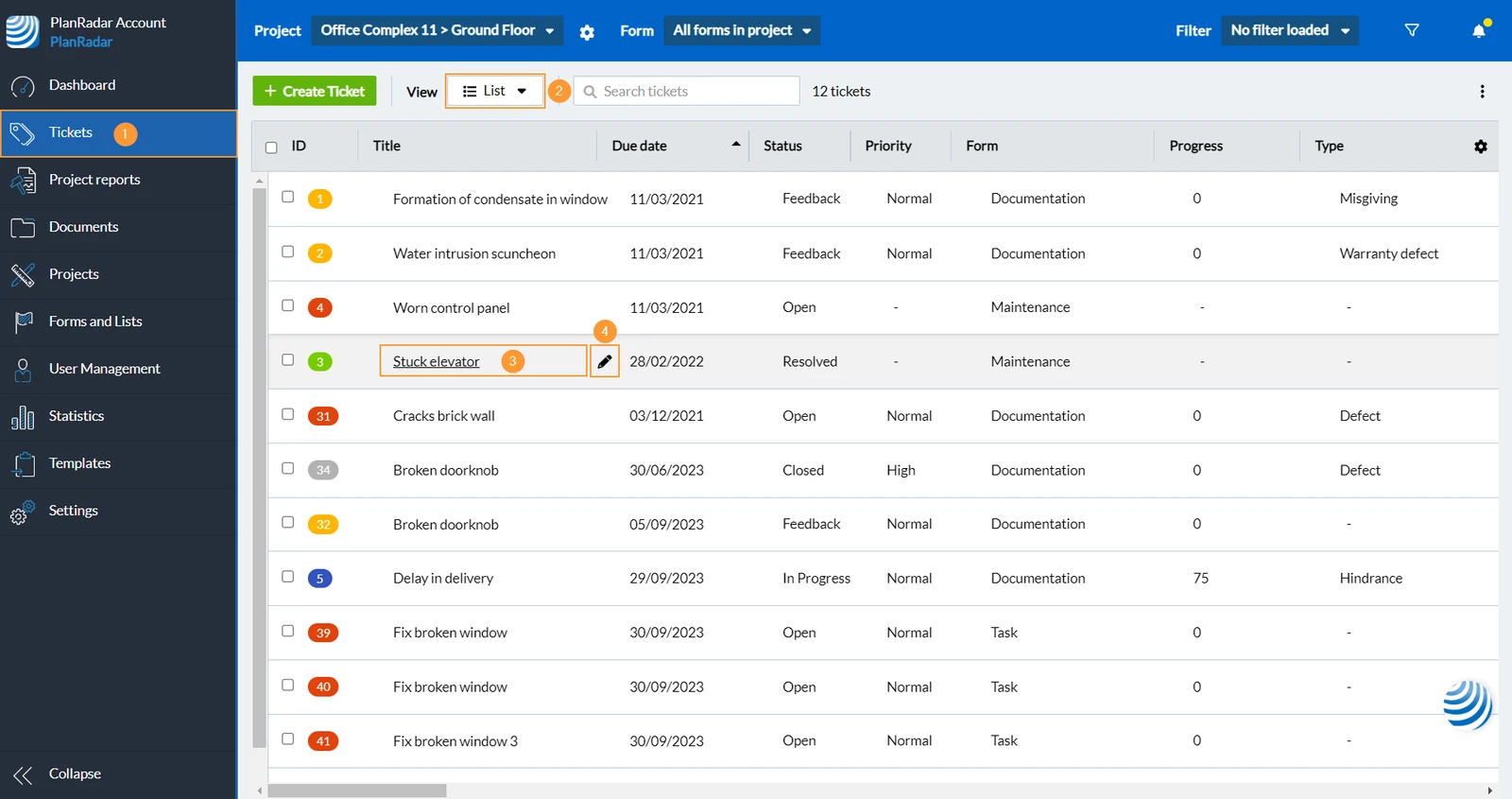
- Enter your new text
- Click ✔ to confirm

Related Articles
Updated February 17, 2025