

 Deutsch
 Español
 Français
 Hrvatski
 Italiano
 Polski
 Português (BR)
Comment a Ticket
Overview
Stay connected with your team and share information in real time using comments in tickets.
Access & Permissions
Read and Write Comments
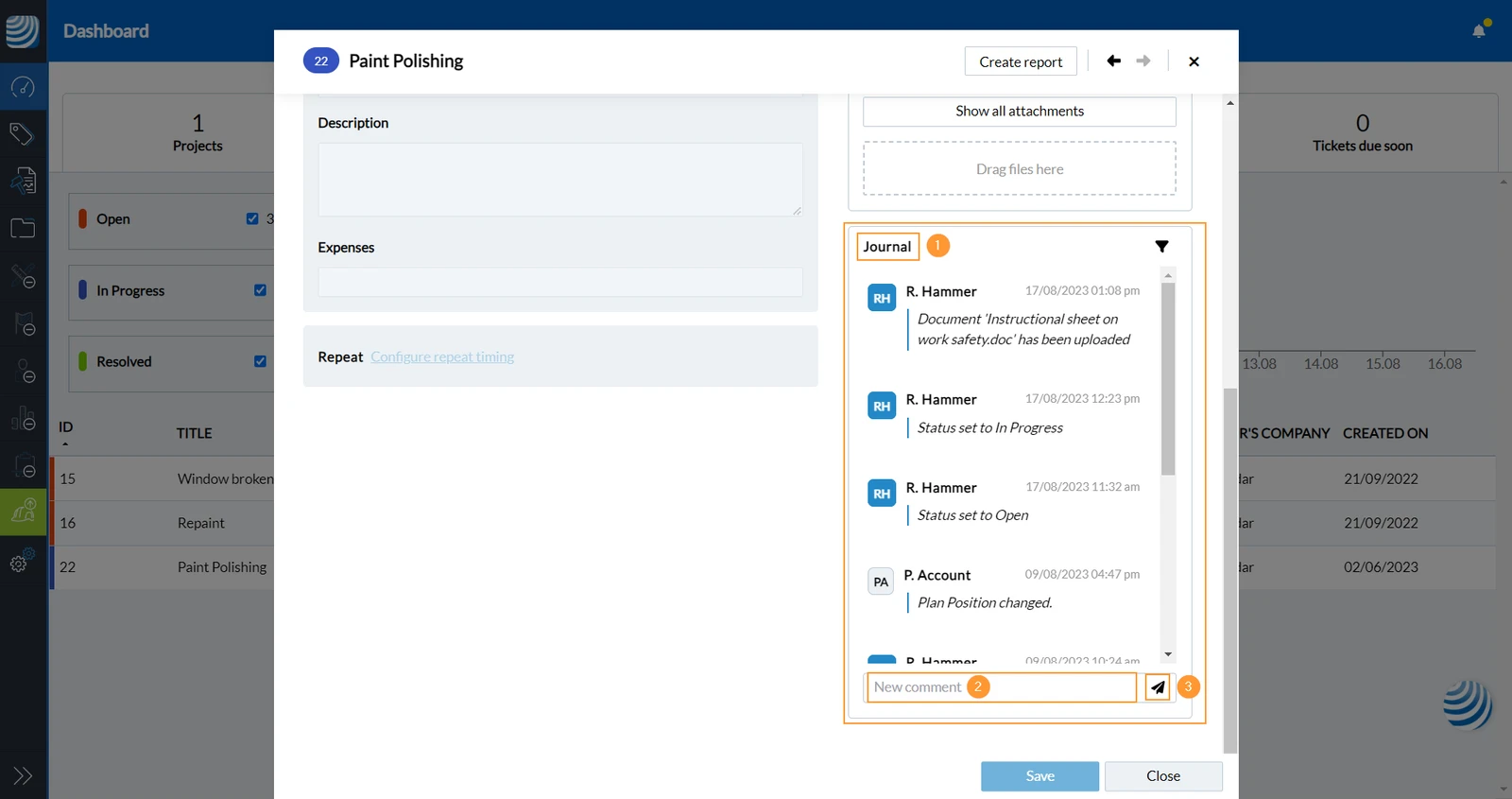
To write a comment in a ticket and view the journal:
- Open the ticket and scroll down to Journal
- Click New comment and enter your text
- Click Send to submit your comment
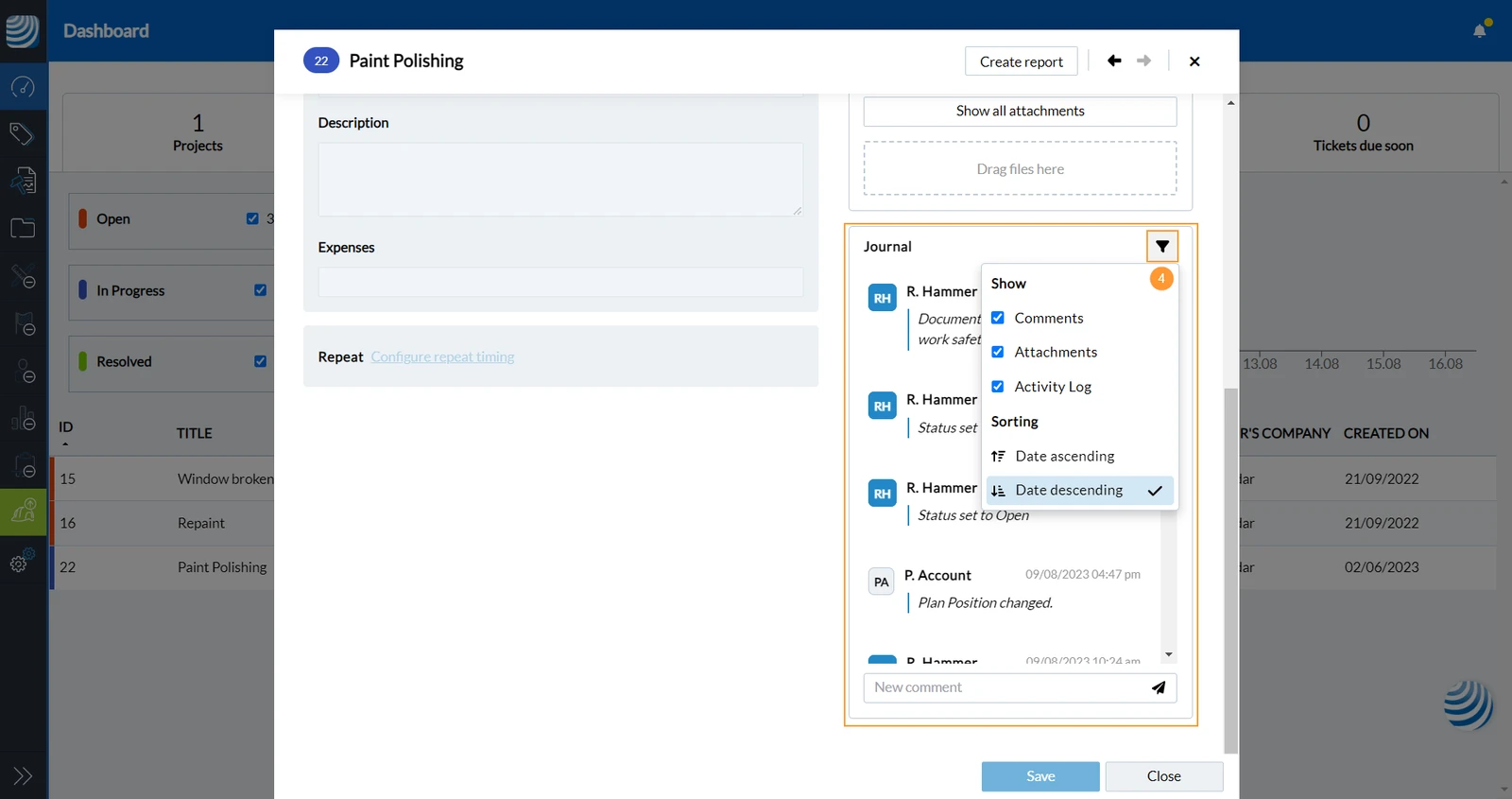
- Click the filter icon to define which entries (e.g. only comments, only Attachments) you want to see in which order.
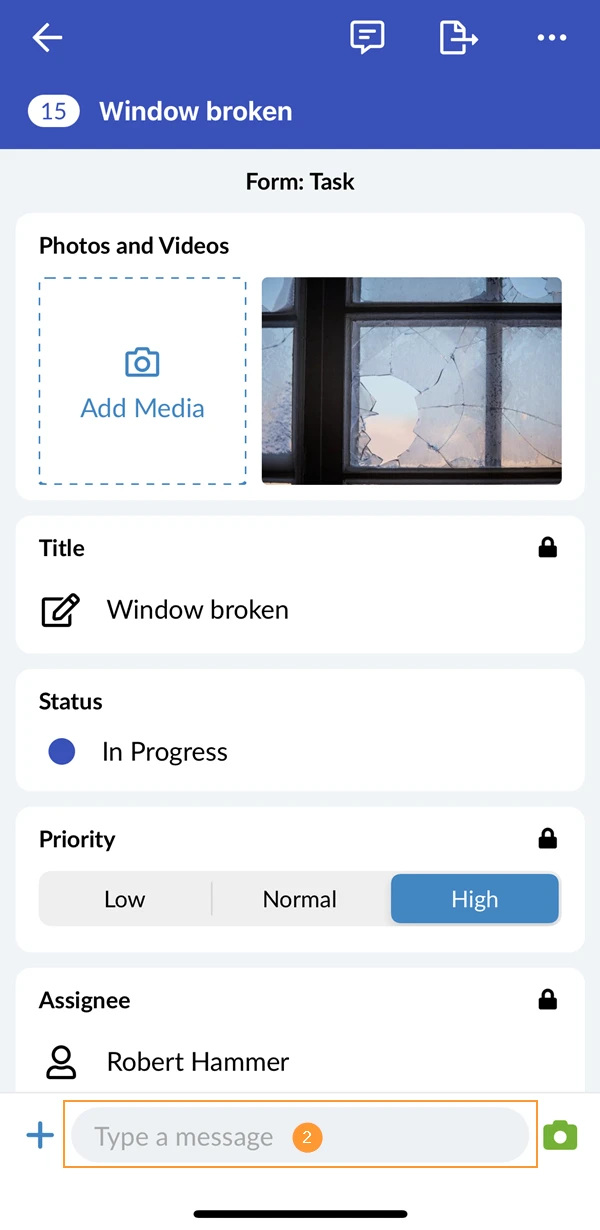
- Open the ticket
- Tap Type a message
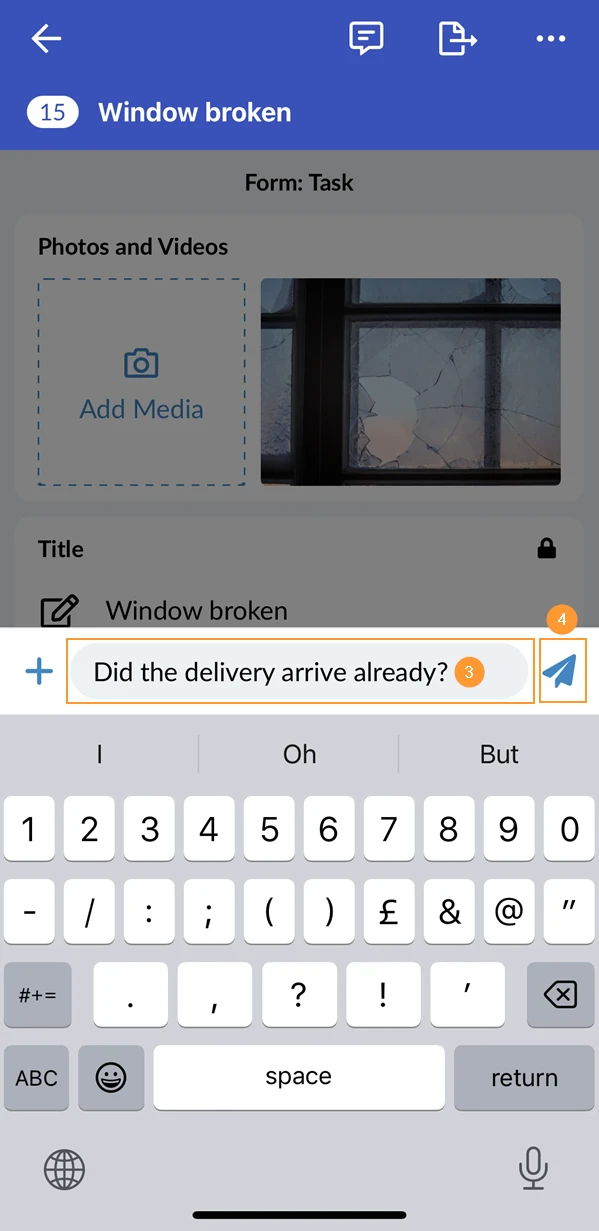
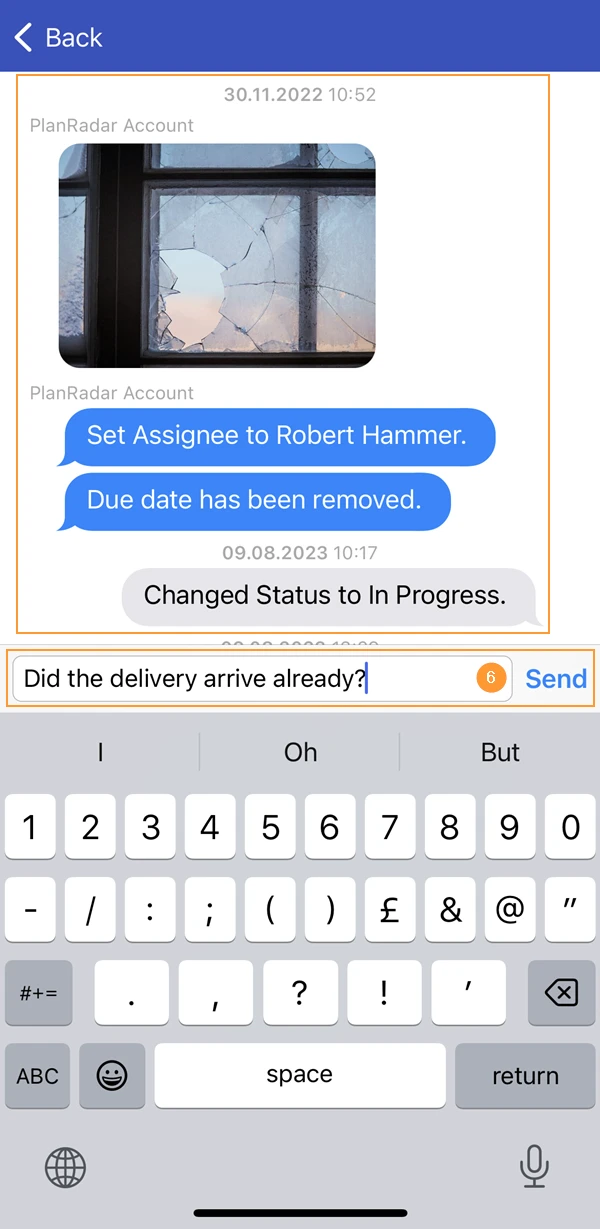
- Enter your message
- Tap Send

- To view the sent message open the journal by pressing the journal icon
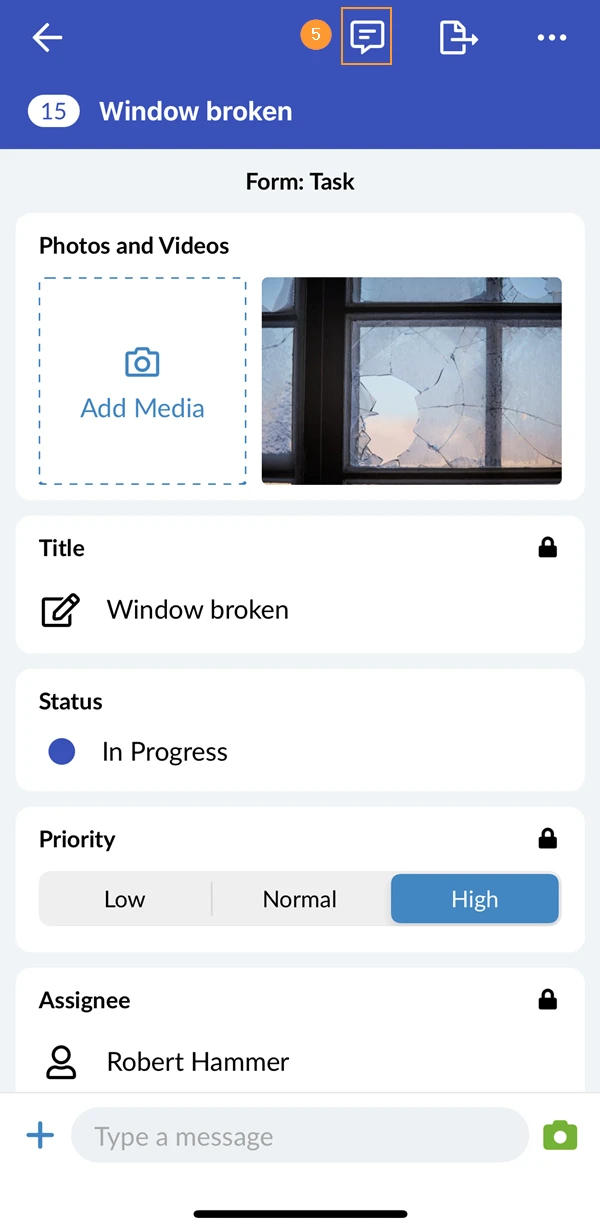
- In the journal you can see all messages and changes made to the ticket. You can also type a message here.
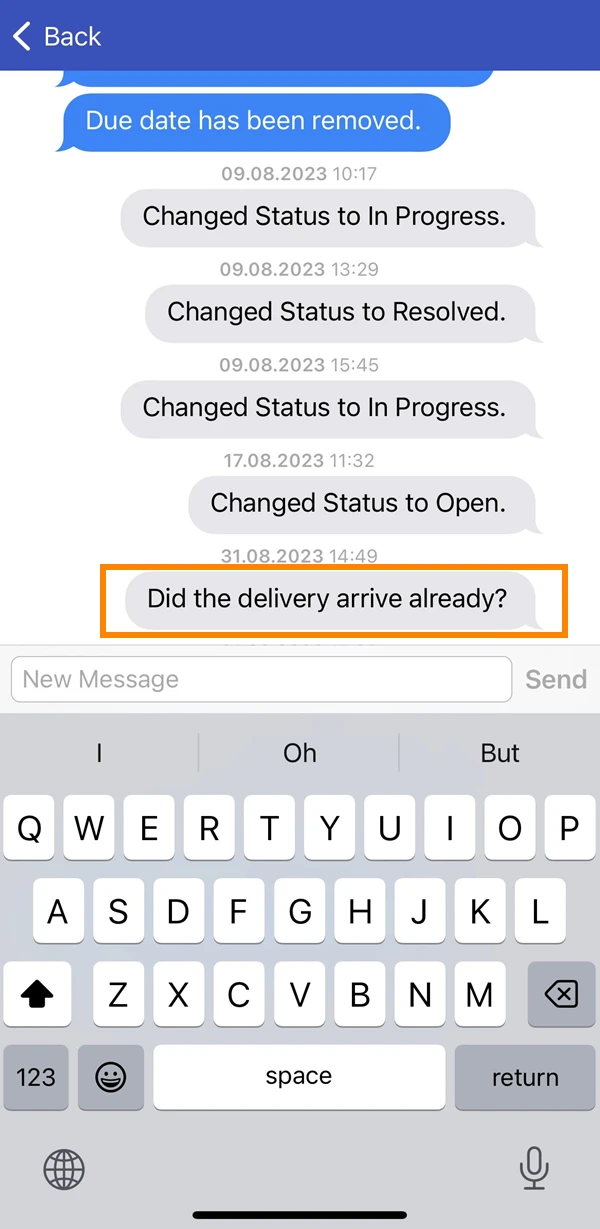
- After sending the message you can view it in the journal
Notifications
Depending on your notification settings you will receive email notifications.
Updated February 17, 2025