

 Deutsch
 Español
 Français
 Hrvatski
 Italiano
 Polski
 Português (BR)
View & Browse Project Reports
Overview
There are several view, filter and sort options to support you in quickly finding a specific project report and keep the overview.
Access & Permissions
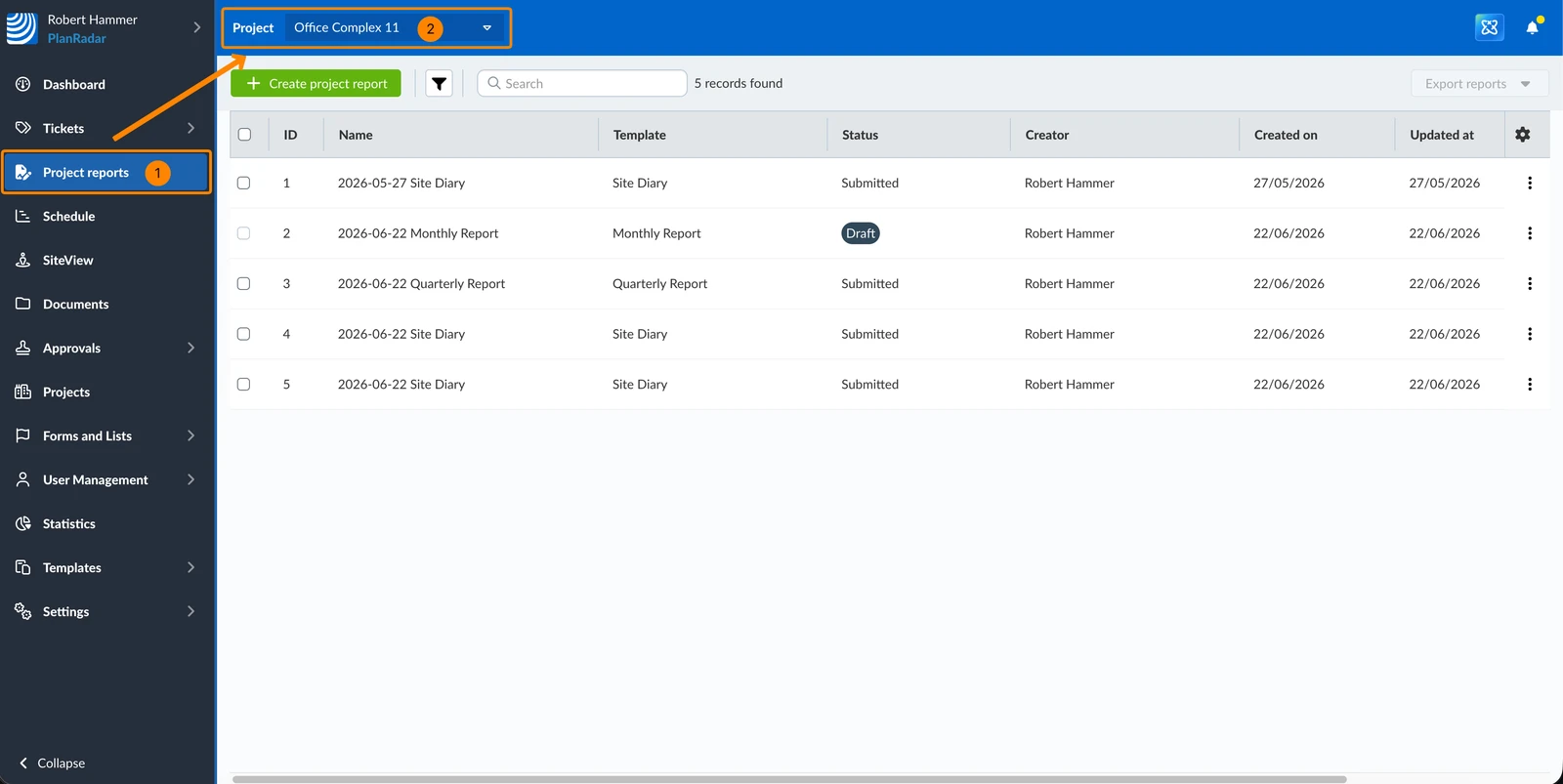
How to Access Project Reports
- Click Project reports
- Optional: Select a Project in the drop-down
View a Project Report
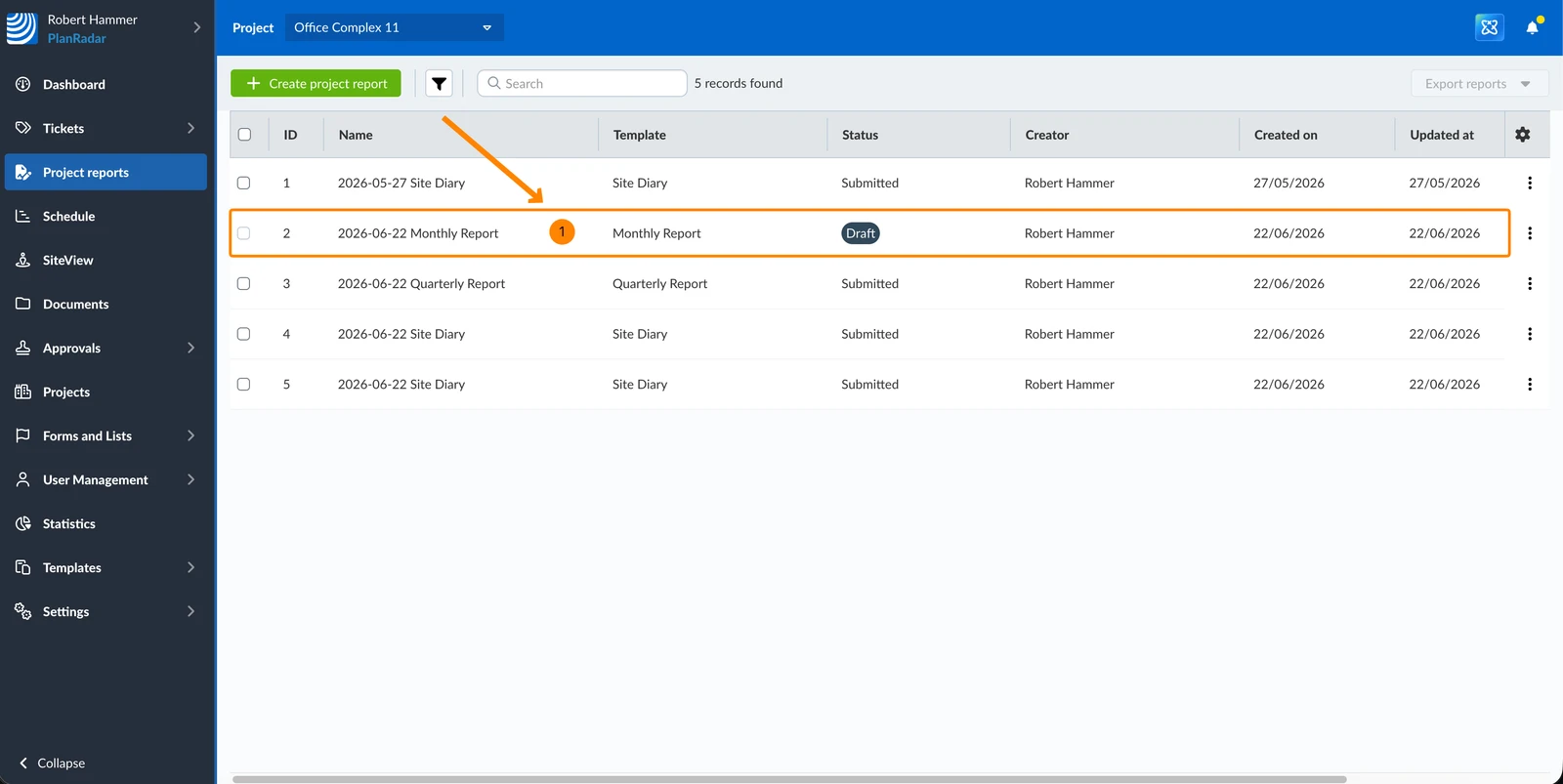
To view a project report:
- Click on the project report in the table
Filter
Filters work in the same way as described in Filter Tickets.
The following filter criteria are available for the project reports table:
-
Added by default:
- Name
- Template
- Status
- Creator
-
Not added by default:
- ID
- Created on
- Updated at
- Attachments count
- Has photos
- Has tickets
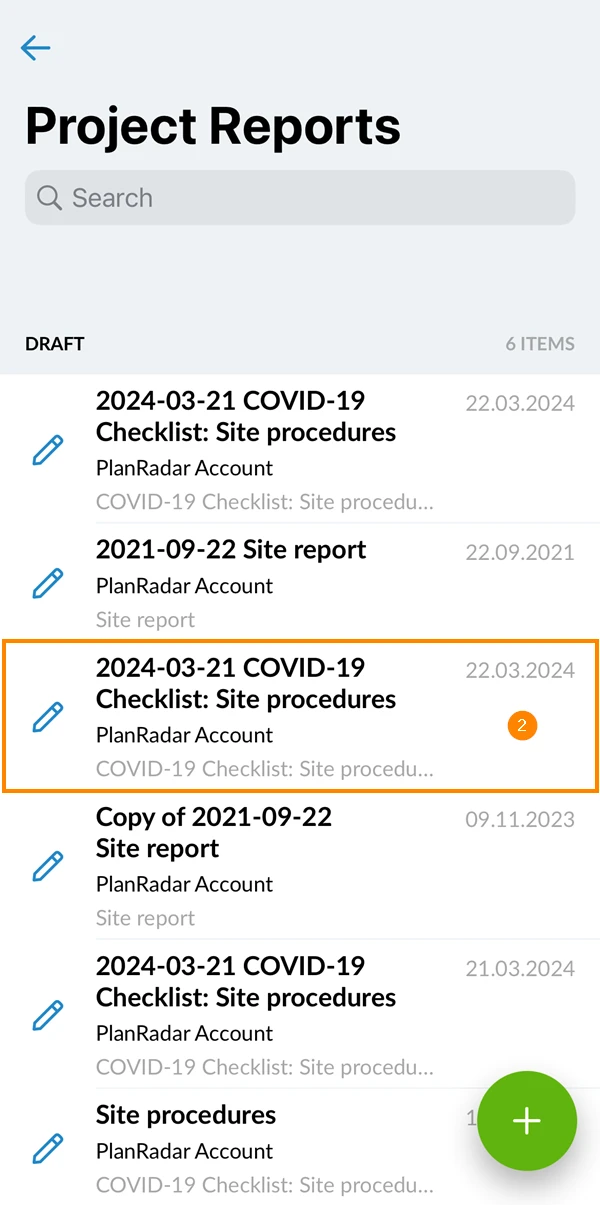
- Open Project Reports
- Tap the project report you want to view
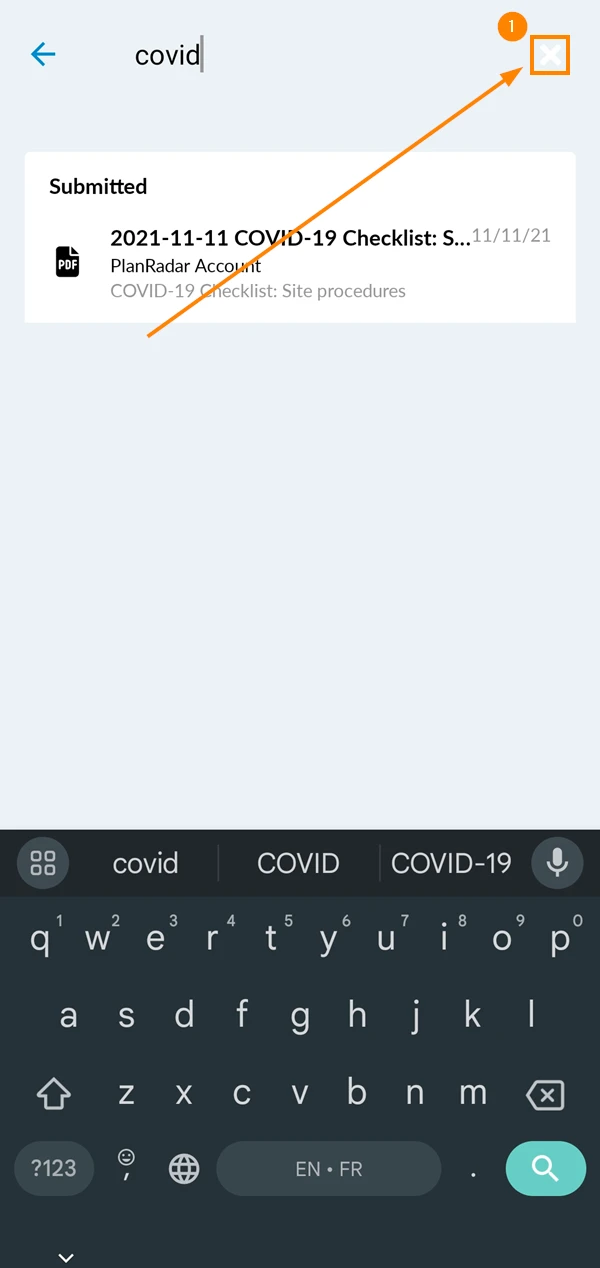
Search Project Reports
Use the search bar to quickly find the project reports you are looking for:
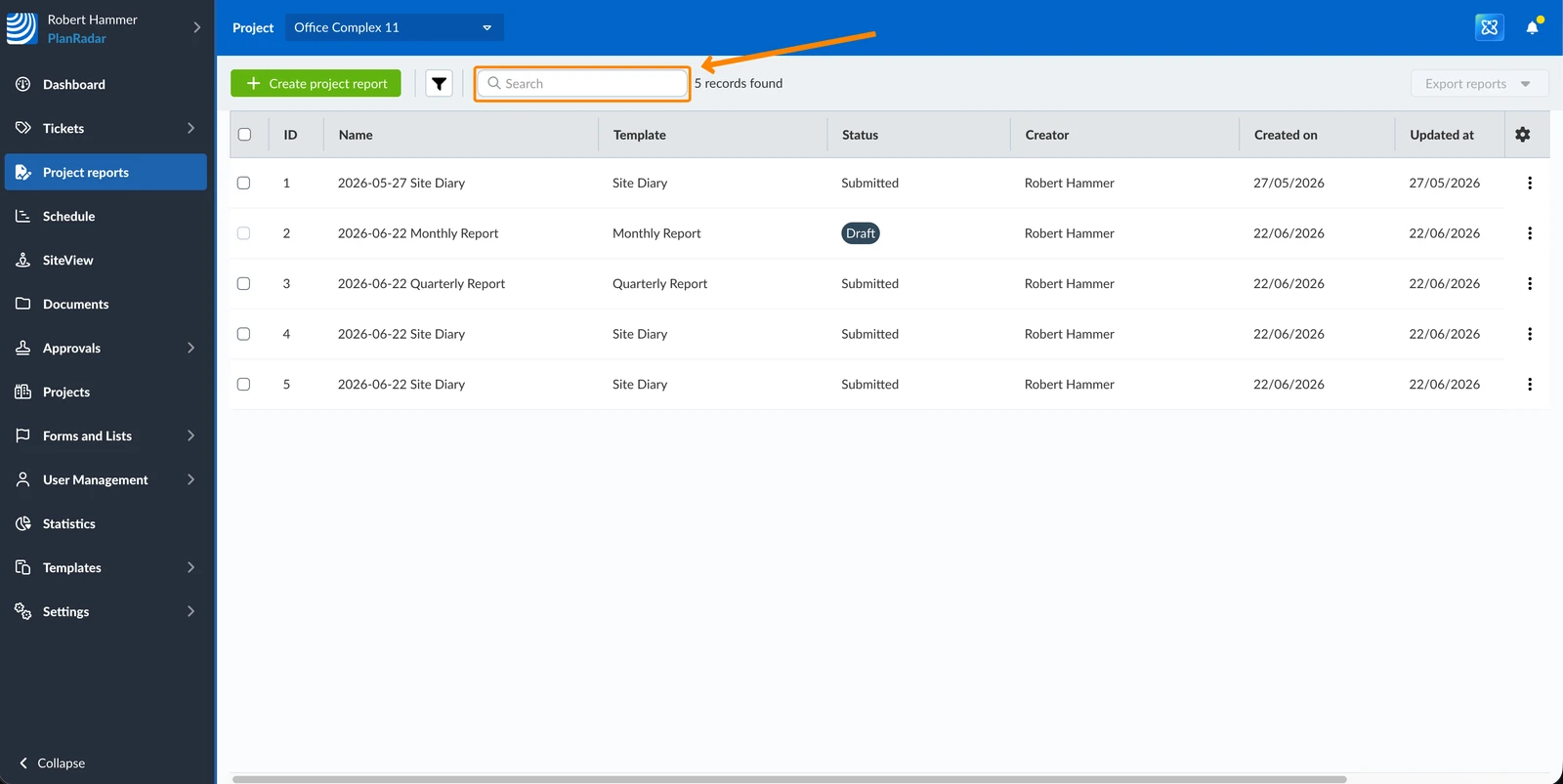
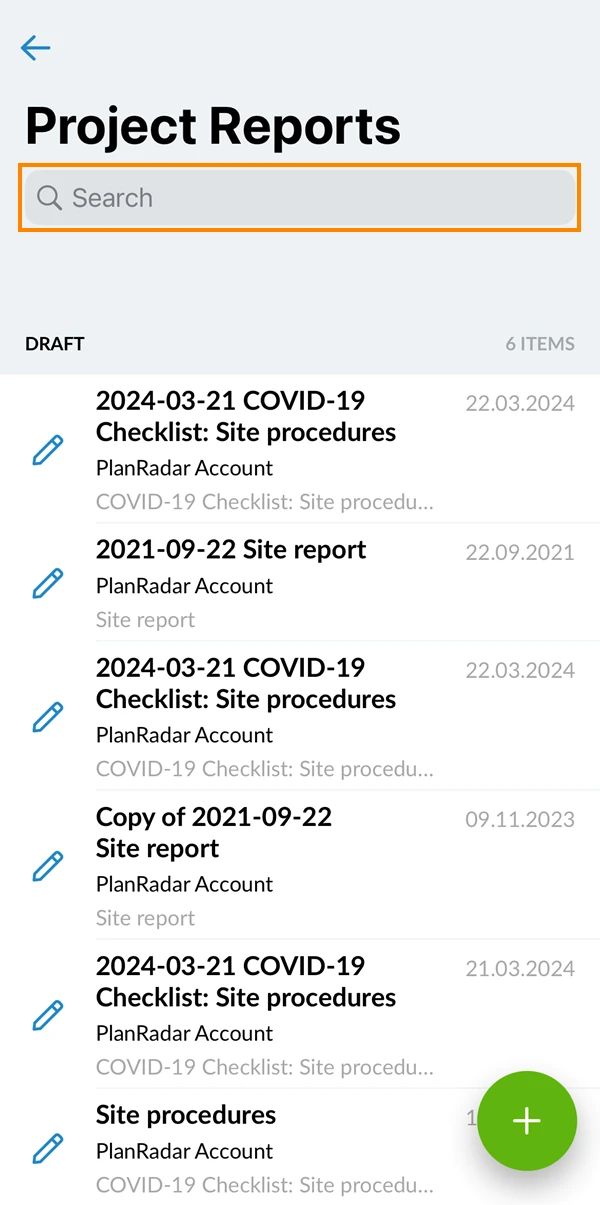
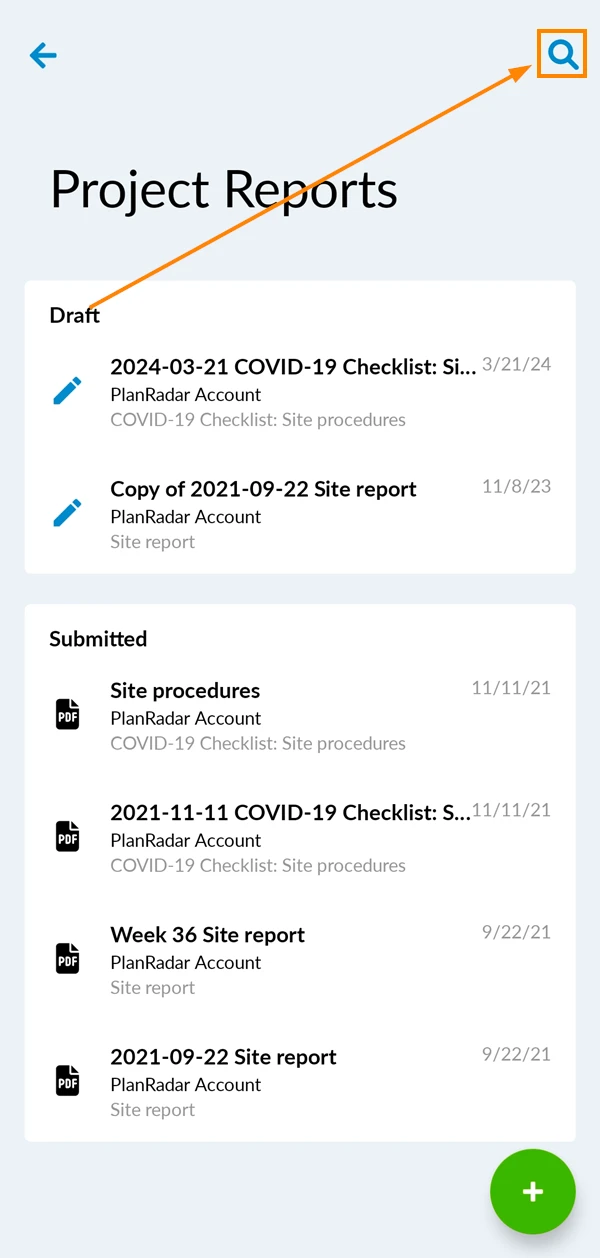
Search results will also consider any active filters applied.
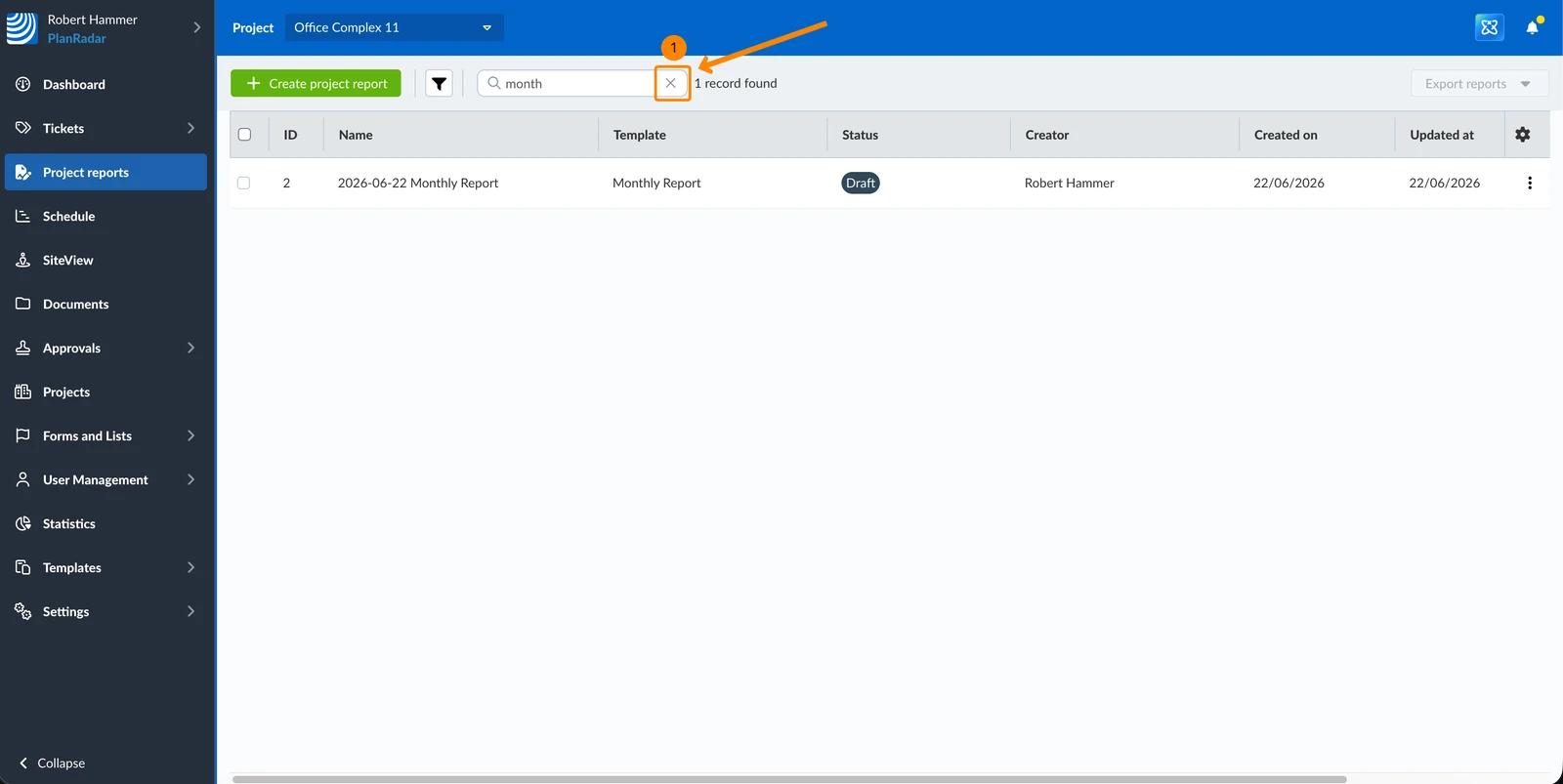
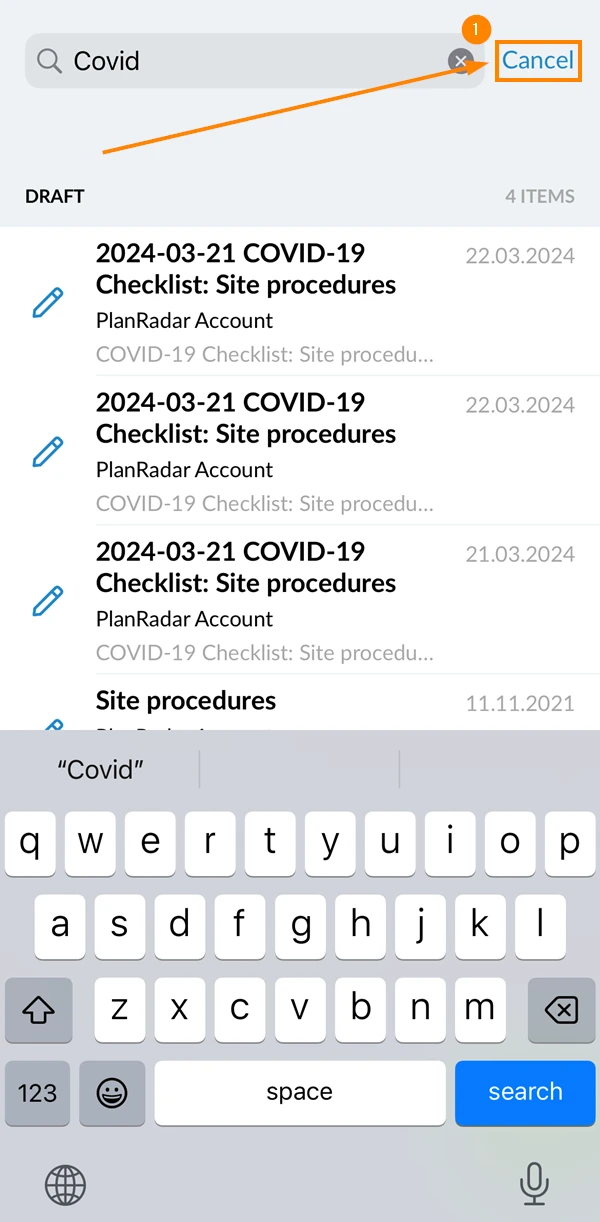
To clear the search:
- Click on the X icon
- Tap Cancel
- Tap the X icon
Related Articles
Updated June 22, 2026