

 Deutsch
 Español
 Français
 Hrvatski
 Italiano
 Polski
 Português (BR)
Project Reports
Overview
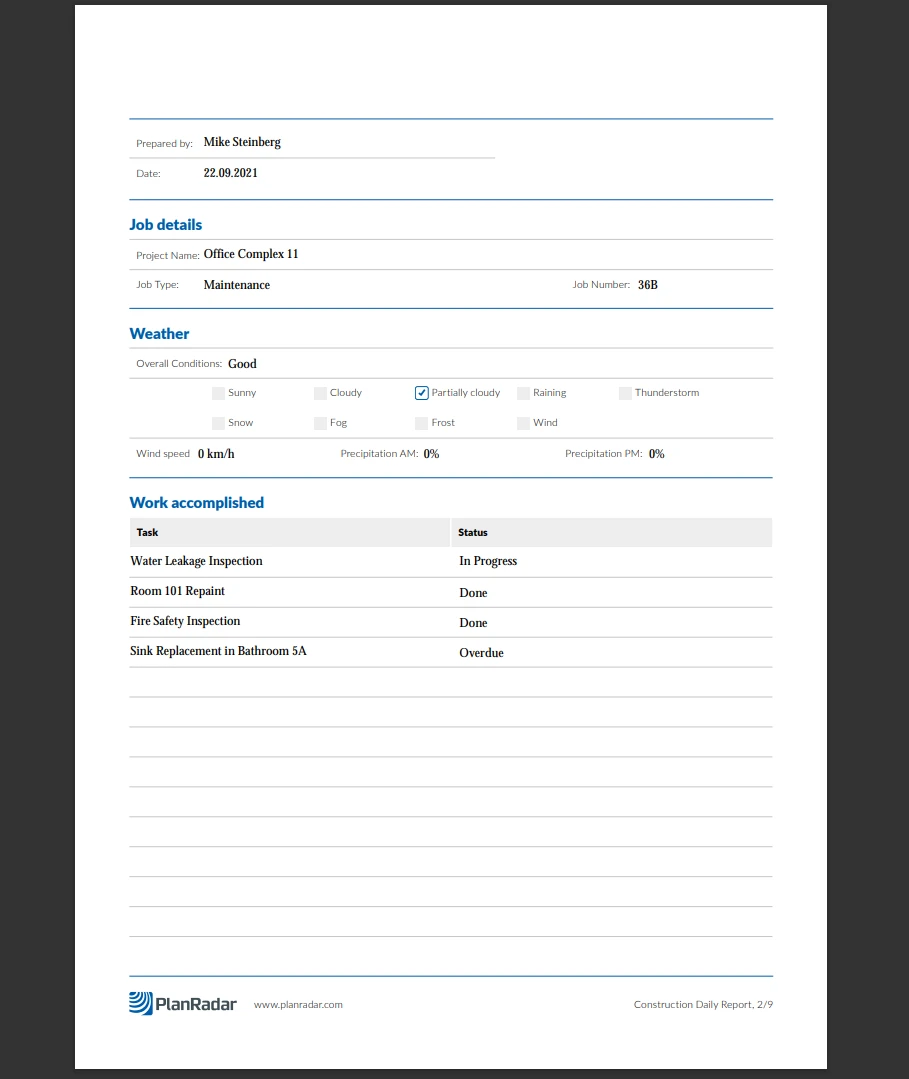
Create and upload your own PDF forms and let users fill them as project reports in a "what-you-see-is-what-you-get" manner. Once filled and submitted the PDF form cannot be modified anymore and is stored as a project report.
Project reports are very useful to quickly digitise existing paper forms or PDF forms you might already have.
Example of a project report:
Creating Project Reports
Project reports are created and saved as a draft to fill in the form fields. You can edit them until you submit them. It is also possible to attach photos and tickets.
Templates
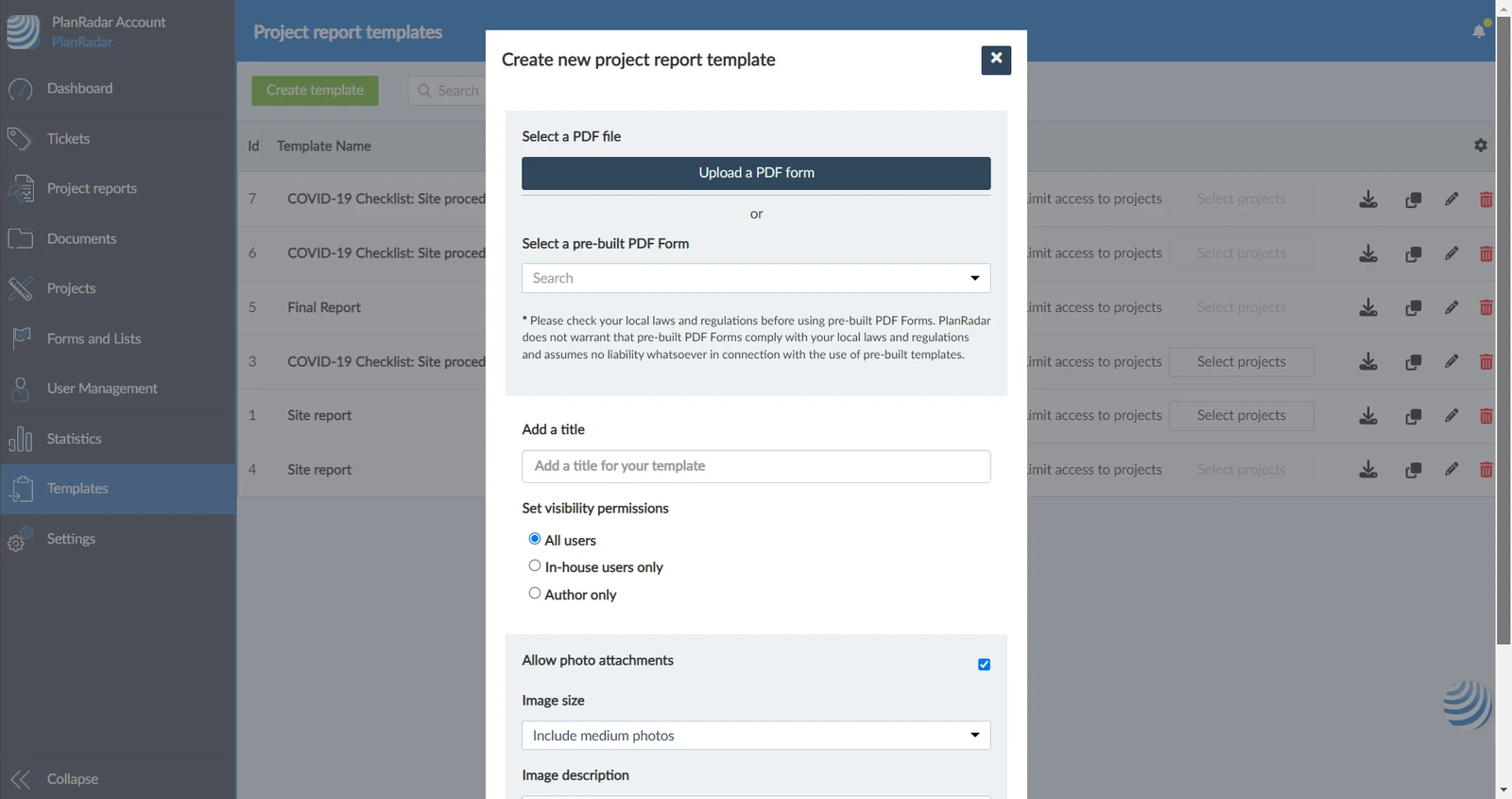
You can either upload your own PDF forms or use one of the pre-built ones. To create your own PDF forms you will need a PDF editing tool such as Adobe Acrobat Pro or similar.
PlanRadar supports automatic pre-filling of those form fields with dynamic values such as your project custom fields or today's date. It is also possible to map global lists or the list of users of a project in order to create dynamic drop-downs.
Related Articles
Updated May 24, 2026