

 Deutsch
 Español
 Français
 Hrvatski
 Italiano
 Polski
 Português (BR)
Duplicate a Project in the Webapp
Overview
Use the duplicate feature to create a copy of a project which can be helpful if you want to create templates to derive from. When you copy a project, you can choose which data you want to include.
Access & Permissions
How to access Projects
- Click Projects
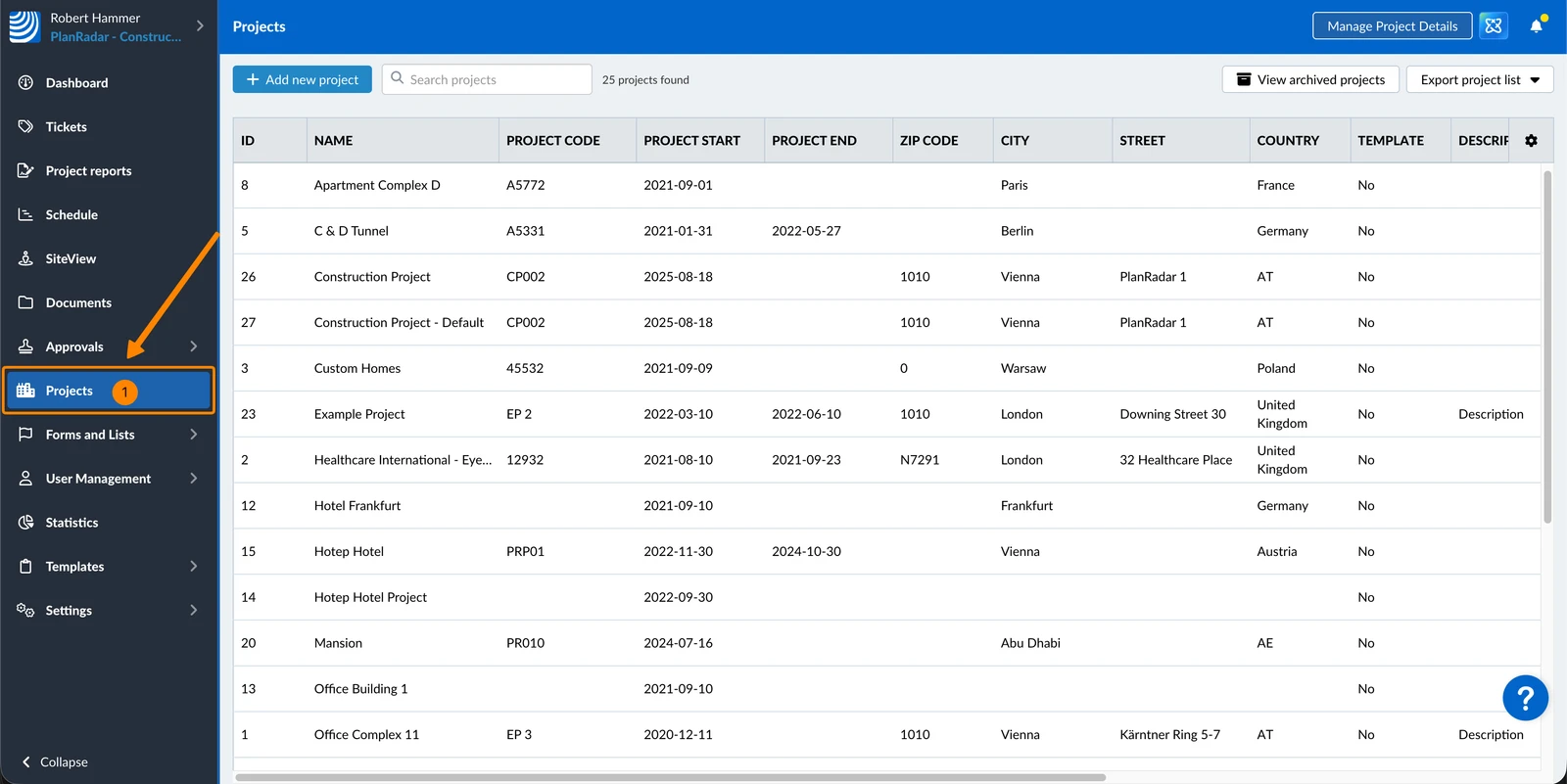
Duplicate a Project
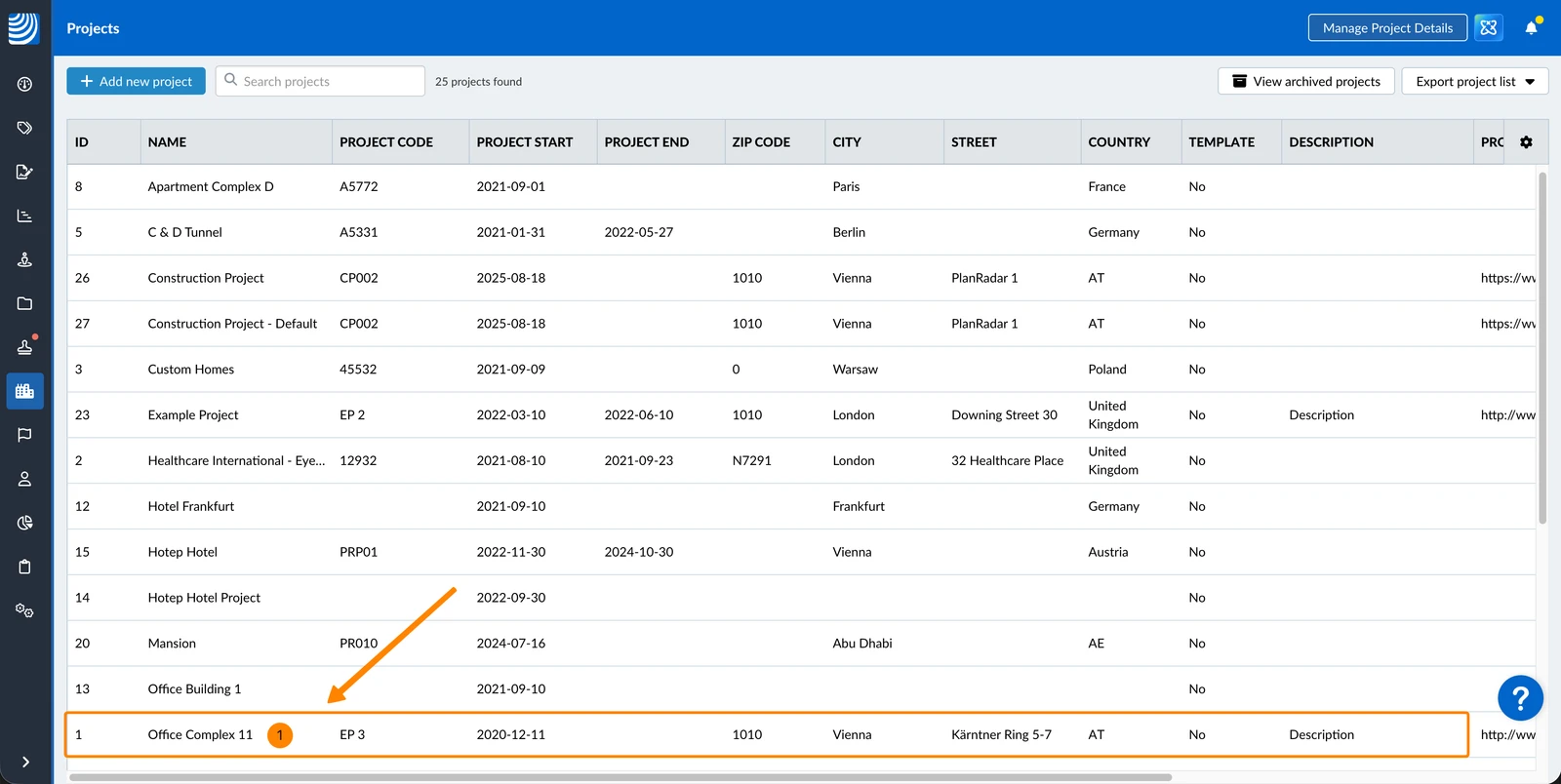
To duplicate a project:
- Select the project
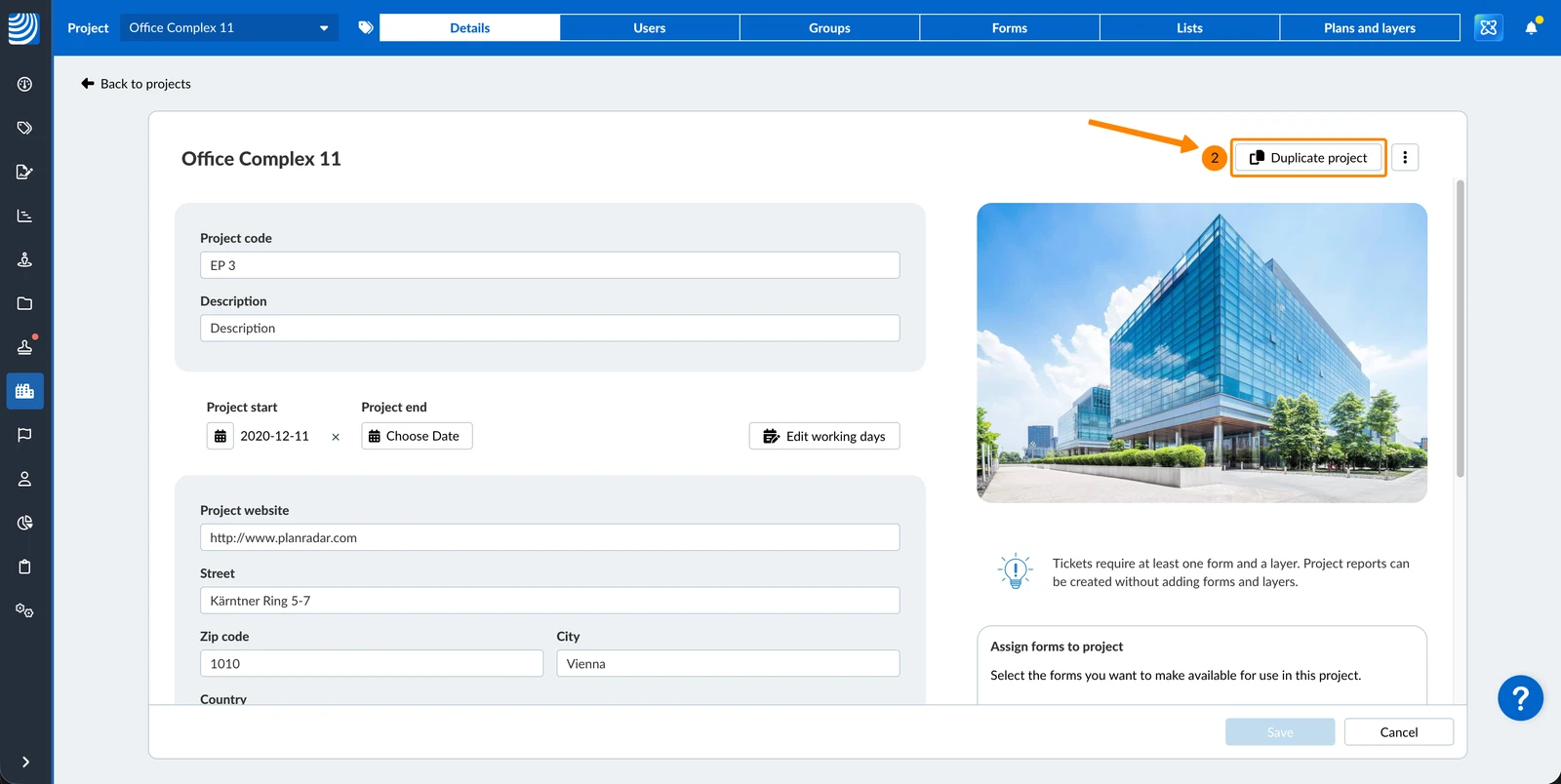
- Click Duplicate project
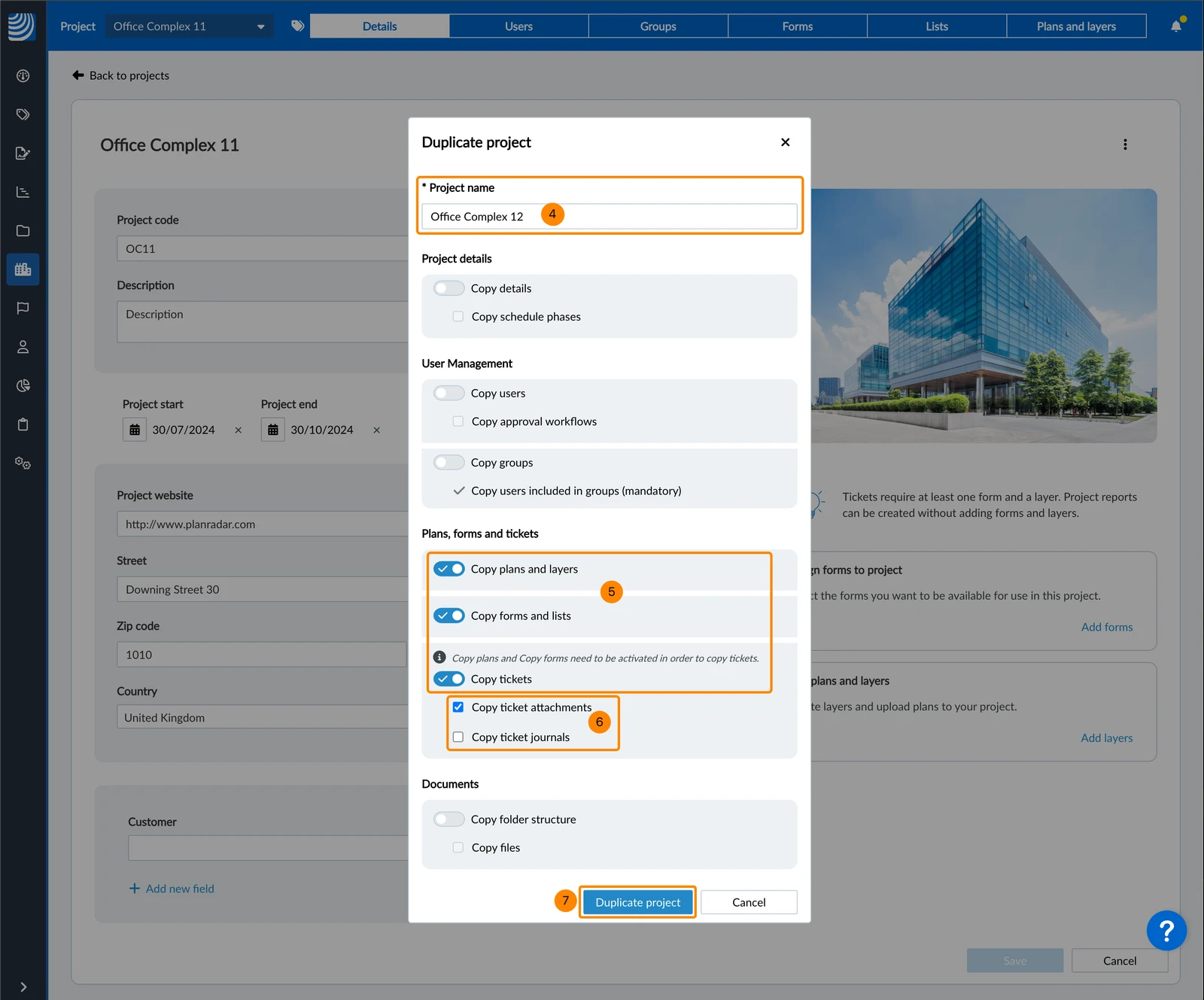
- Enter a new project name
- Activate the toggles for the data you want to copy
- Optional: Select the checkboxes below activated toggles to include data with dependencies.
e.g. to copy ticket attachments you need to copy tickets
Checkboxes are disabled until the associated toggle is activated. - Click Duplicate project
Excluded Data
The following data is never copied:
-
Project reports
-
Documents:
- Activity log
- Approval requests
- Favorites
-
SiteView runs
Updated May 11, 2026