

 Deutsch
 Español
 Français
 Hrvatski
 Italiano
 Polski
 Português (BR)
Export a List of All Projects in the Webapp
Overview
Export a list of all your projects to an Excel file containing all project details and additional information. You can also add a second table containing all tickets with key ticket fields.
Access & Permissions
How to access Projects
- Click Projects
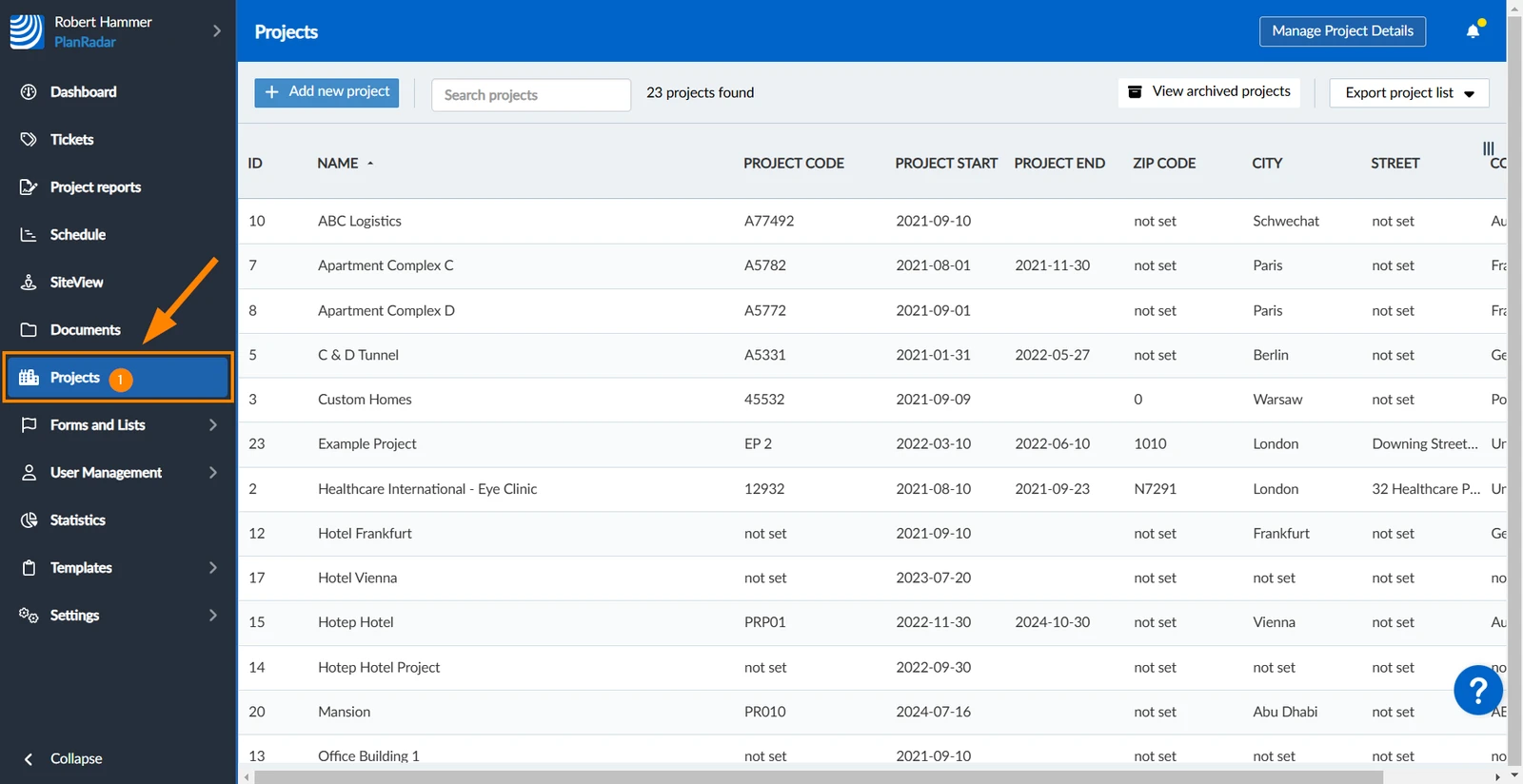
Export a List of All Projects
The list of all projects contains columns with the following information:
- ID
- Running number
- Name
- Project code
- Project start
- Project end
- Description
- City Street
- Zip code
- Country
- Created
- Updated
- Author (who created the project)
- Email (author's email address)
- Archived (true or false)
- Global custom project detail fields
- Open tickets (total number)
- All tickets (total number)
- Project-specific custom project detail fields
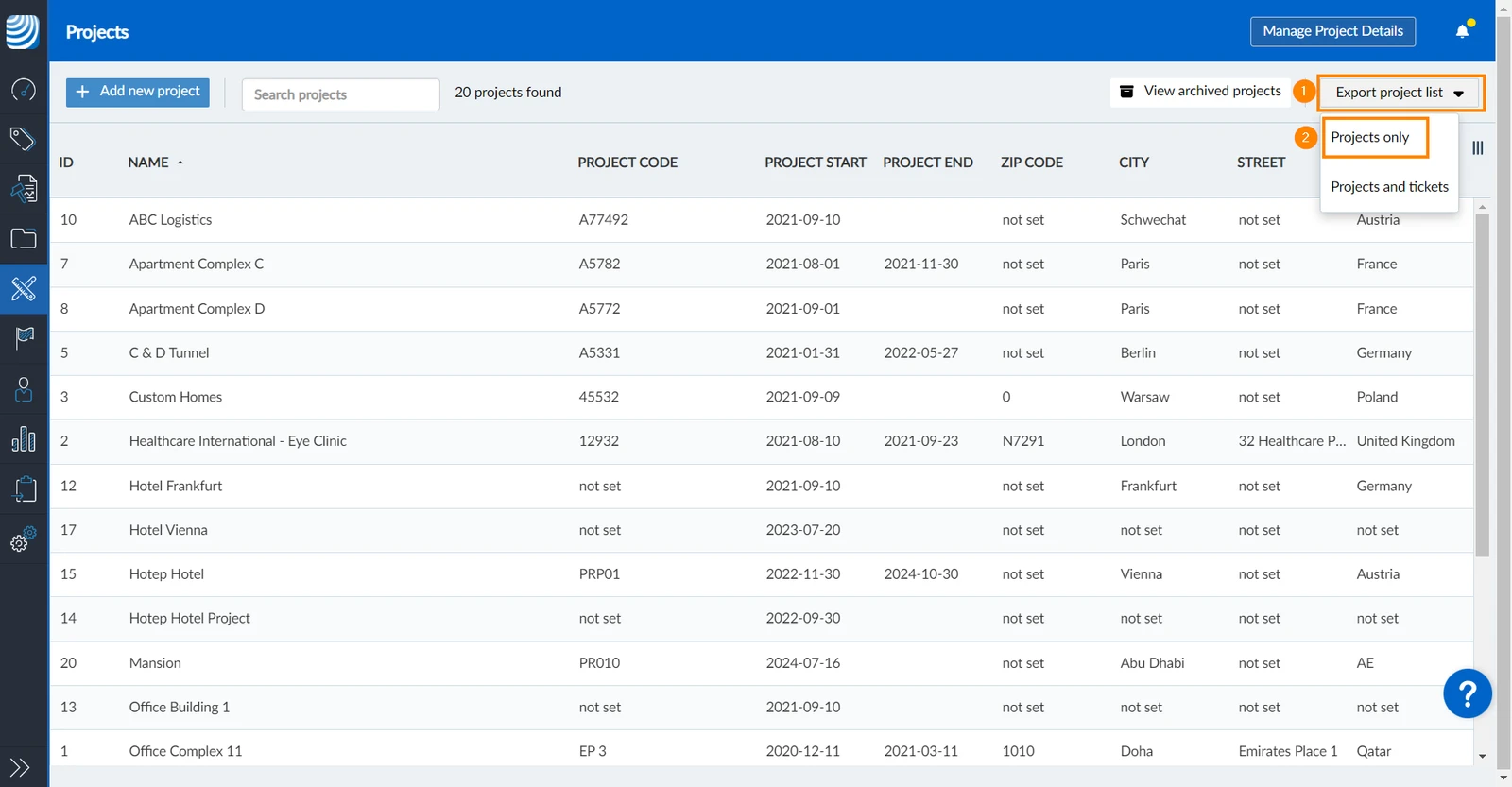
To export a list of all projects (excluding tickets):
- Click Export project list
- Click Projects only
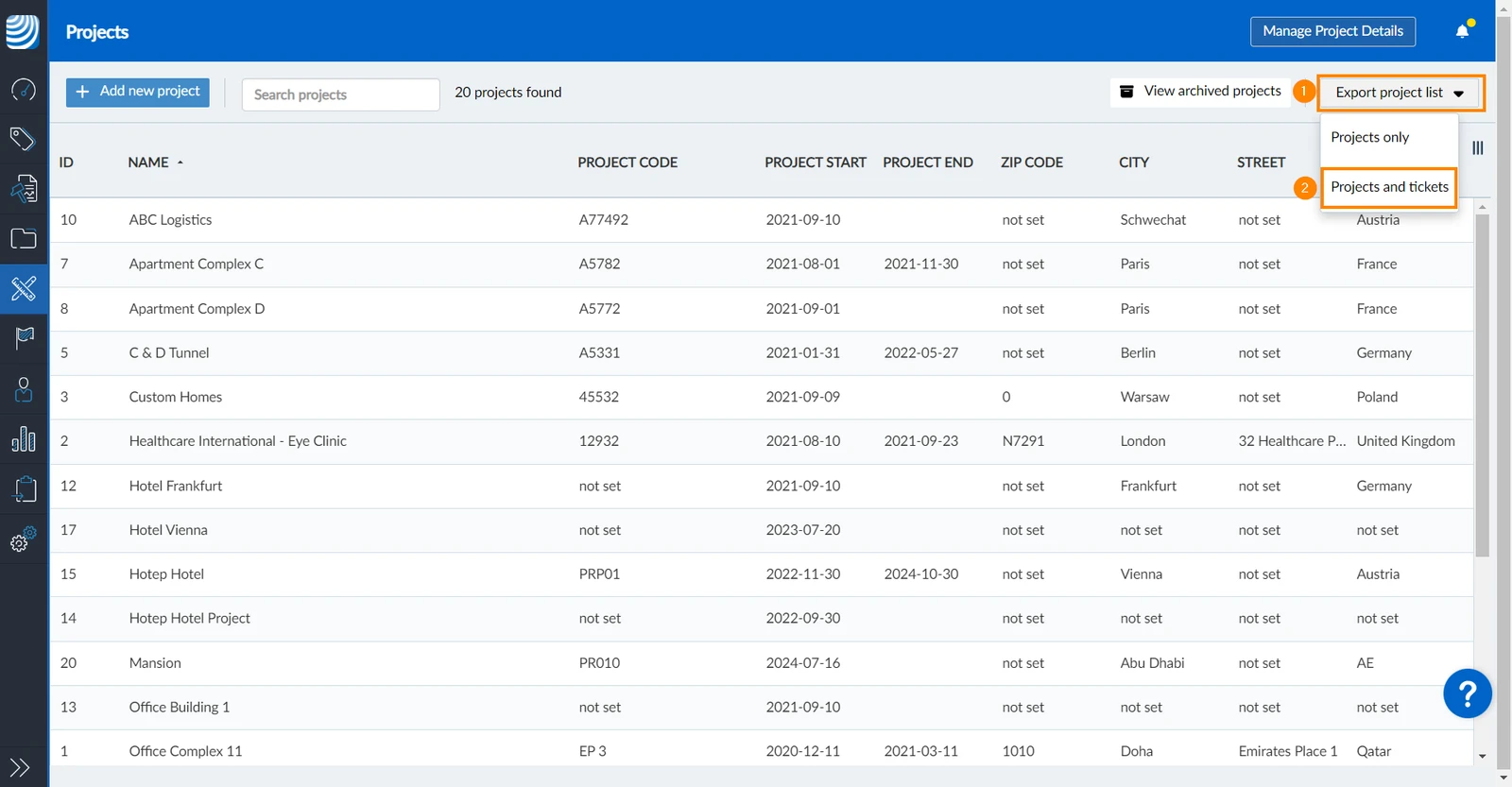
To export a list of all projects, including tickets:
- Click Export project list
- Click Projects and tickets
The Excel file contains a second table called 'Tickets Sheet' with the following columns:
- Project
- ID
- Name
- Status
- Priority
- Assignee
- Created on
- Due date
- Layer
Updated May 11, 2026