

 Deutsch
 Español
 Français
 Hrvatski
 Italiano
 Polski
 Português (BR)
[PRC] LREC-012 | Ticket created => Add attachment from PlanRadar Documents
1 Overview
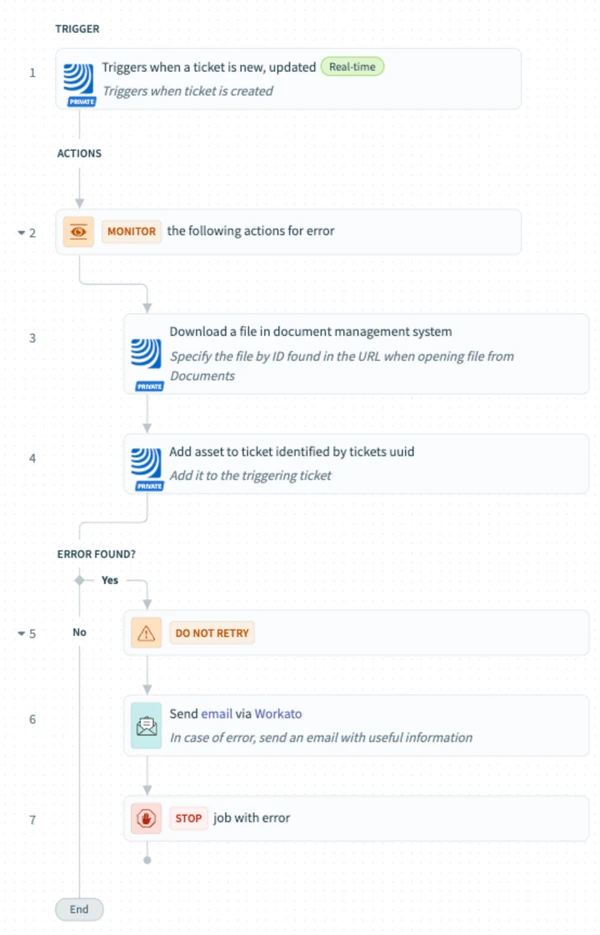
This recipe adds a predefined document from PlanRadar Documents to any newly created ticket. It's useful for legal docs or standard attachments.
2 Access & Prerequisites
-
Enable access to PlanRadar
-
Prepare the file in Documents
-
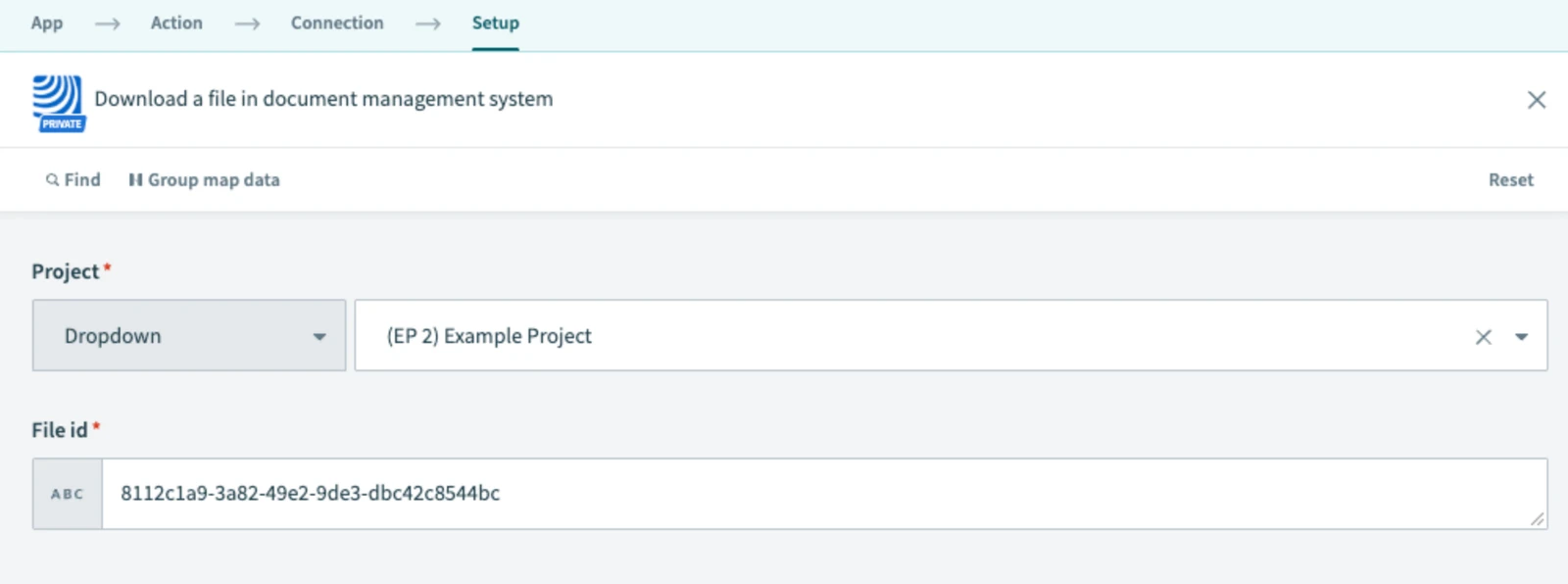
Identify the file ID from its URL
3 Use the Recipe from the Library
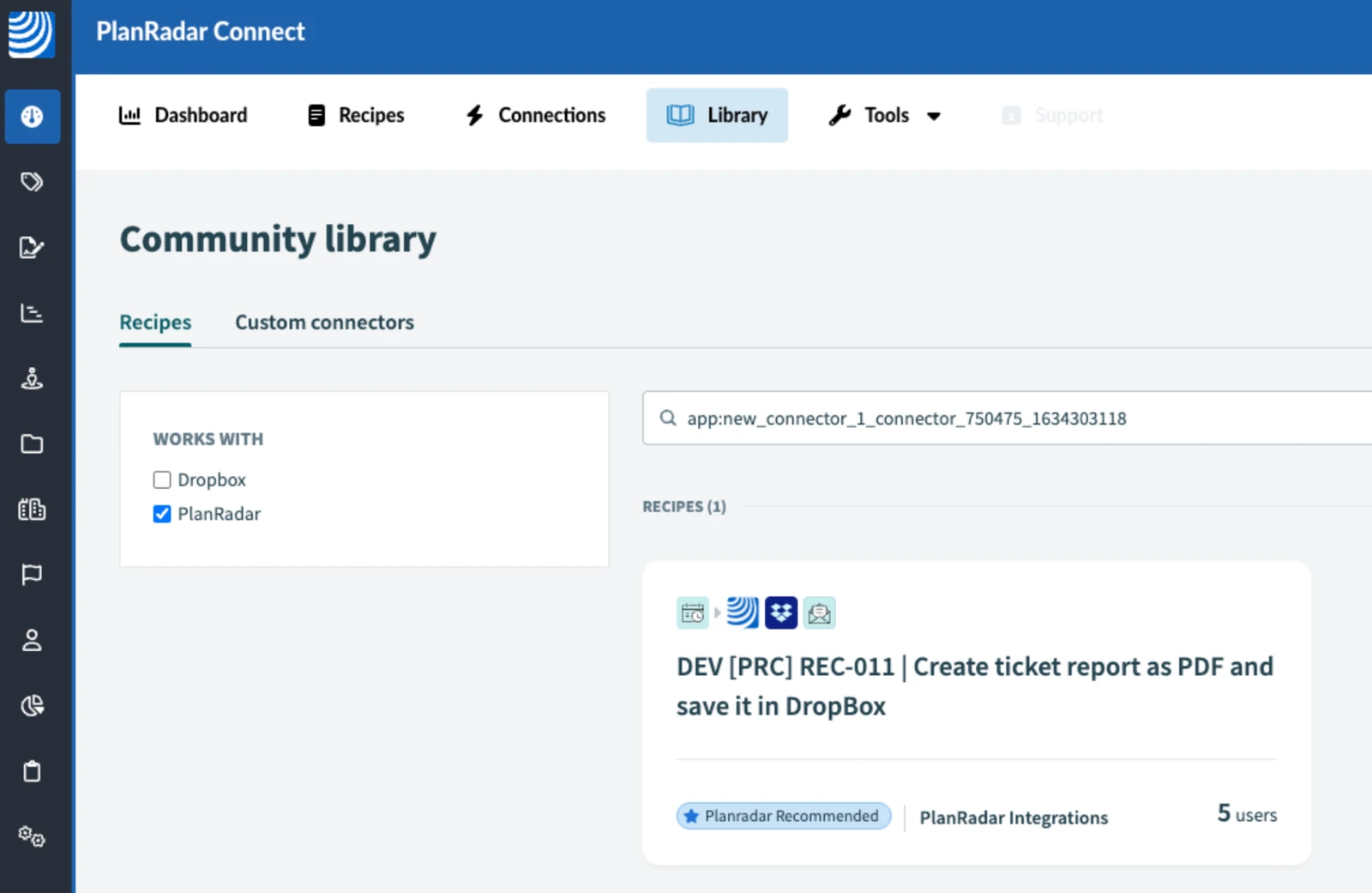
Find and open: [PRC] LREC-012 | Ticket created ⇒ Add attachment from PlanRadar Documents
4 Configure the Recipe
-
Specify document ID in download step
-
Attach to triggering ticket
-
In Step 6, fill in the email address where you wish to receive notifications in case of an error
-
Save, test and start
5 Filter by Project (Optional)
Optional: set project filters in the trigger.
6 What Happens Next
Every new ticket receives the standard attachment.
7 Further Exploration
See the Resources tab for ID mapping tips.
Updated May 12, 2026