

 Deutsch
 Español
 Français
 Hrvatski
 Italiano
 Polski
 Português (BR)
[PRC] LREC-013 | Ticket created => Assign it to a specific user
1 Overview
This recipe assigns every newly created ticket to a default user based on their user ID.
2 Access & Prerequisites
-
Connect PlanRadar in the Connections tab
-
Know the numeric user ID of the assignee
-
Ensure permissions for updating tickets
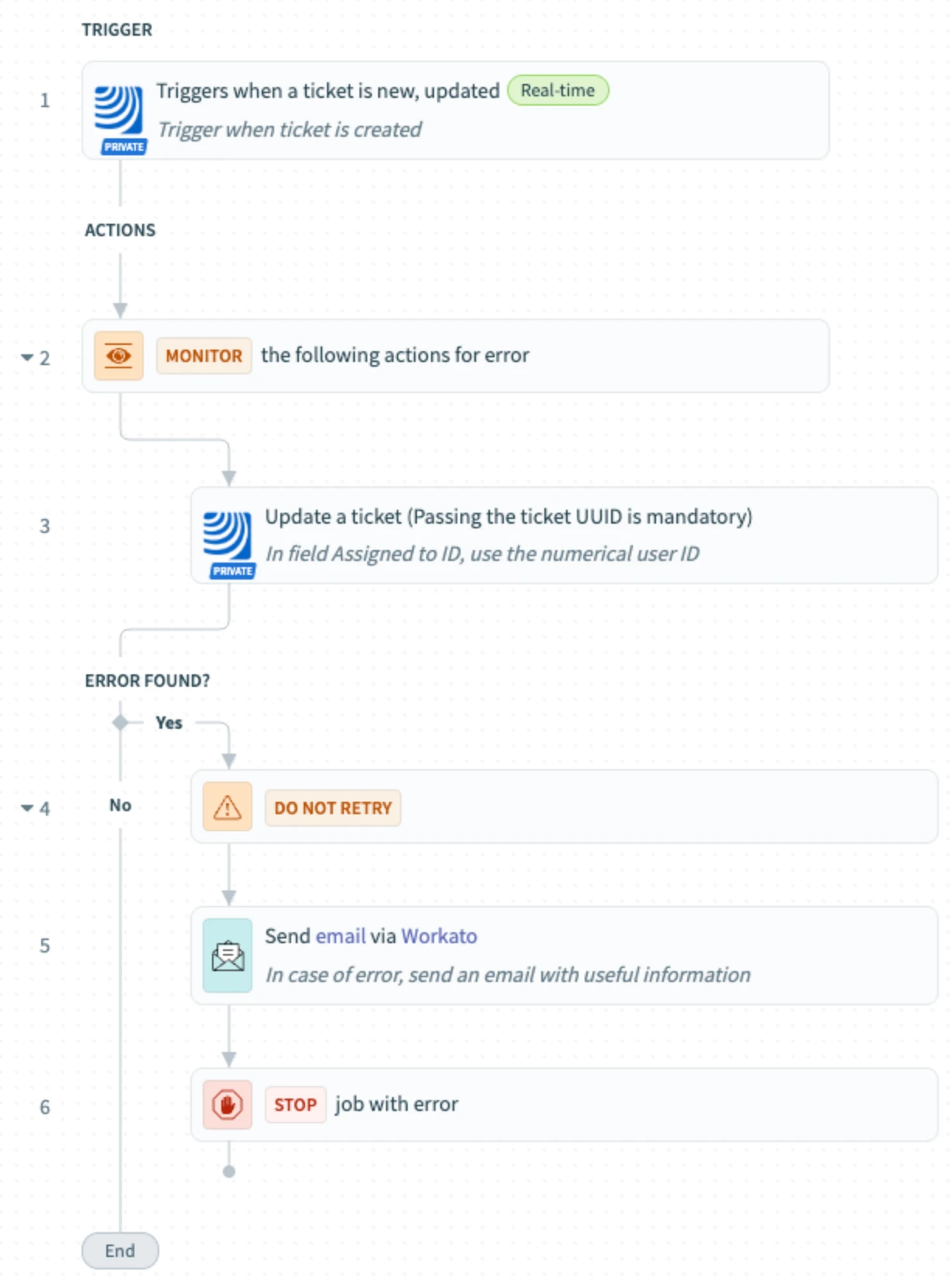
3 Use the Recipe from the Library
Use: [PRC] LREC-013 | Ticket created ⇒ Assign it to a specific user
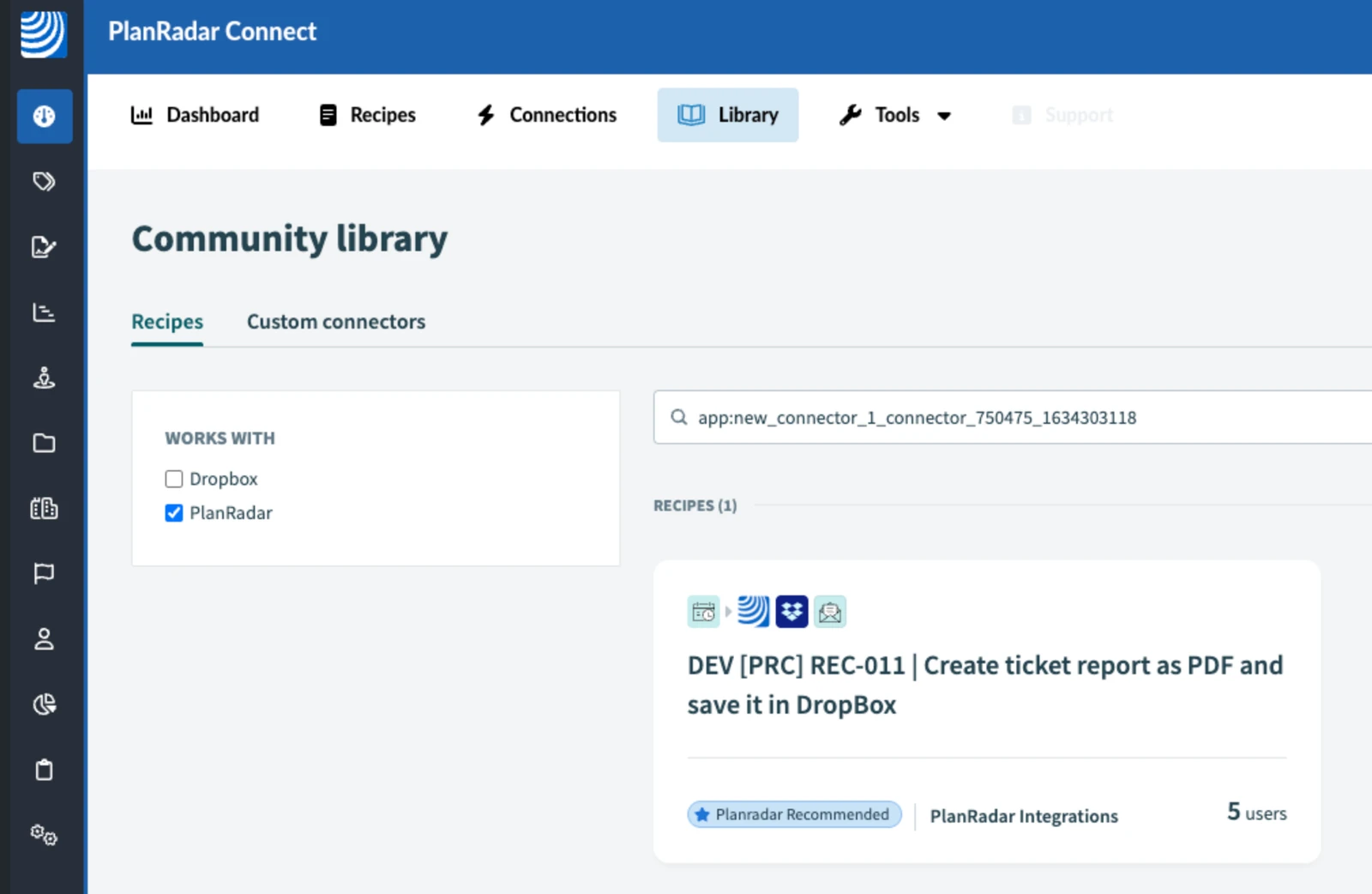
4 Configure the Recipe
-
In the trigger, select event type as Created
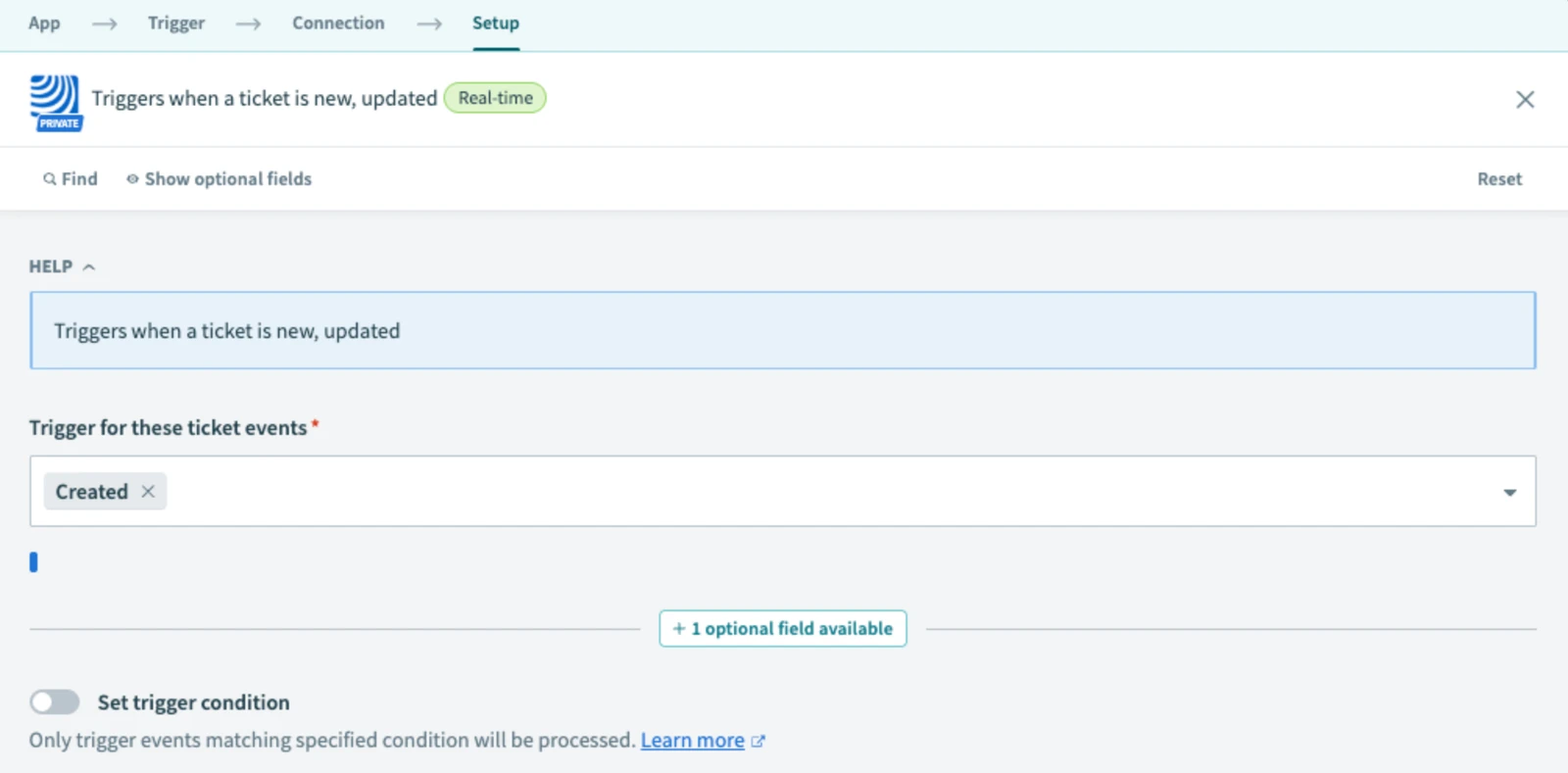
-
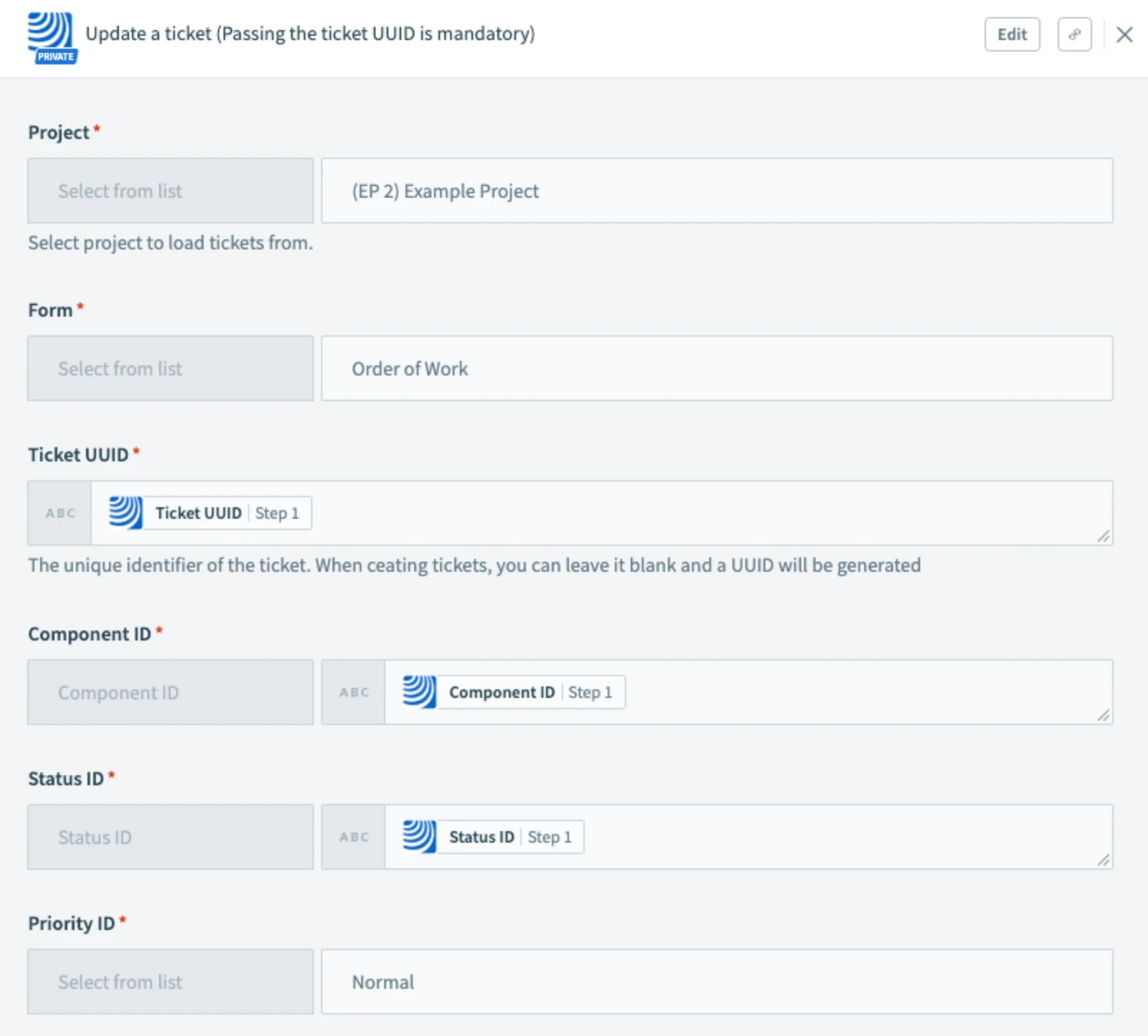
Fill in the mandatory fields in the update step
-
Set user ID in update step (you can find it in the User management > Users)
-
In step 5, fill in the email address to receive notifications when an error occurs
-
Save and test the recipe
-
Activate once tested

5 Filter by Project (Optional)
Apply filters in the trigger to limit scope.
6 What Happens Next
All new tickets are assigned to the specified default user.
7 Further Exploration
You can link this to routing rules or escalations in PlanRadar.
Updated May 12, 2026