

 Deutsch
 Español
 Français
 Hrvatski
 Italiano
 Polski
 Português (BR)
Status Colours & Ticket Pins
Overview
In PlanRadar, different colours are used to represent the status of tickets. These colours are displayed on ticket pins and in the ticket display to easily identify the ticket status.
Ticket Status Colours
Tickets with the Status field always have a status set.
Each status has a colour assigned:
 | Open |
 | In progress |
 | Feedback |
 | Rejected |
 | Resolved |
 | Closed |
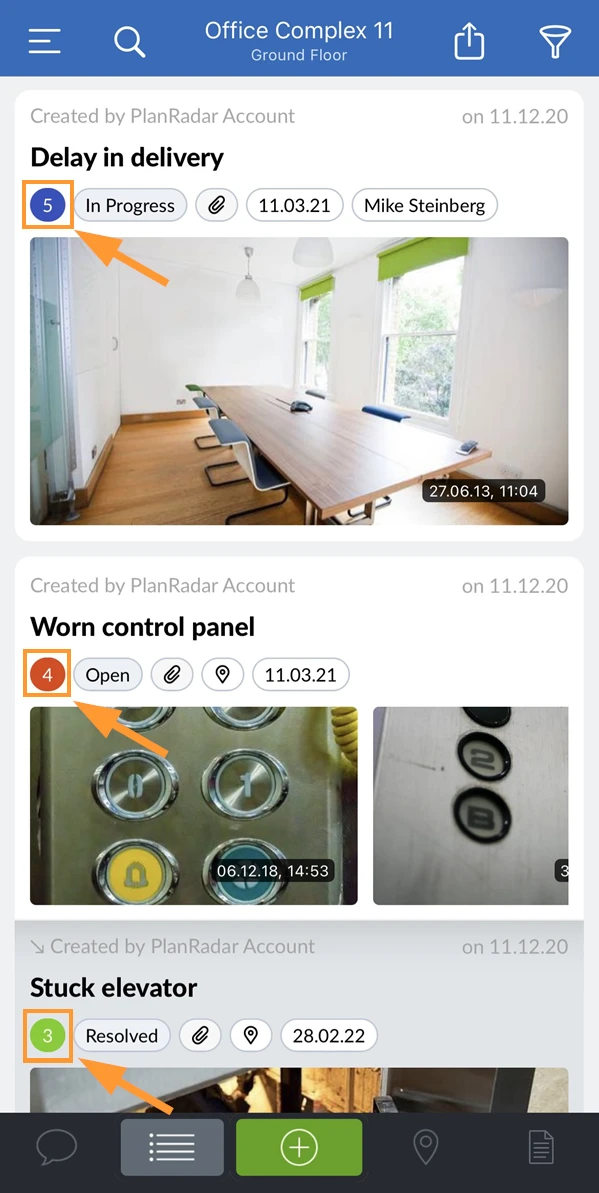
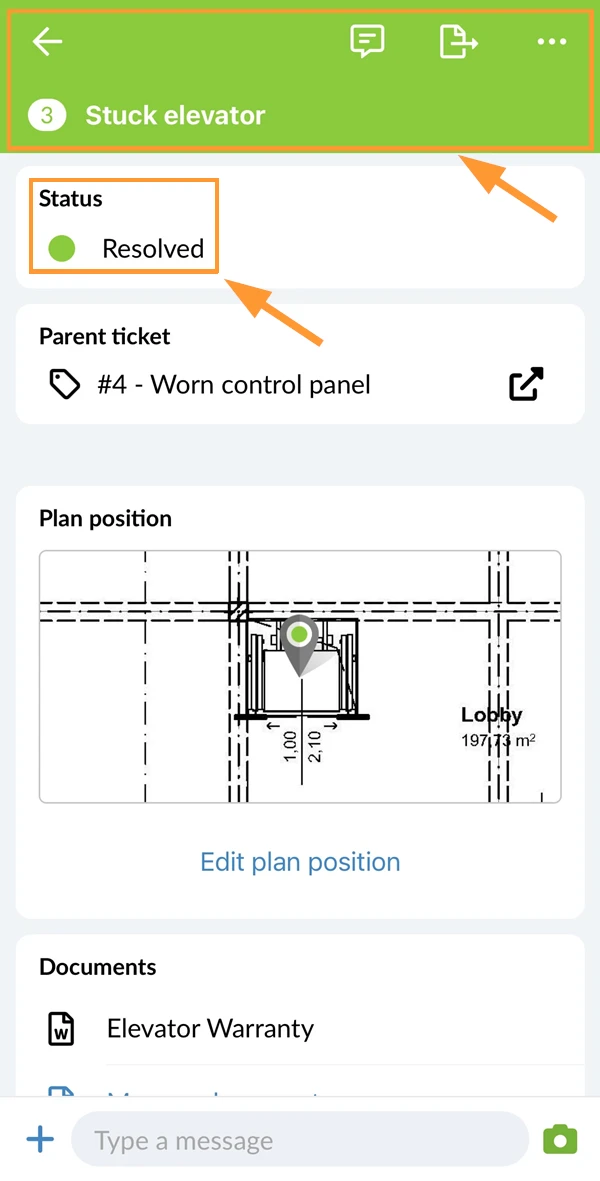
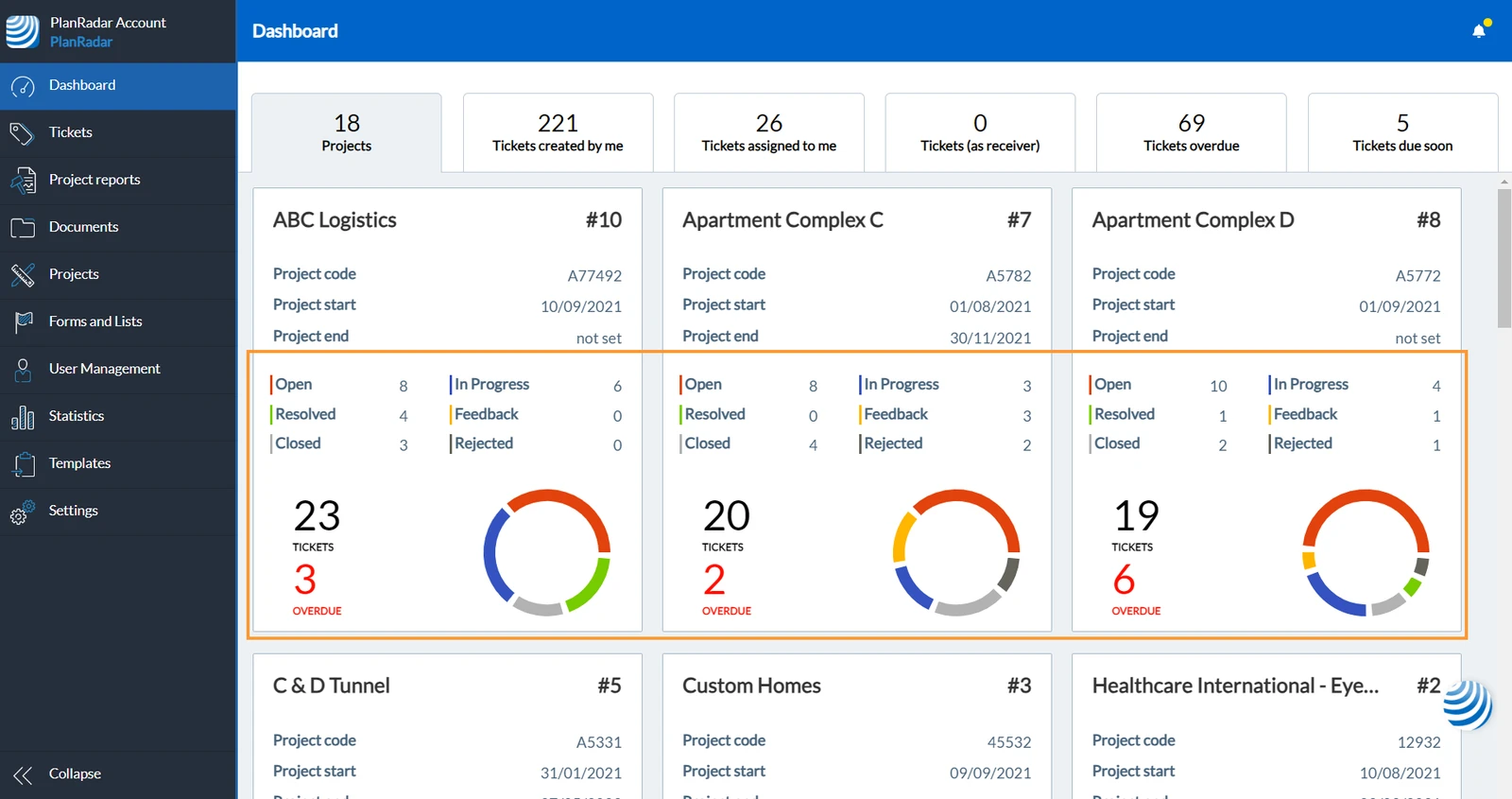
The status colour is shown in:
- Ticket IDs on the ticket cards:
- Ticket header:
- Dashboard statistics:
- Ticket pins on the plan view - read more below.
Ticket Pin Colours
Ticket pins show the location of a ticket on the plan.
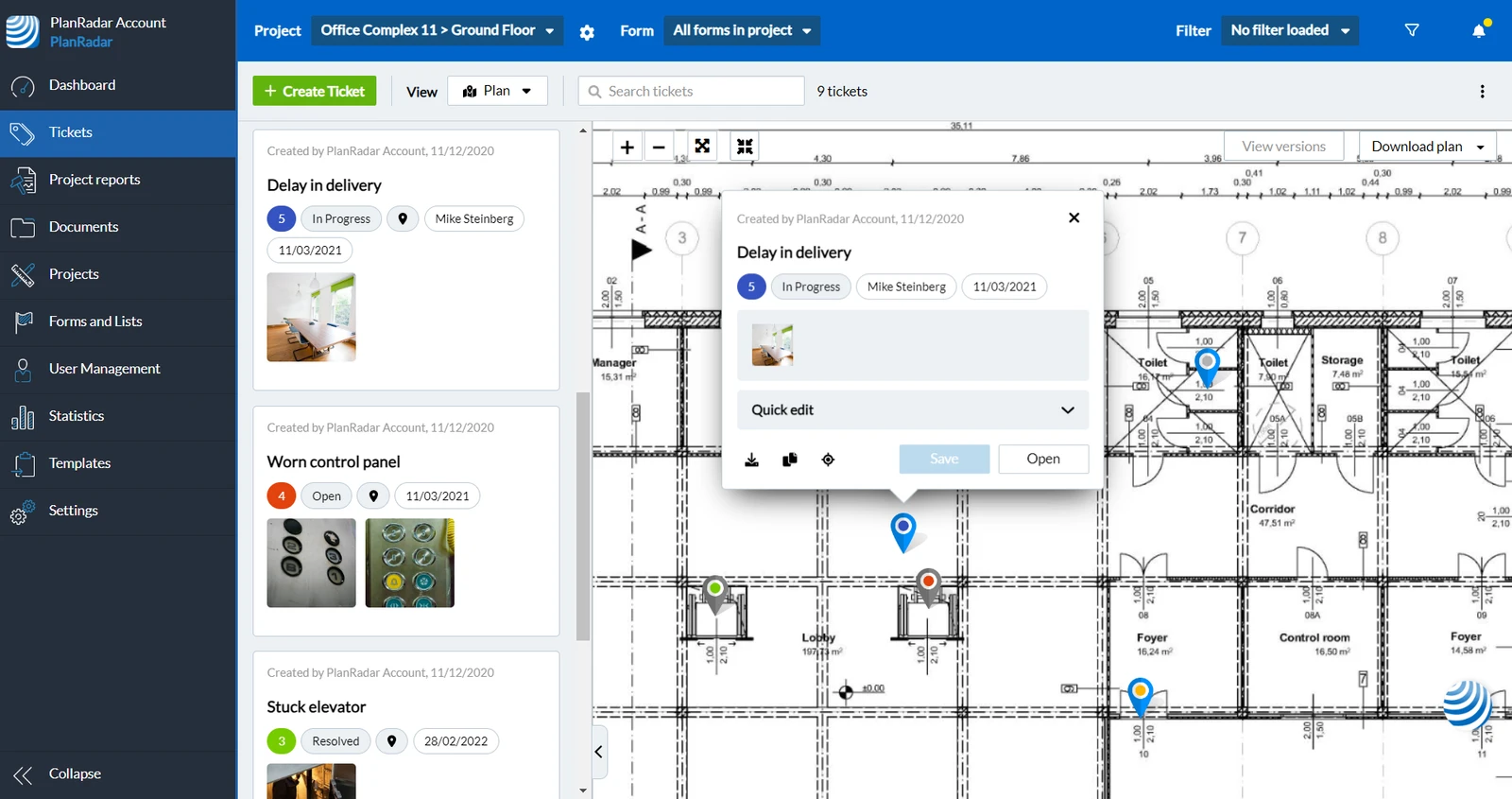
Additionally, ticket pins show further information by colours:
The status of the ticket is indicated by the colour of the dot within the pin:
| Open |
| In progress |
| Feedback |
| Rejected |
| Resolved |
| Closed |
Further states a ticket can have are indicated by the colour of the pin itself:
| New (in creation) | Assigned | Not assigned | Not yet synced (mobile only) |
|---|---|---|---|
 |  |  |  |
This allows the following colour combinations:
| Open | In progress | Feedback | Rejected | Resolved | Closed | |
|---|---|---|---|---|---|---|
| Assigned |  |  |  |  |  |  |
| Unassigned |  |  |  |  |  |  |
| Not yet synced (mobile only) |  |  |  |  |  |  |
Tickets Without a Status
It is possible to create a form without the Status field. Read more in Forms.
If a ticket doesn't have a status:
- The dot in the ticket pins is white:
- The Ticket IDs on the ticket cards are white.
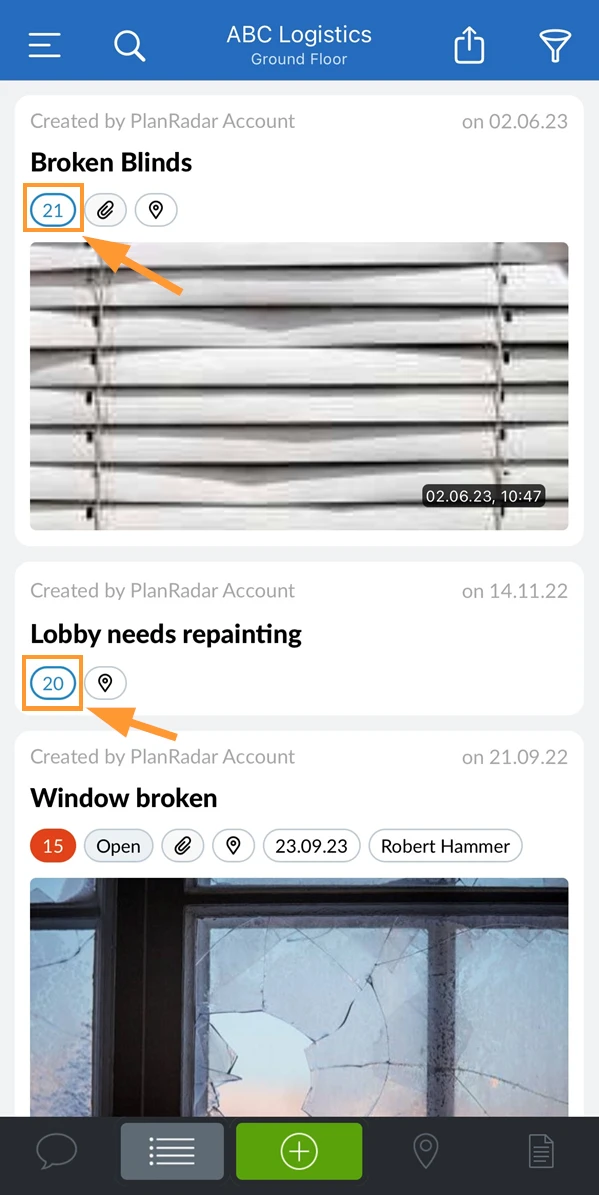
- The Ticket header when you open a ticket is white.
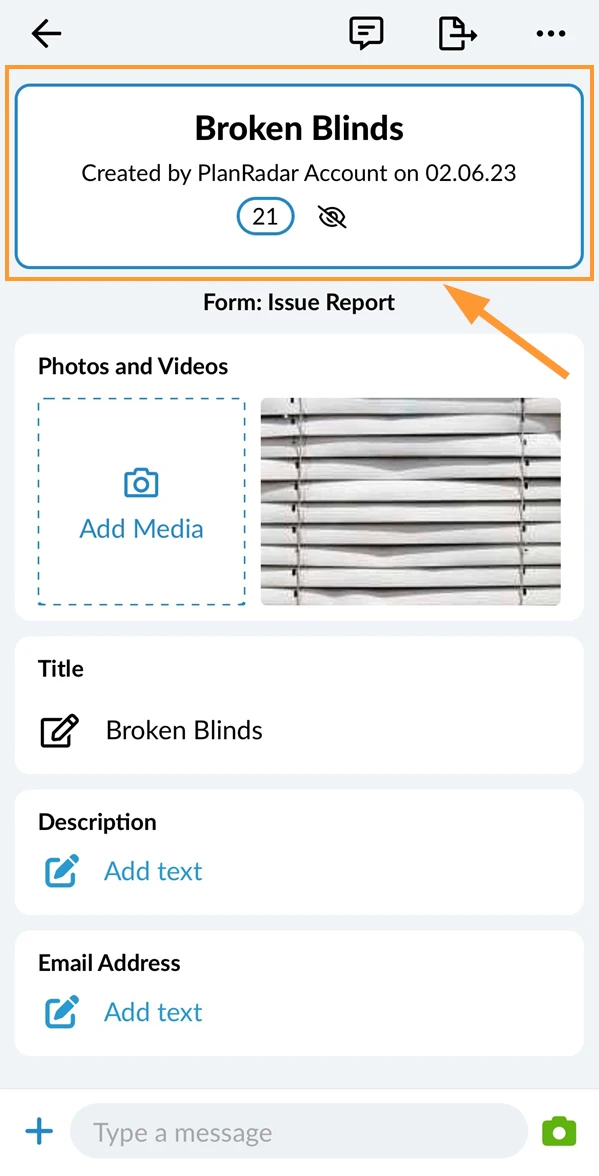
Updated May 23, 2026