

 Deutsch
 Español
 Français
 Hrvatski
 Italiano
 Polski
 Português (BR)
Projects
Overview
Learn what a project is in PlanRadar.
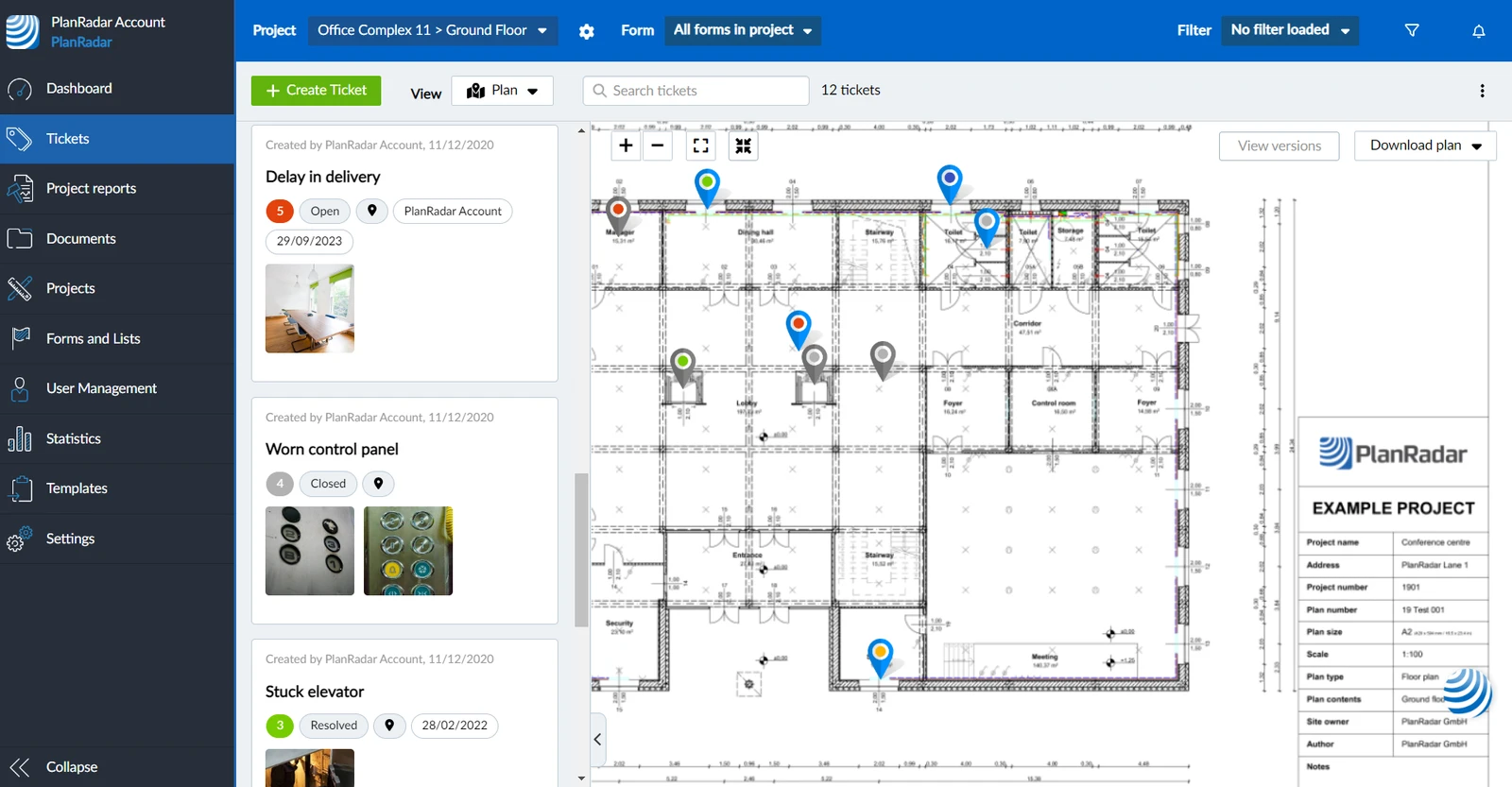
Example of the tickets plan view of a project's ground floor layer:
What is a Project?
A project contains all the data created during your daily work. You can create multiple projects to separate the content and members of a project from other projects.
Project Data & Account Data
Project data includes plans, tickets, reports and documents. There are elements in PlanRadar that you setup once for the entire account and then assign and use them in the projects where they are needed. This account data includes users, roles, forms, lists and templates for reports.
Before you can work with a project you need at least:
- A Layer - probably with plans. Read more in Layers and in Plans.
- A Form - to create tickets. Read more in Forms.
- A User - to collaborate in the project. Read more in Permissions.
Active Projects & Archived Projects
As long as you work on a project it is active. When a project is completed you can archive it.
Archived projects are inactive, which means project members cannot access them anymore. The plans in an archived project still count for the upload limit of plans in your account's subscription plan.
Archived projects can get unarchived to make them active and accessible again.
Export Projects
You can export the data of a project anytime. A zip file gets created containing all plans, photos and an Excel list of all tickets with all ticket fields and links to the tickets in PlanRadar. Optionally all documents get included too.
It is not possible to import projects.
Updated June 22, 2026