

 Deutsch
 Español
 Français
 Hrvatski
 Italiano
 Polski
 Português (BR)
Ticket Reports
Overview
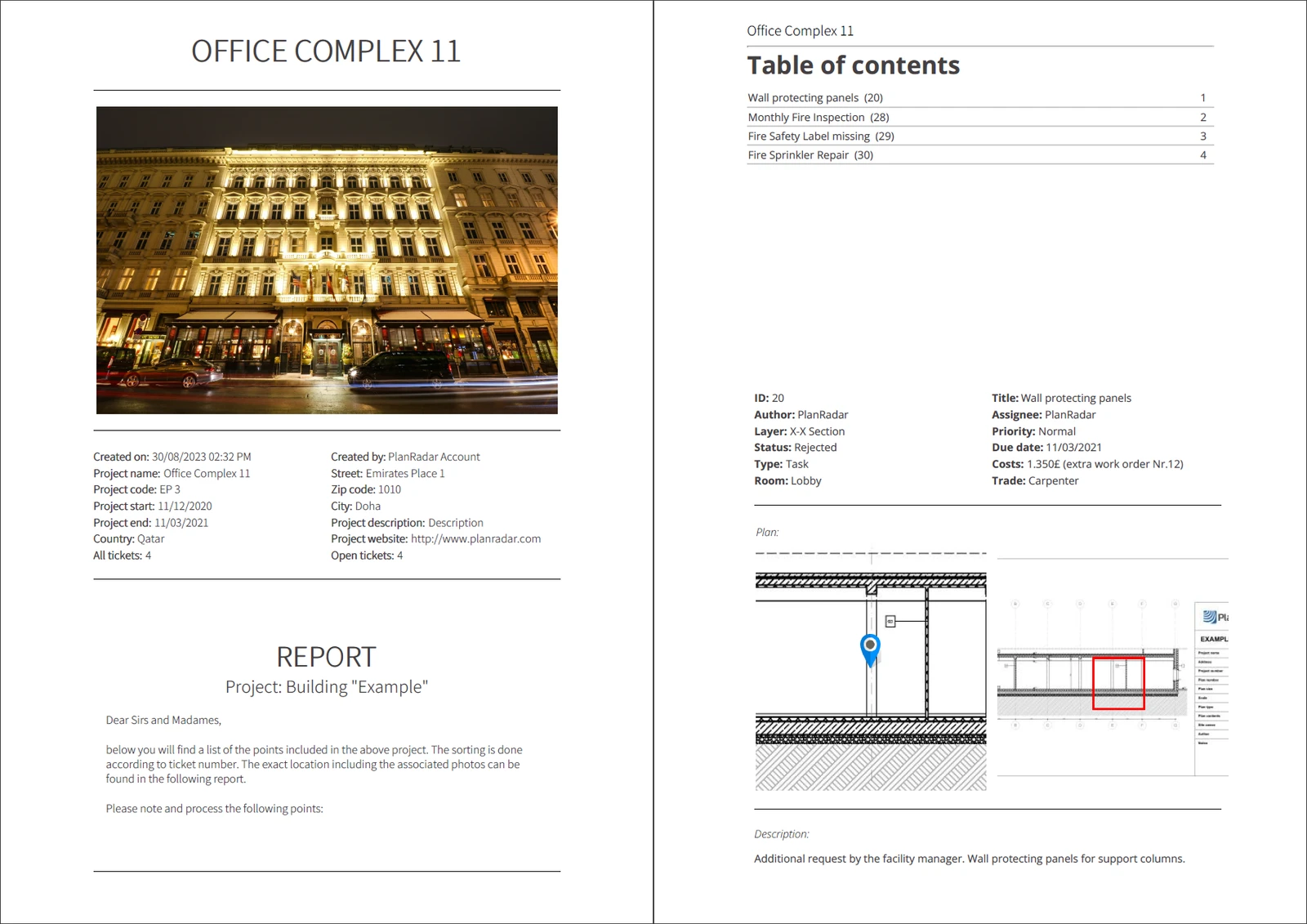
Ticket reports are PDF or Excel documents created using data from one or multiple tickets. Use them to keep stakeholders informed about a project's status and progress, create snag reports, handover lists or any kinds of checklists.
Ticket reports are based off configurable or pre-built templates which offer a high degree of customisation to match your corporate identity and reporting needs.
Example of a ticket report:
Creating Ticket Reports
Ticket reports can be created anytime for a selection of tickets, also by using filters. Usually, they are created as PDFs that can be shared outside of PlanRadar. It is also possible to export them as Excel files to work with the data in other tools.
Templates
Use ticket report templates to define which data to include in your ticket reports and to adjust formatting and structure.
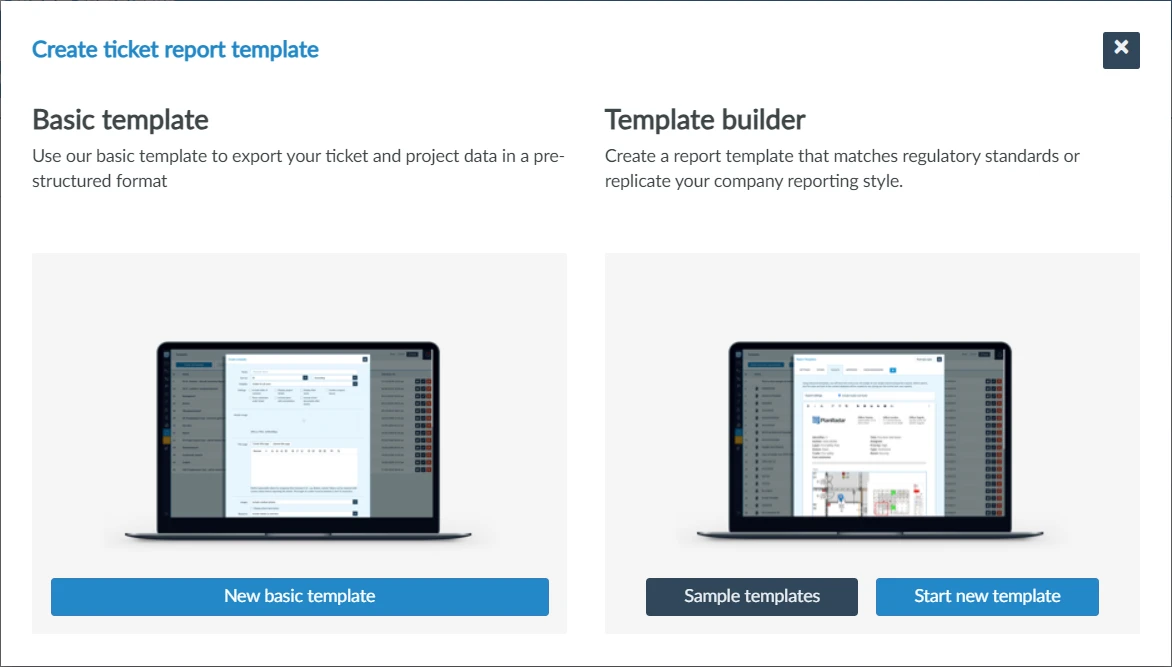
There are basic templates and there are advanced templates which can be created with the template builder. In case of advanced templates, there are sample templates you can use or build upon, however, you can also create advanced templates from scratch.
Basic Templates
Basic templates allow you to define which ticket data and attributes to include, but offer only limited customisation and formatting options. They are available for all subscription plans.
Template Builder (Advanced Templates)
To have full control over the report layout and to leverage all customisation options, use the template builder. It is available for Pro and Enterprise subscription plans.
Updated May 28, 2026