

 Deutsch
 Español
 Français
 Hrvatski
 Italiano
 Polski
 Português (BR)
Duplicate Tickets in the Webapp
Overview
Duplicate an existing ticket to save time when creating similar tickets.
Access & Permissions
Duplicating tickets is a Webapp-only feature. However Copy and Paste Tickets is available for all platforms.
Duplicate an Existing Ticket
Duplicate a ticket to reuse information for a new ticket. All ticket fields are included (e.g. title, assignee, due date, parent ticket).
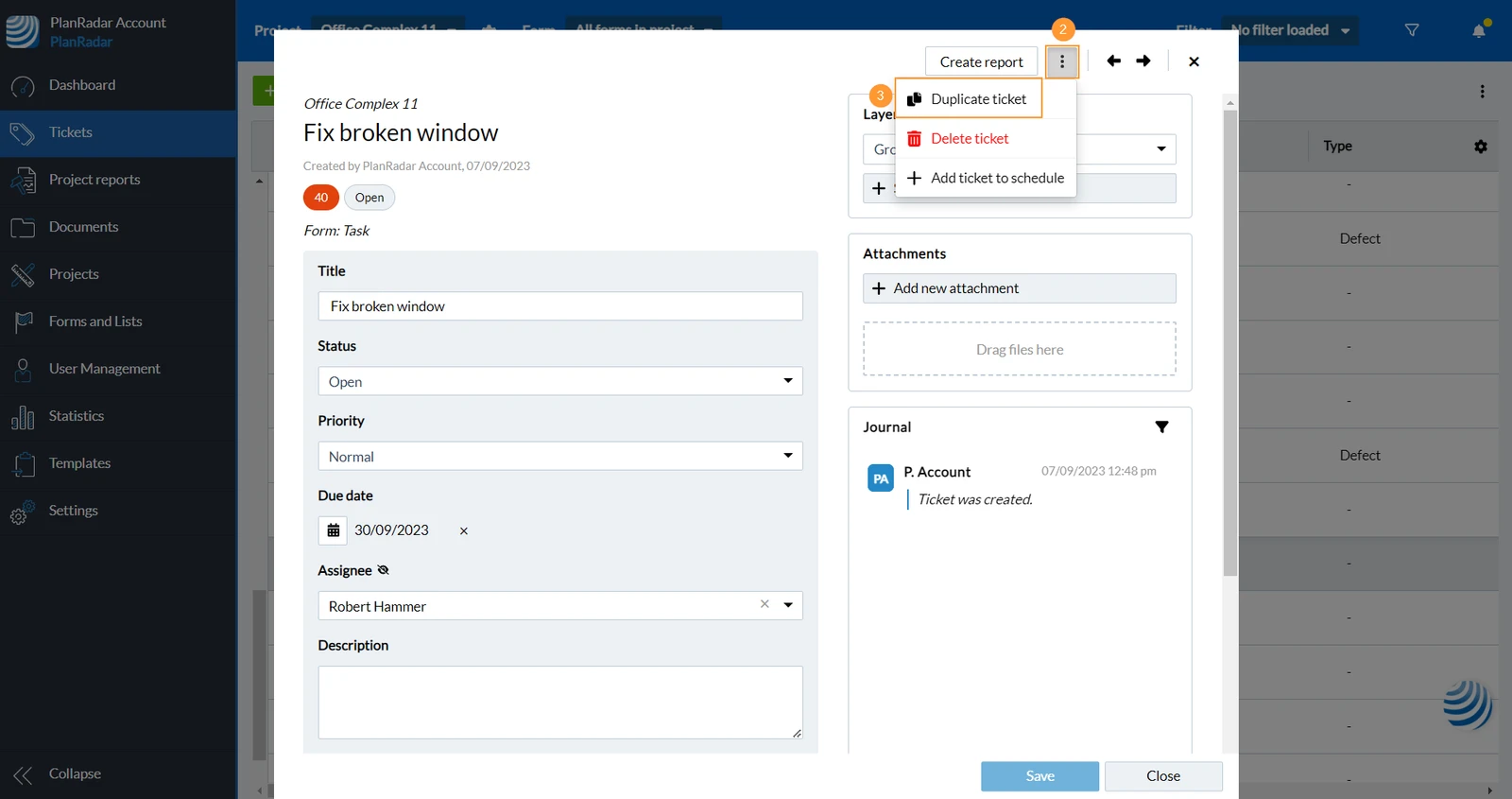
- Open the ticket that you want to duplicate
- Click More
- Click Duplicate ticket

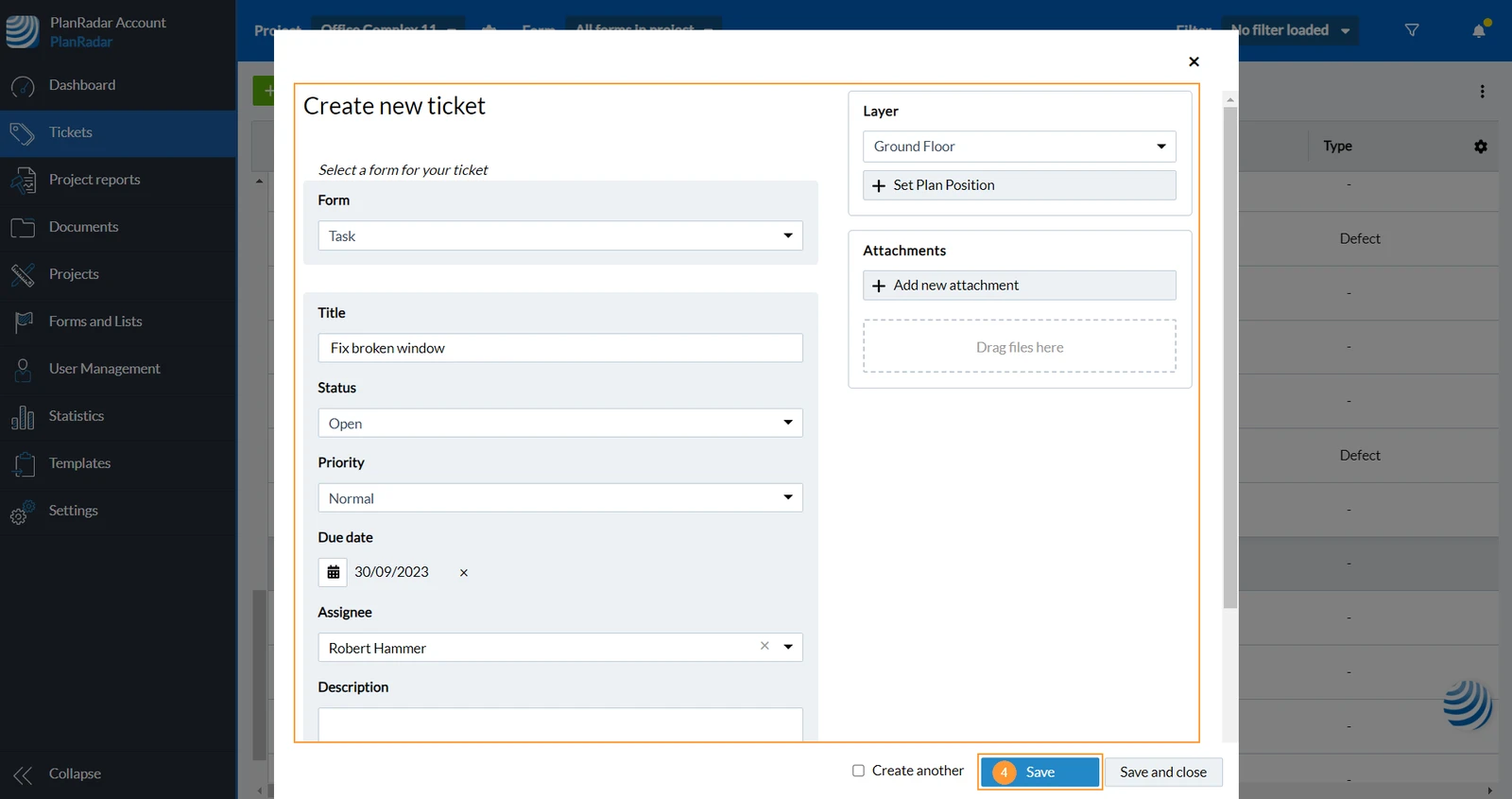
- Fill your ticket and click Save.
Updated August 13, 2025