

 Deutsch
 Español
 Français
 Hrvatski
 Italiano
 Polski
 Português (BR)
Archive a Project in the Webapp
Overview
Archive a project when it's complete to restrict access and prevent further changes.
Archived projects:
- Are removed from the project selector in ticket views and other features.
- Are no longer synced to mobile devices.
You can unarchive projects if you need to review details or make updates.
Access & Permissions
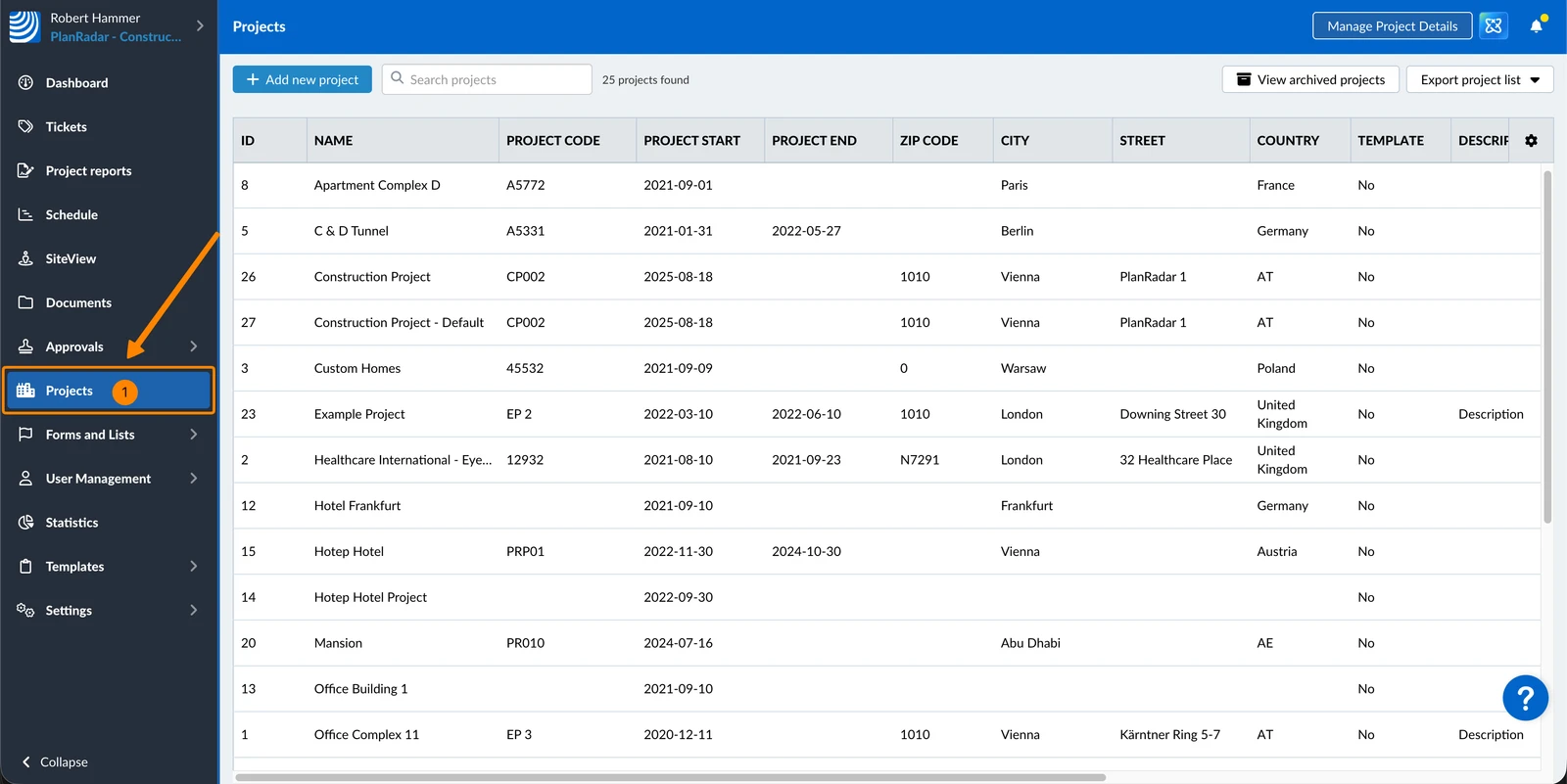
How to access Projects
- Click Projects
Archive a Project
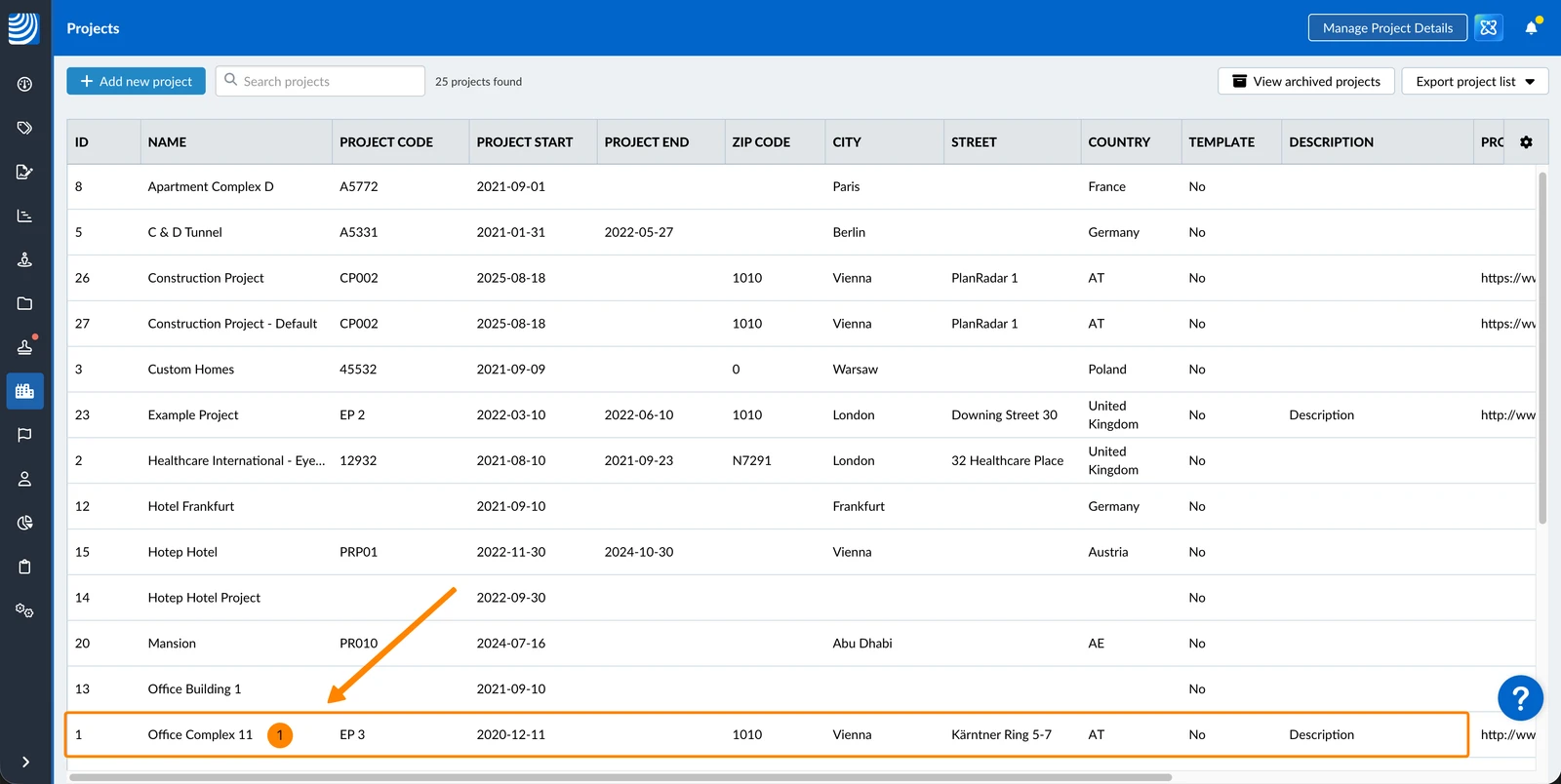
To archive a project:
- Select the project
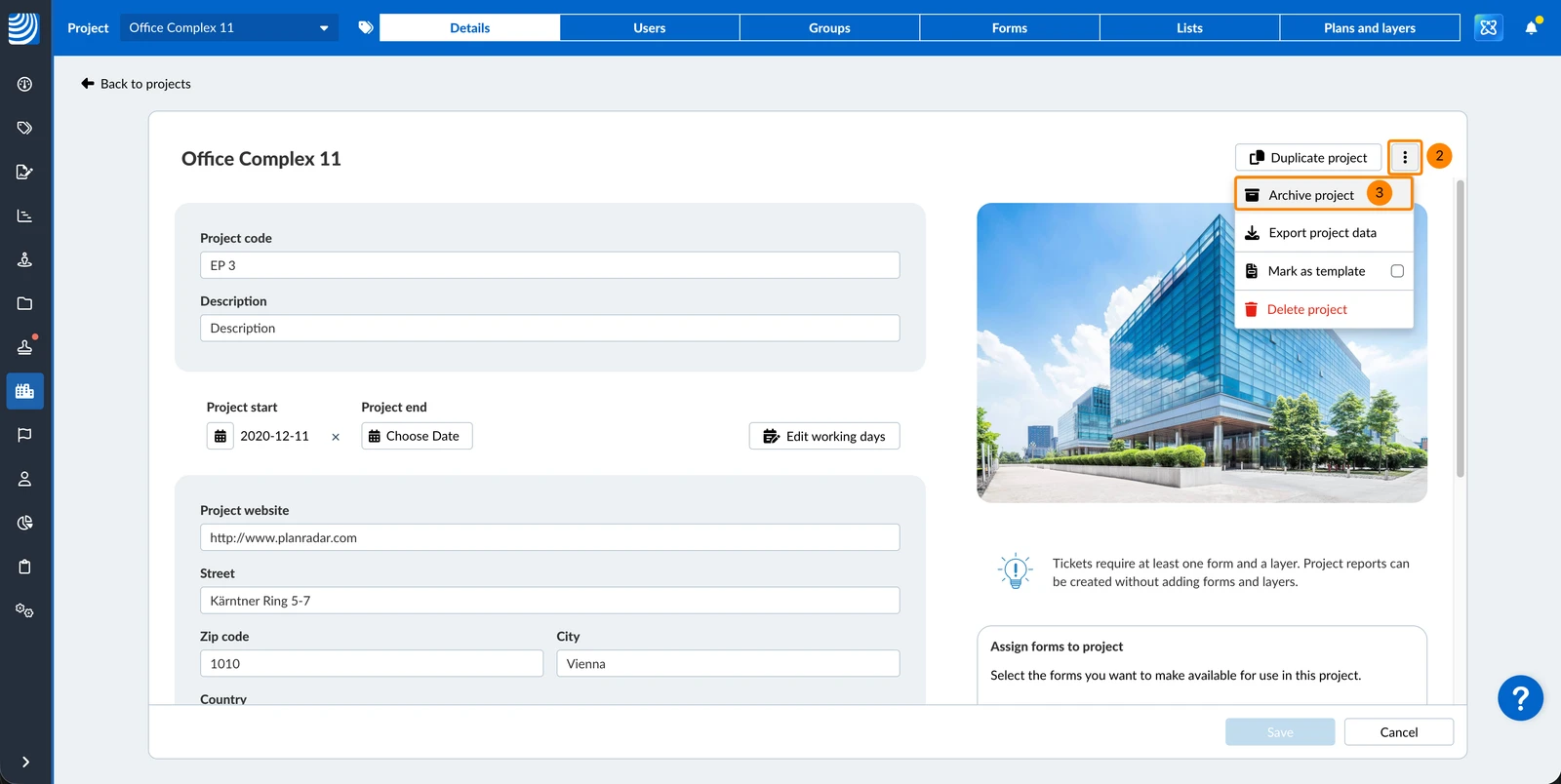
- Open the more menu
- Click Archive project
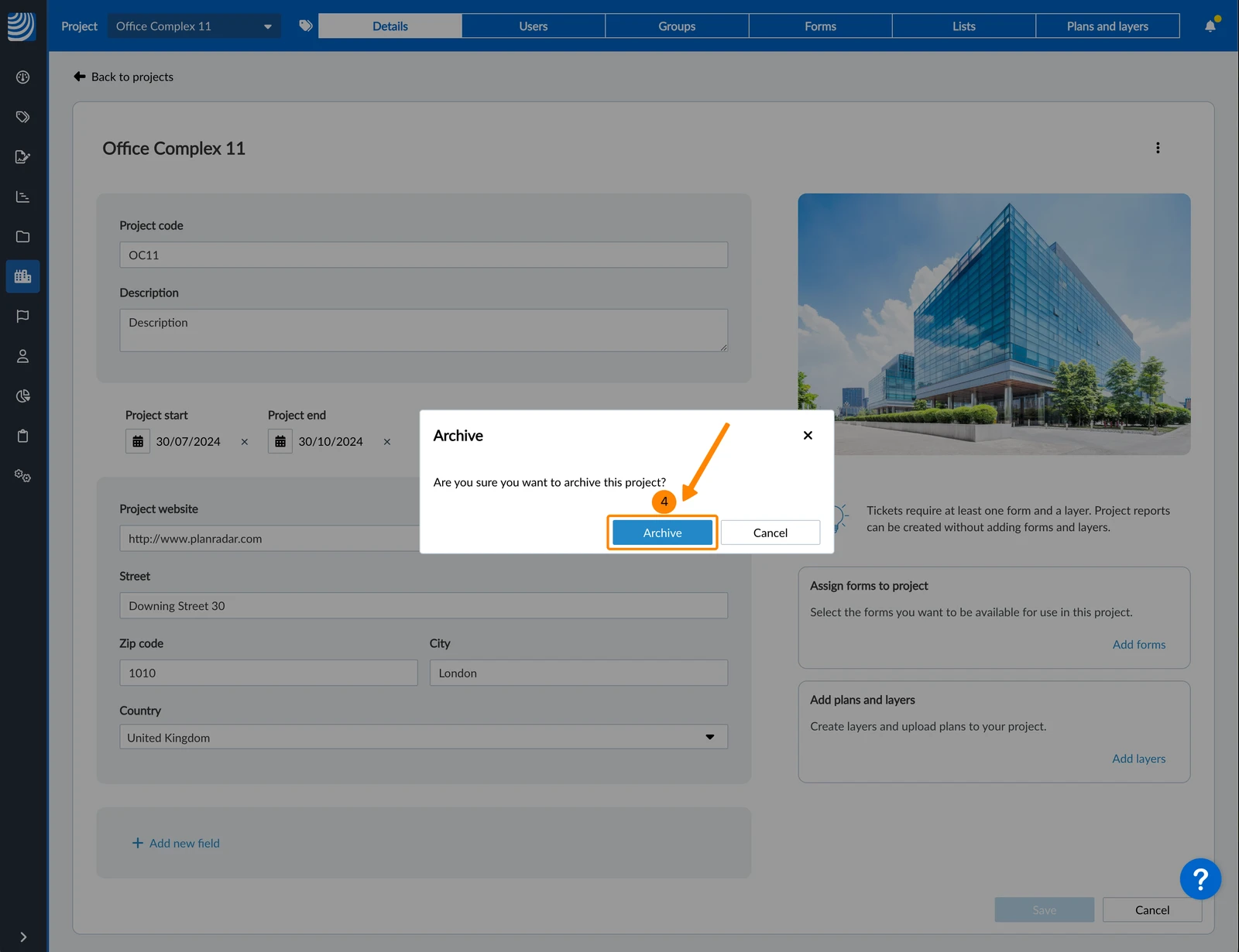
- Click Archive
Show Archived Projects
To show archived projects:
- Click View archived projects
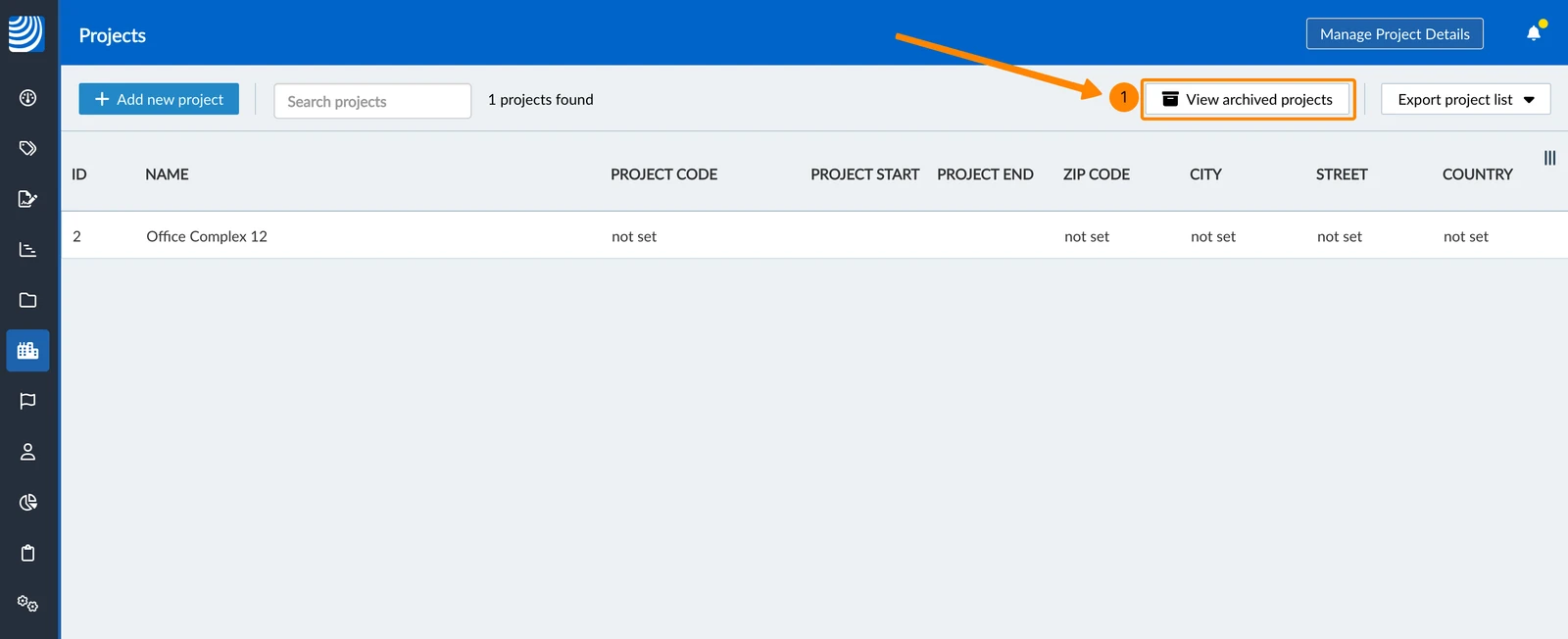
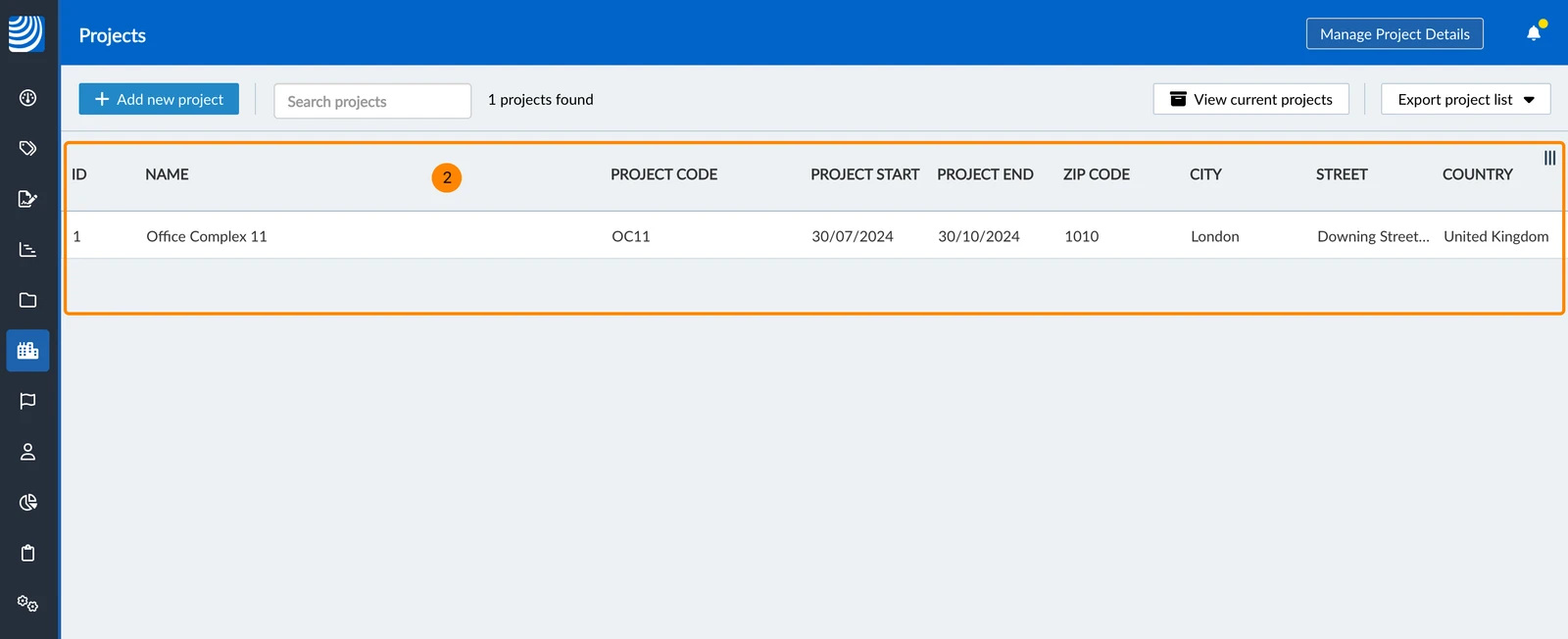
- You see a list of the archived projects
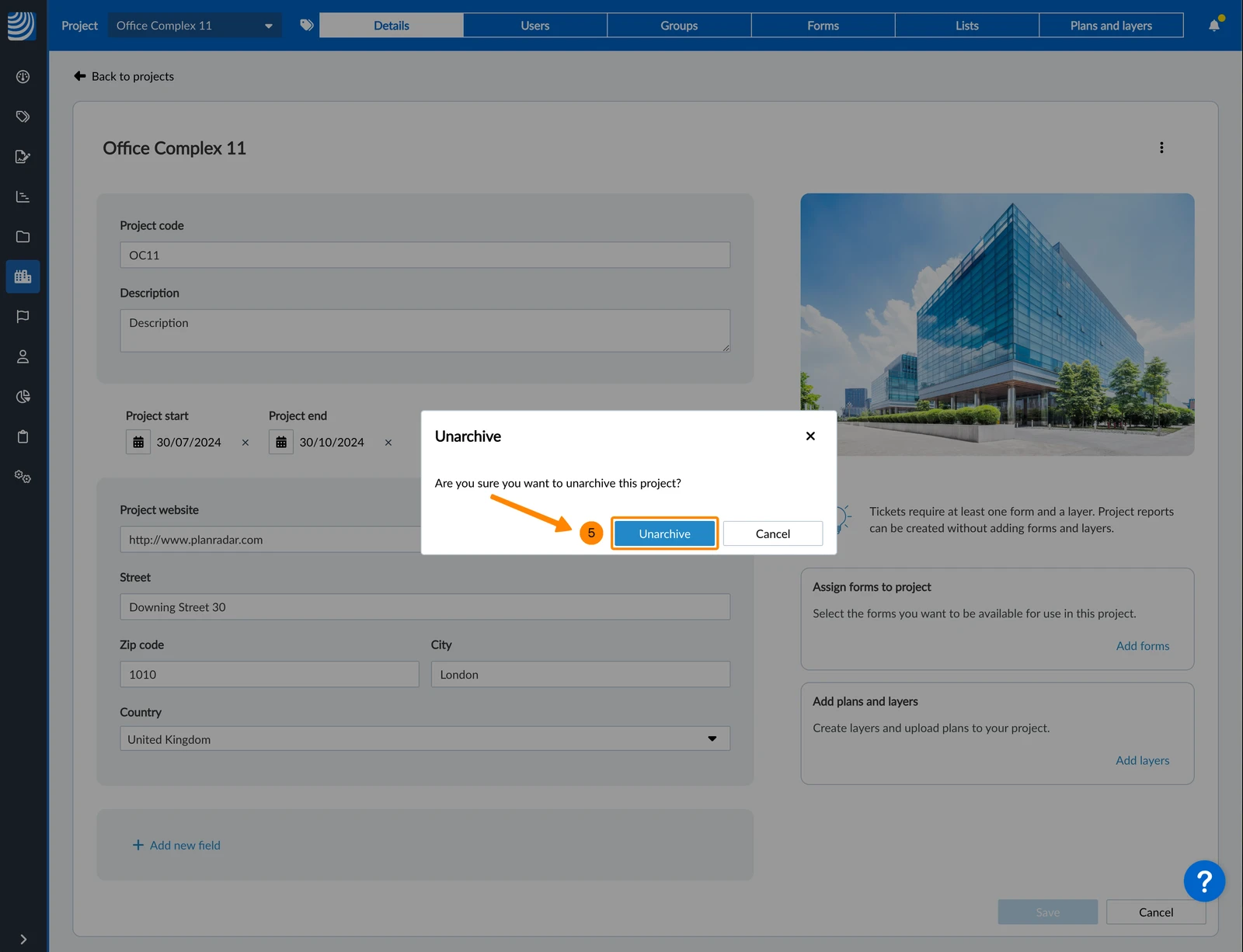
Unarchive a Project
To unarchive a project:
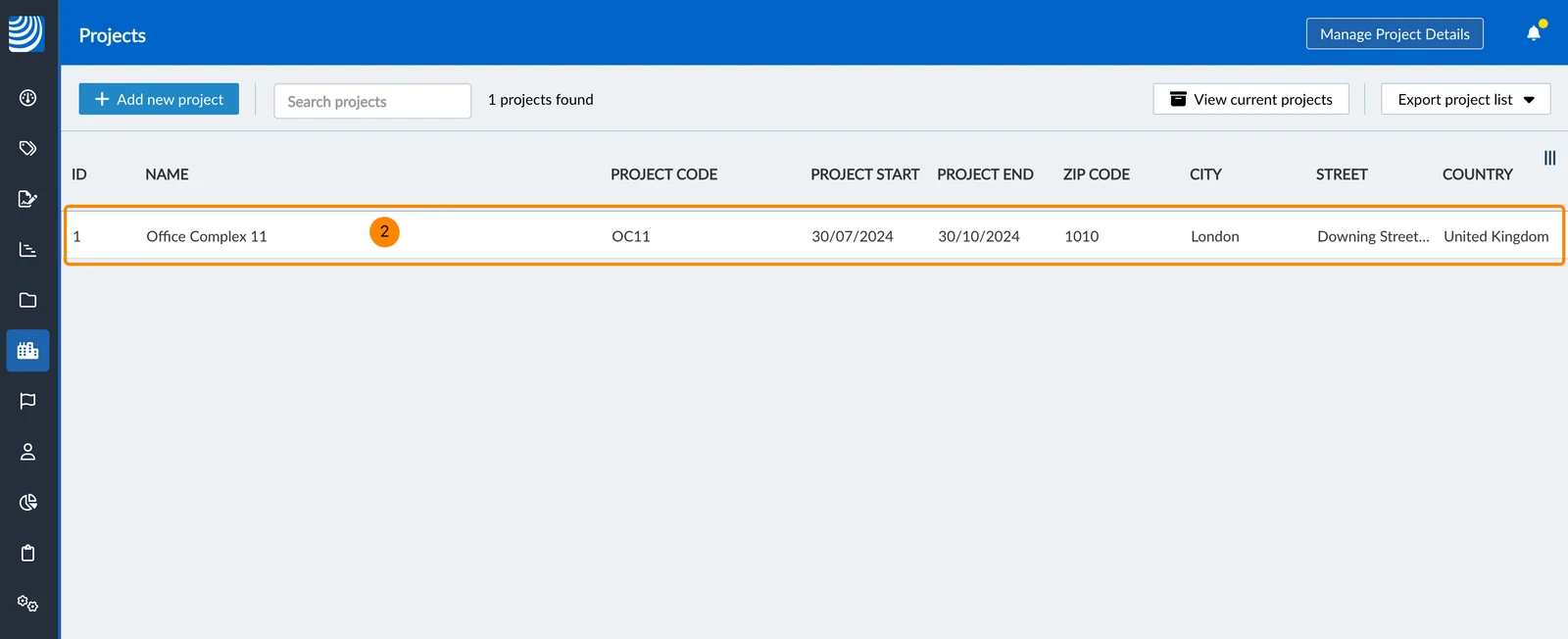
- Show Archived Projects as explained above
- Select the project
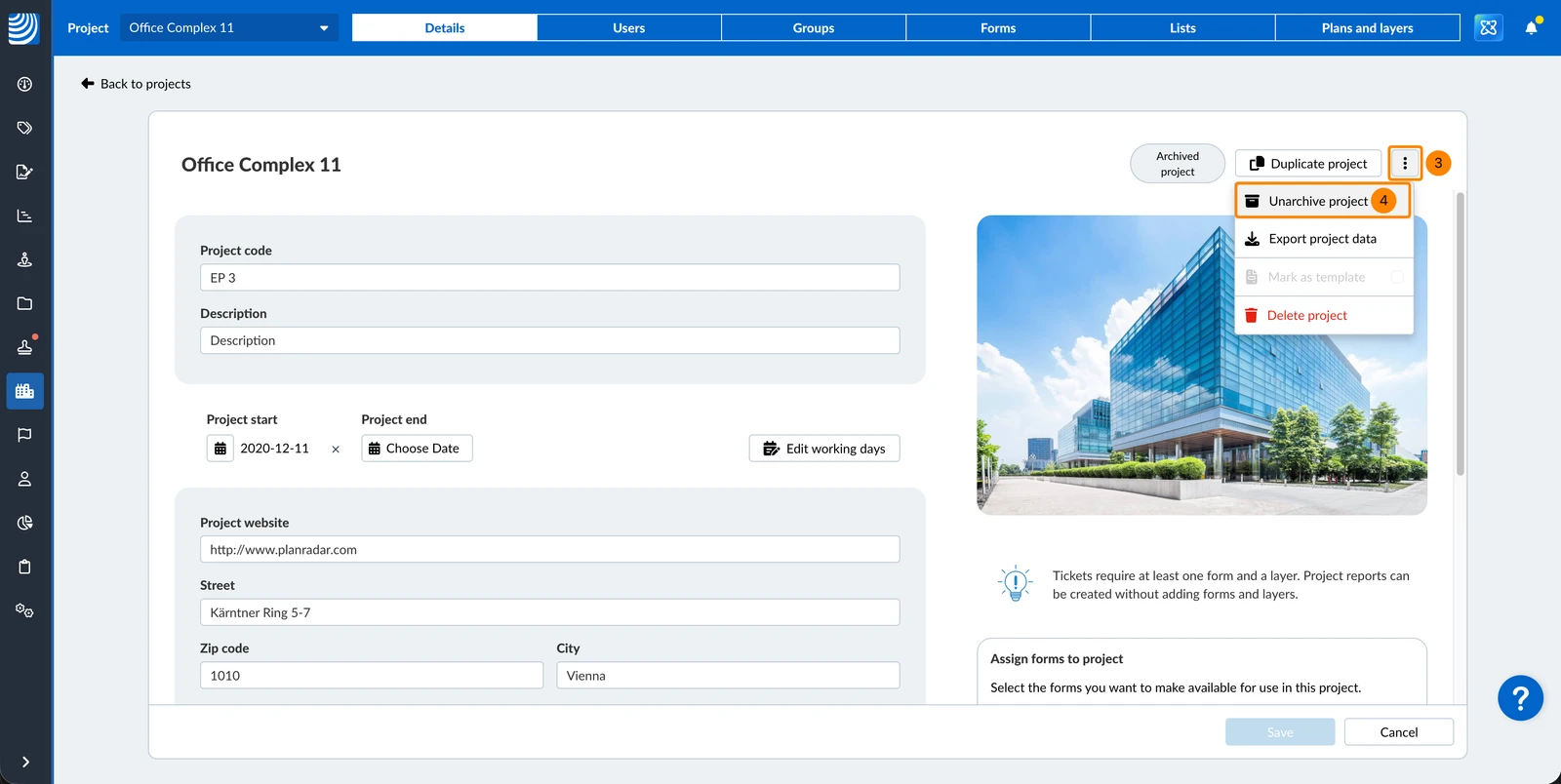
- Open the more menu
- Click Unarchive project
- Click Unarchive
Updated May 11, 2026